Graph paper is a versatile tool that can enhance your productivity, especially when working on projects that require precision. Whether you’re sketching designs or plotting data, having the right format is essential for success.
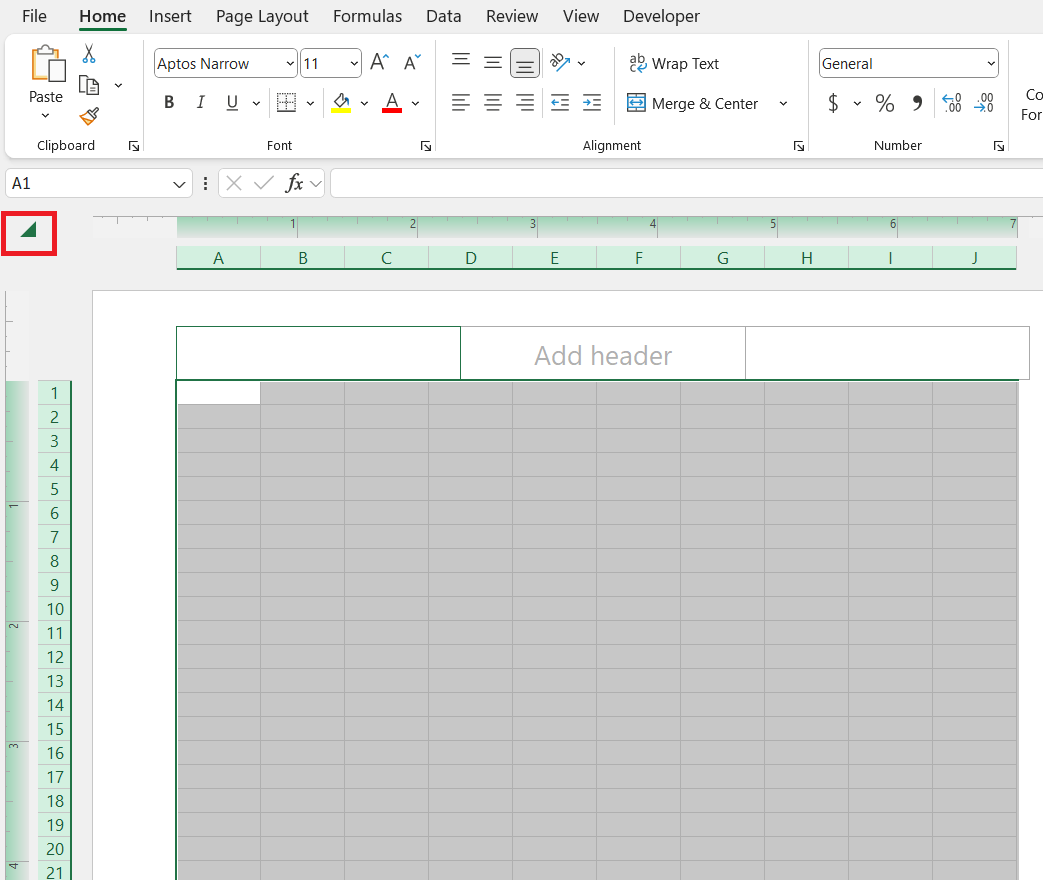
Graph Paper For Excel
Graph Paper For Excel
Graph paper for Excel provides a grid layout that helps in creating charts, diagrams, and even artistic designs. The grid lines serve as a guide, ensuring everything stays aligned and proportional. This feature is particularly useful for students and professionals alike.
To get started with graph paper in Excel, simply set up a new spreadsheet and adjust the cell sizes to create squares. You can also change the background color or add borders to enhance visibility. This customization makes it easy to tailor your workspace to your needs.
Another advantage of using graph paper for Excel is the ability to easily share your work. You can save your spreadsheet as a PDF or share it directly with colleagues, making collaboration seamless. This feature is invaluable in team settings.
In conclusion, graph paper for Excel is an excellent resource for anyone looking to improve their organization and creativity. By leveraging this tool, you can enhance your projects and make your work more enjoyable and efficient.
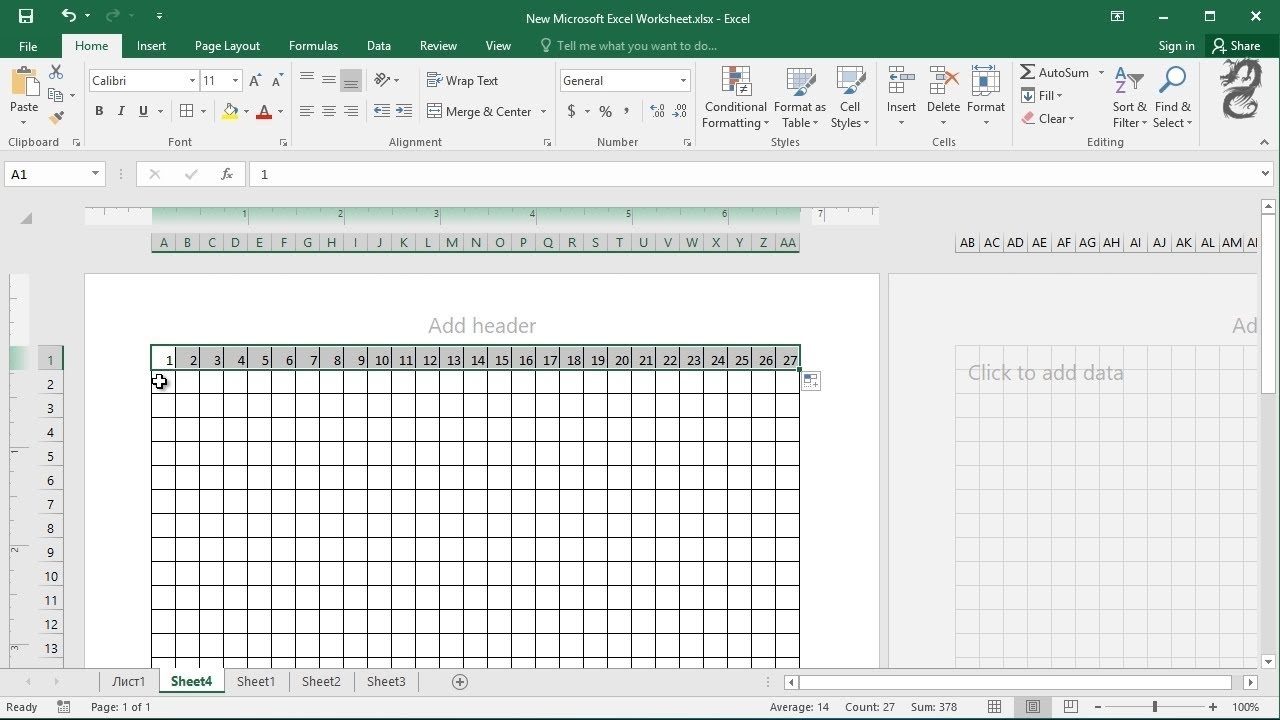
How To Make Graph Paper In Excel
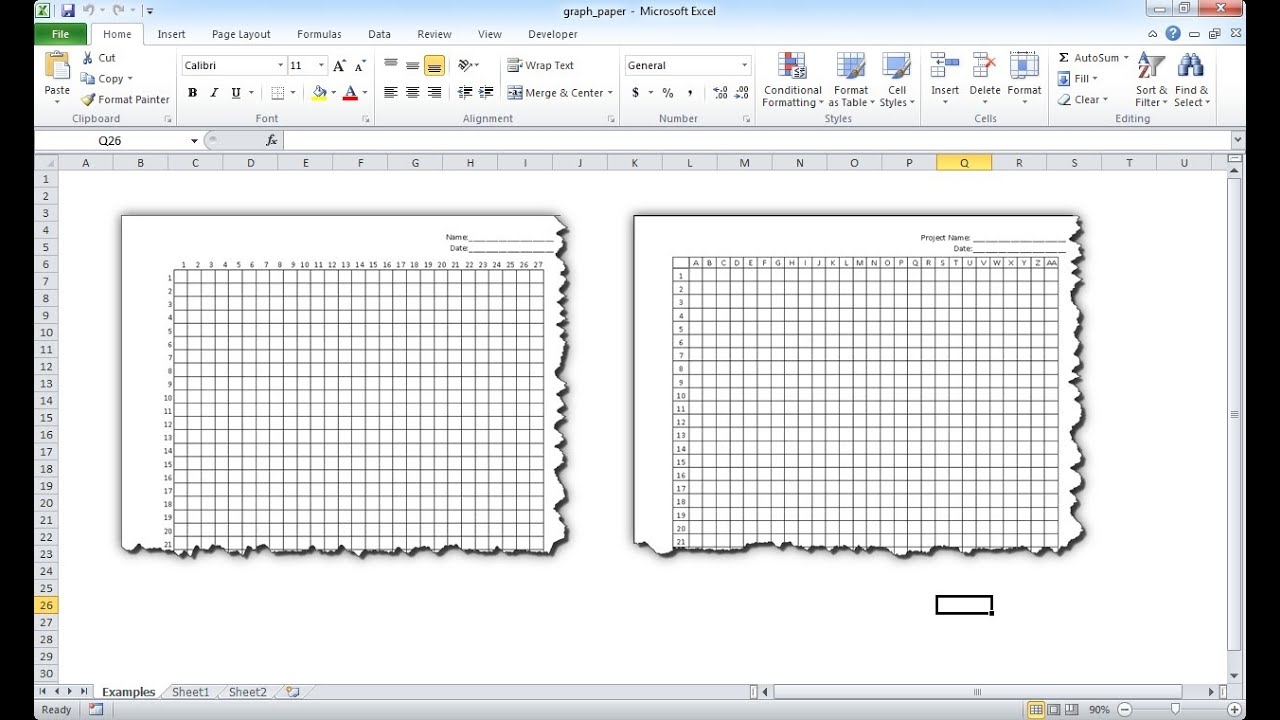
Make Graph Paper In Excel
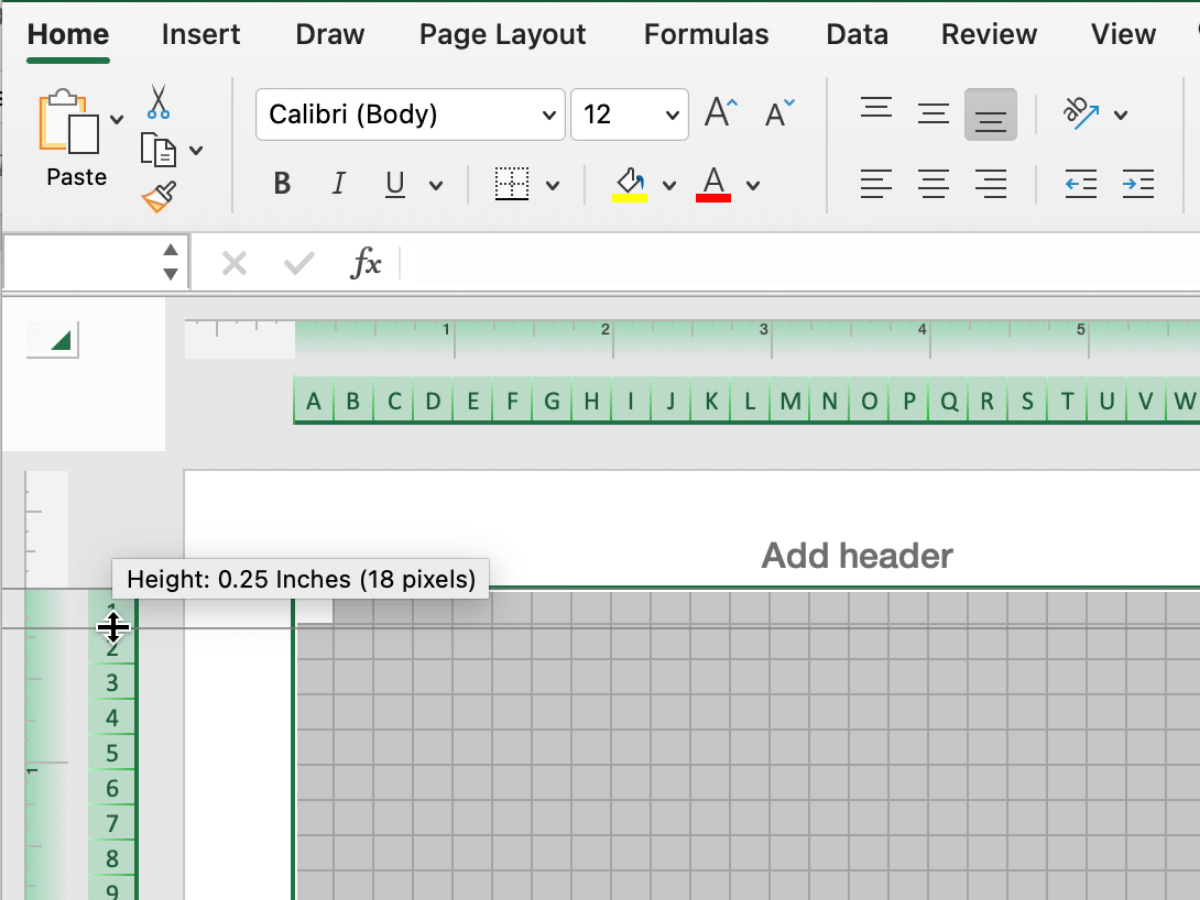
How To Make Graph Paper In Excel Knitting House Square
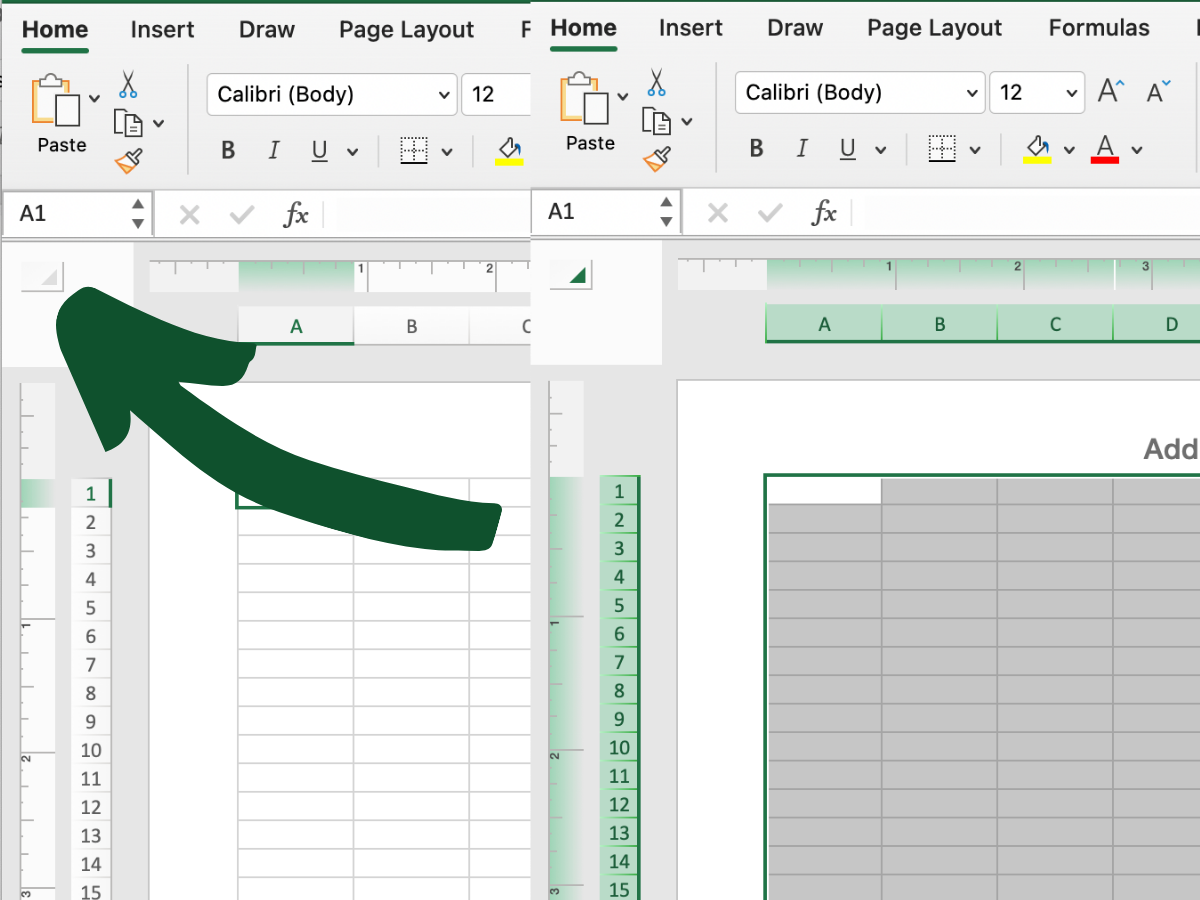
How To Make Graph Paper In Excel Knitting House Square
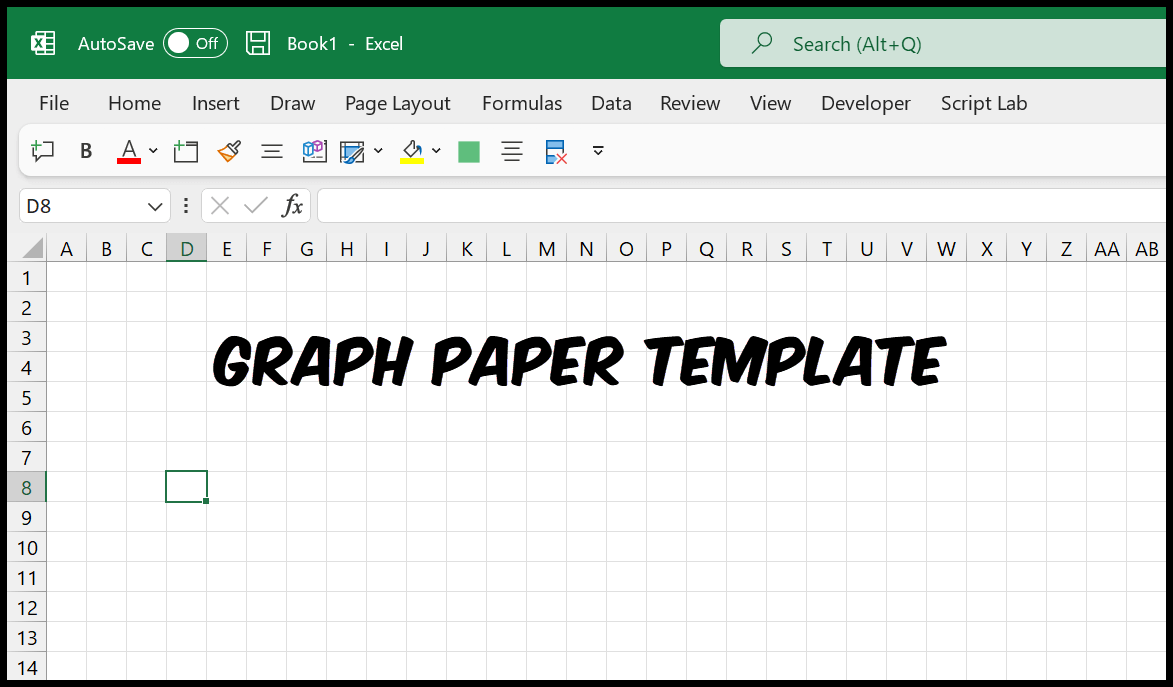
How To Print A Graph Paper In Excel Square Grid Template