Creating designs or organizing data can be a challenge without the right tools. One effective solution is using graph paper, which helps in maintaining precision and clarity in your work. It’s especially useful for artists, engineers, and students.

Graph Paper In Excel Template
Graph Paper In Excel Template
The Graph Paper In Excel Template is user-friendly and straightforward. You can set up your grid by adjusting the cell sizes to create squares that resemble traditional graph paper. This customization ensures that your template meets your specific needs.
Additionally, using this template allows for easy calculations and data entry. You can overlay charts or diagrams directly onto the grid, making it a versatile tool for both creative and analytical tasks. It’s perfect for math homework or drafting designs.
Another advantage is the ability to print your customized graph paper. Once you’ve set up your template, simply print it out for immediate use. This feature saves time and provides a tangible resource for your projects.
In conclusion, the Graph Paper In Excel Template is a valuable tool that enhances productivity and creativity. With its customizable features, it caters to various needs, making it an essential resource for anyone looking to organize their work effectively.
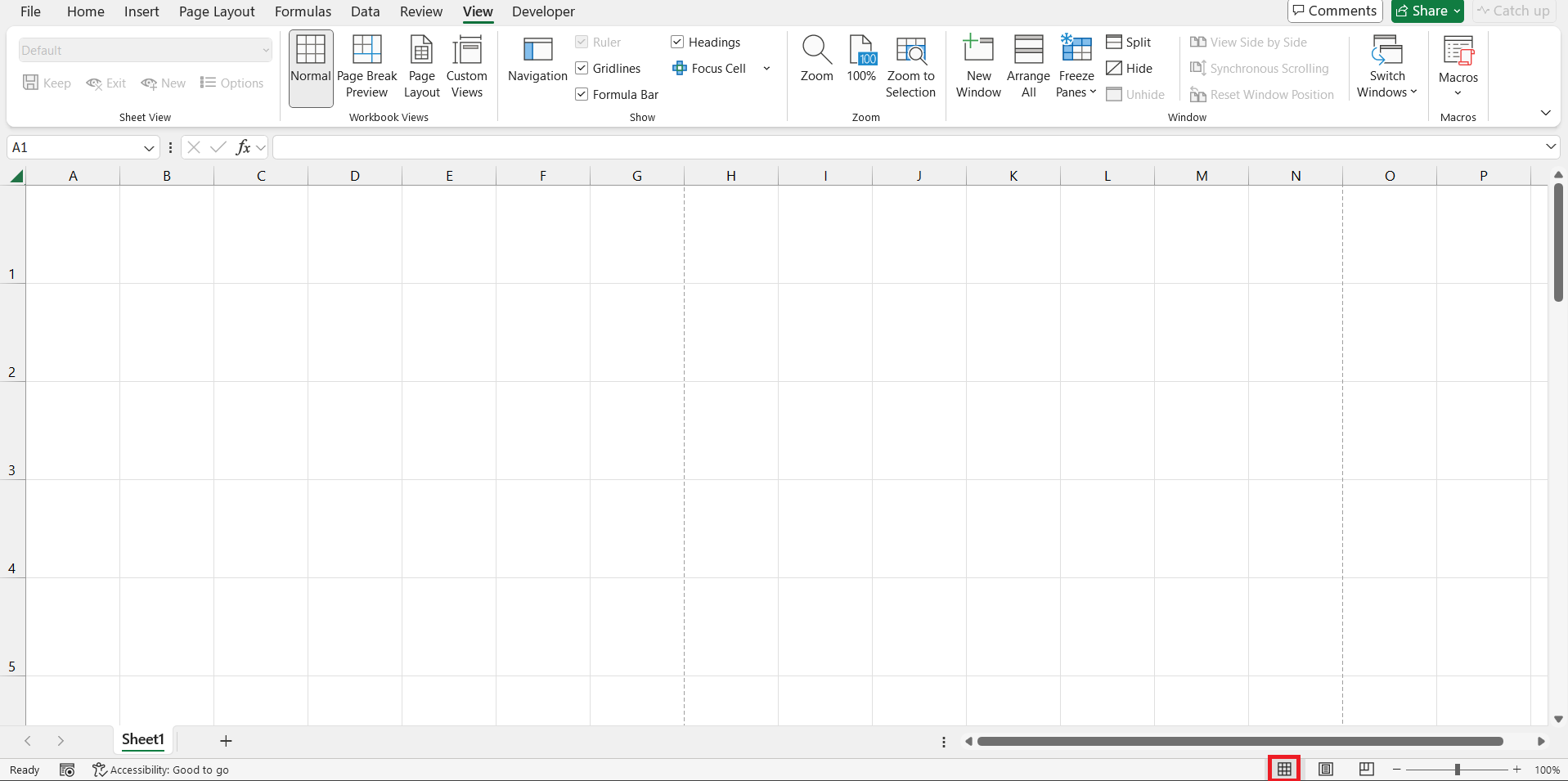
The Ultimate Guide To Create And Print Graph Paper In Excel
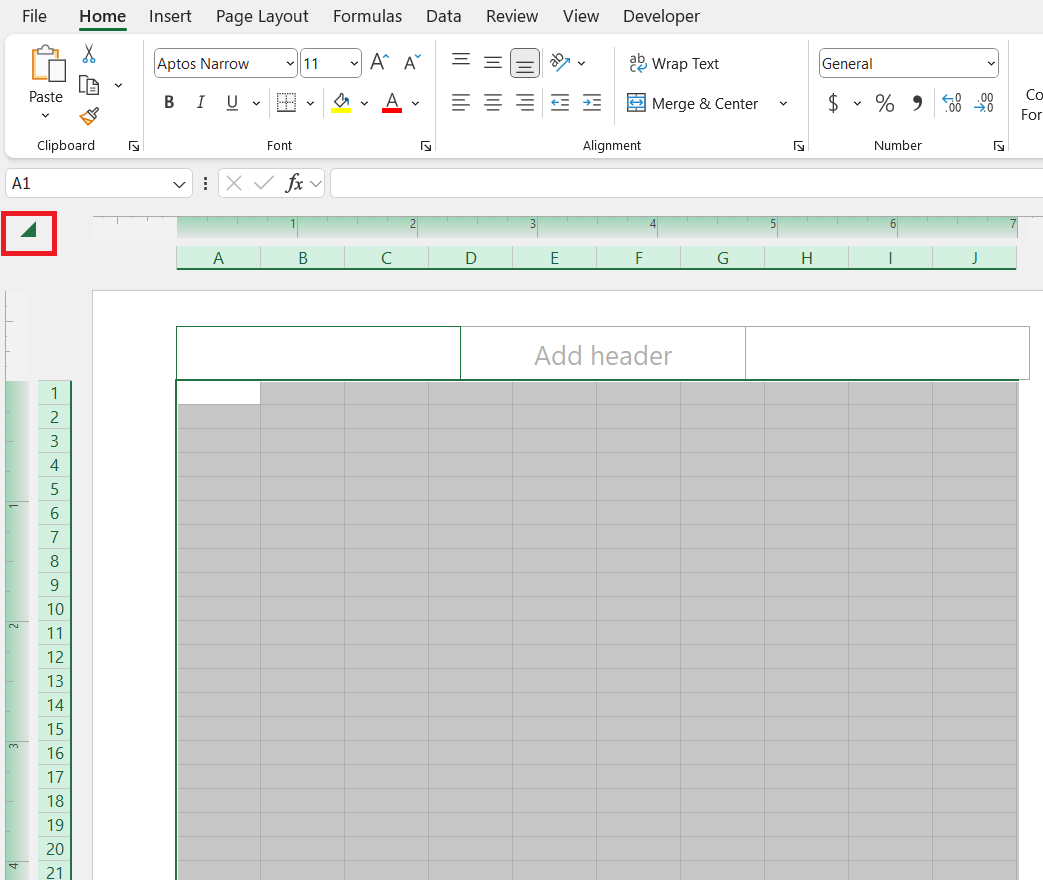
The Ultimate Guide To Create And Print Graph Paper In Excel
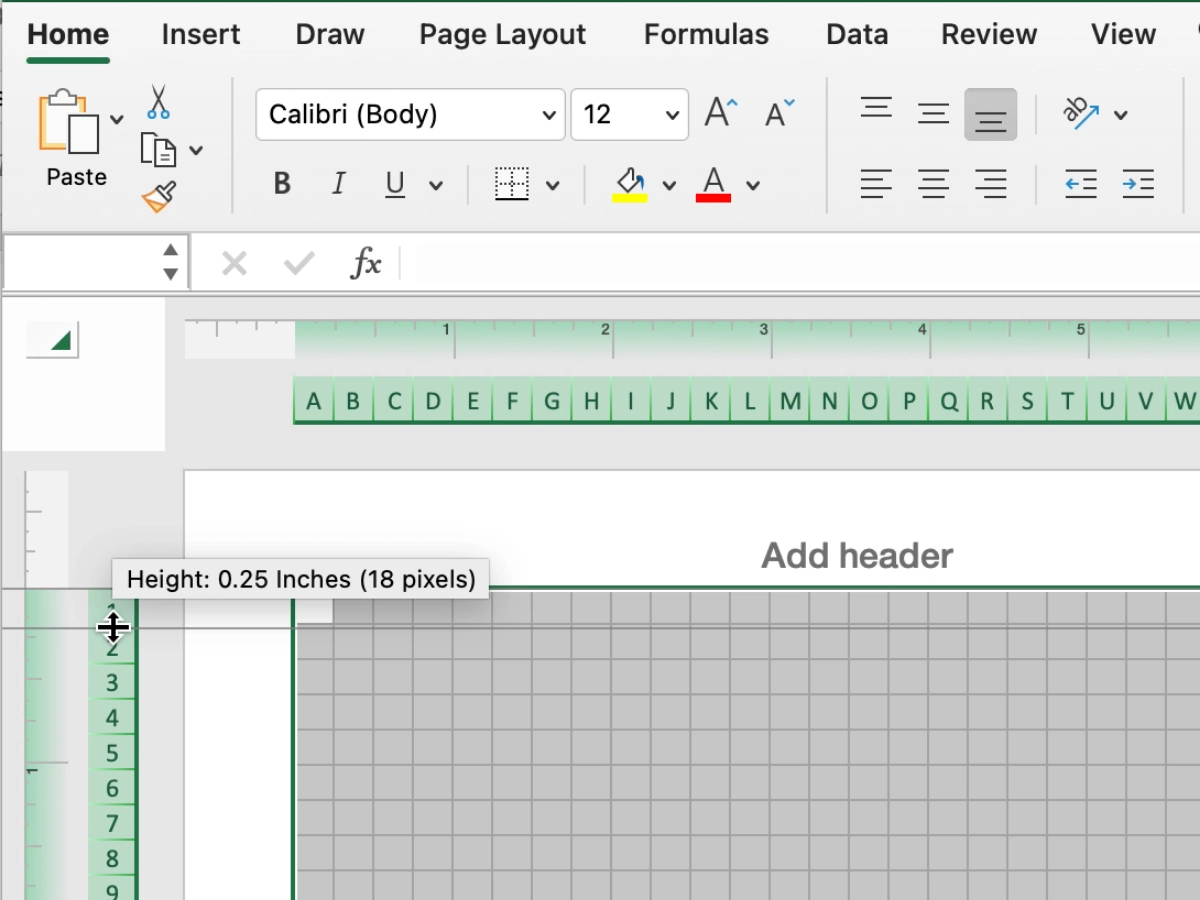
How To Make Graph Paper In Excel Knitting House Square
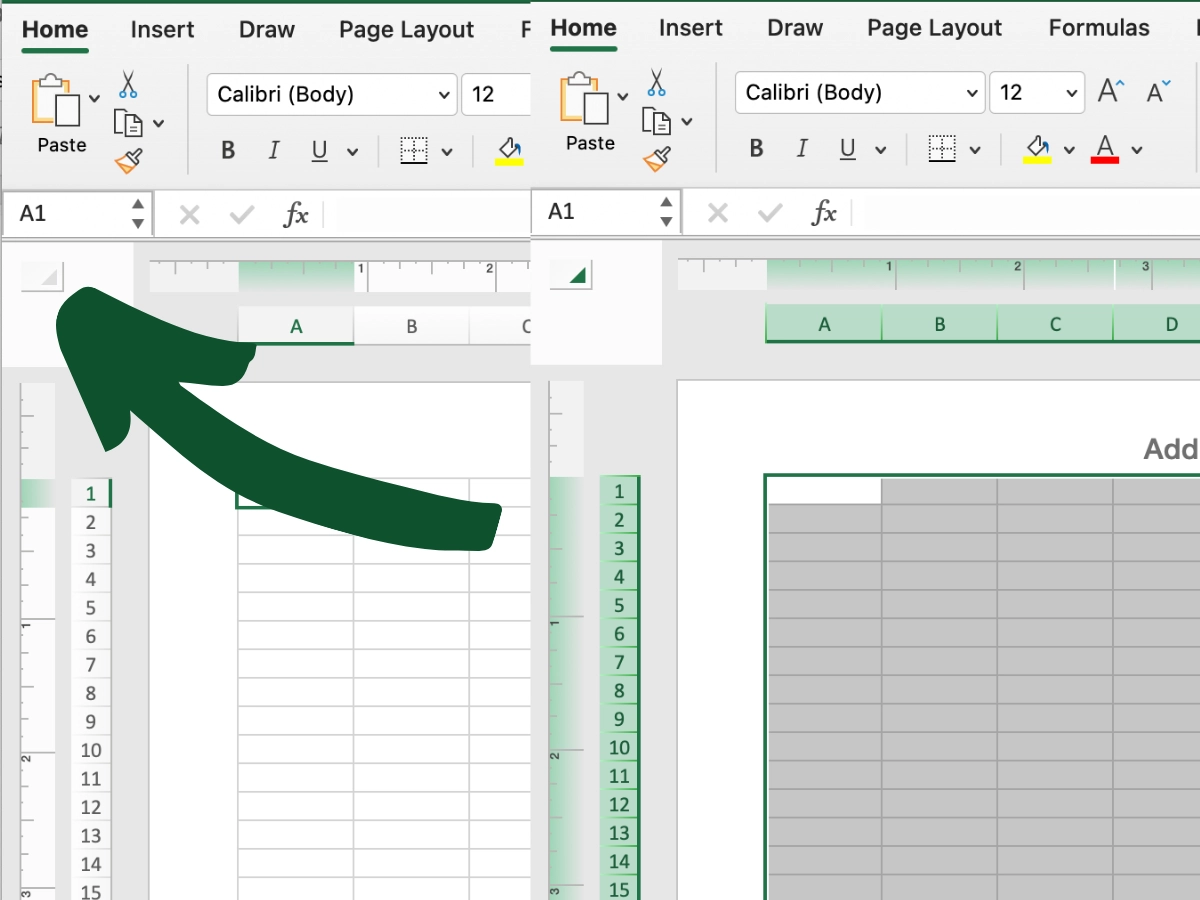
How To Make Graph Paper In Excel Knitting House Square
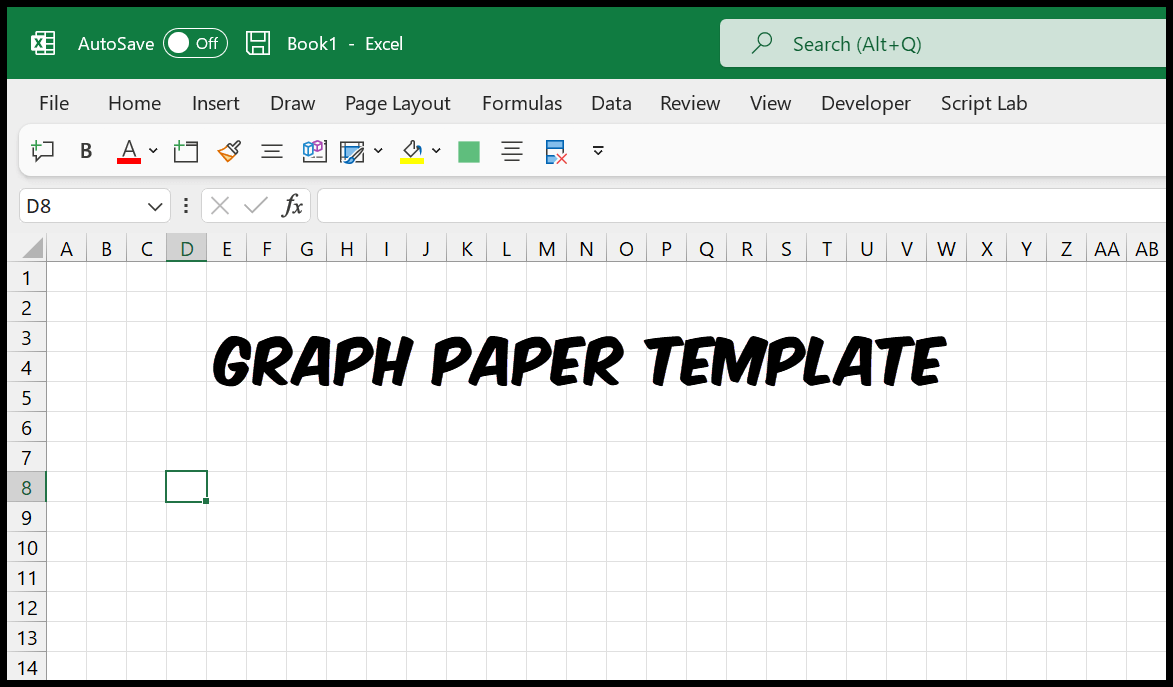
How To Print A Graph Paper In Excel Square Grid Template