Graph paper is a versatile tool that can enhance your projects, whether you’re sketching designs or plotting data. Having a reliable graph paper template can save you time and effort in creating precise layouts.
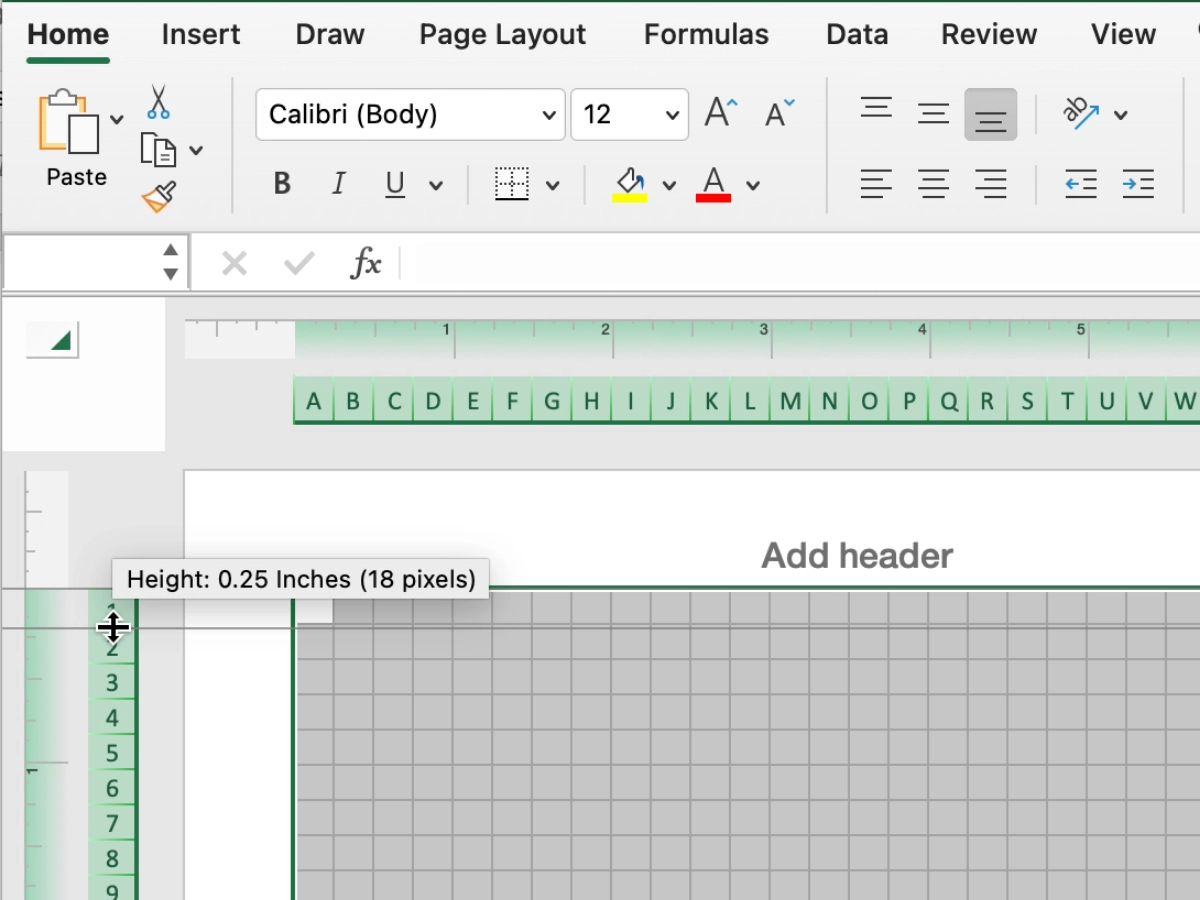
Graph Paper Template For Excel
Graph Paper Template For Excel
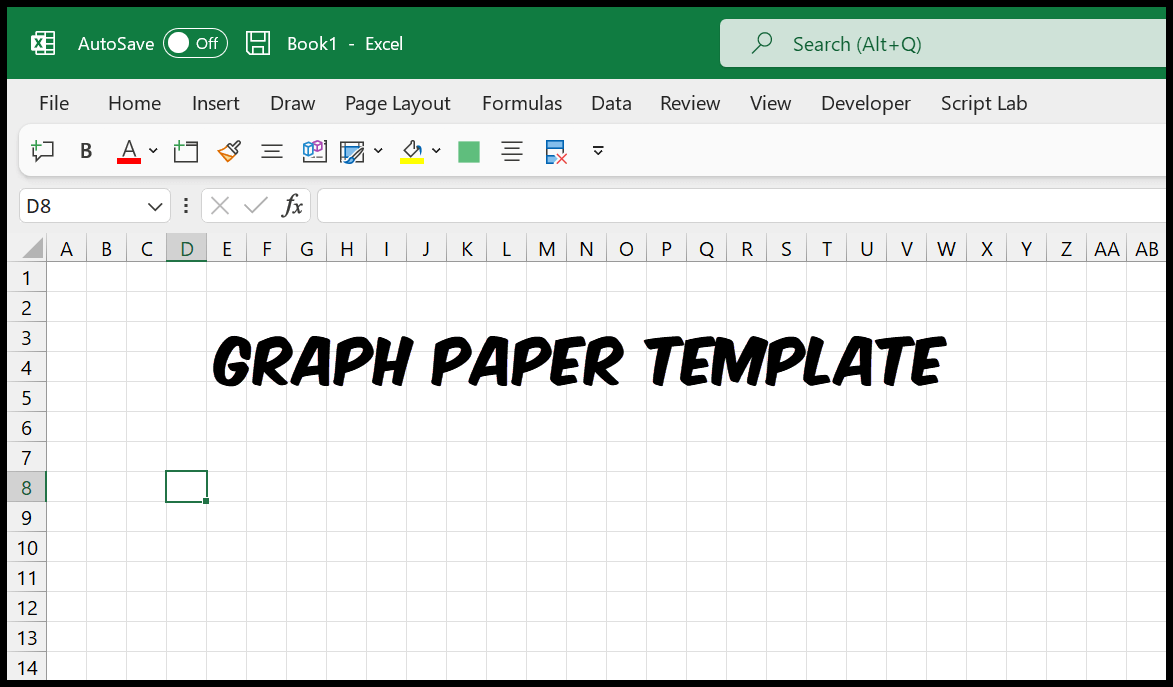
With a graph paper template for Excel, you can quickly adjust the grid size to suit your project. This flexibility is ideal for various applications, from mathematical calculations to artistic endeavors.
Creating your own template is simple. Start by setting the cell dimensions to match your desired grid size. You can also use borders to define each square clearly, enhancing visibility and usability.
Additionally, Excel allows you to print your customized graph paper easily. This feature ensures that you have physical copies ready for any task, whether it’s drafting a blueprint or completing homework assignments.
Incorporating a graph paper template into your workflow can significantly boost productivity. It streamlines the process of organizing thoughts and ideas, making it an essential tool for anyone who values precision.
Utilizing a graph paper template for Excel not only simplifies your tasks but also enhances creativity. Embrace this handy resource to elevate your projects and achieve better results with ease.

How To Make Graph Paper In Excel Tutorial
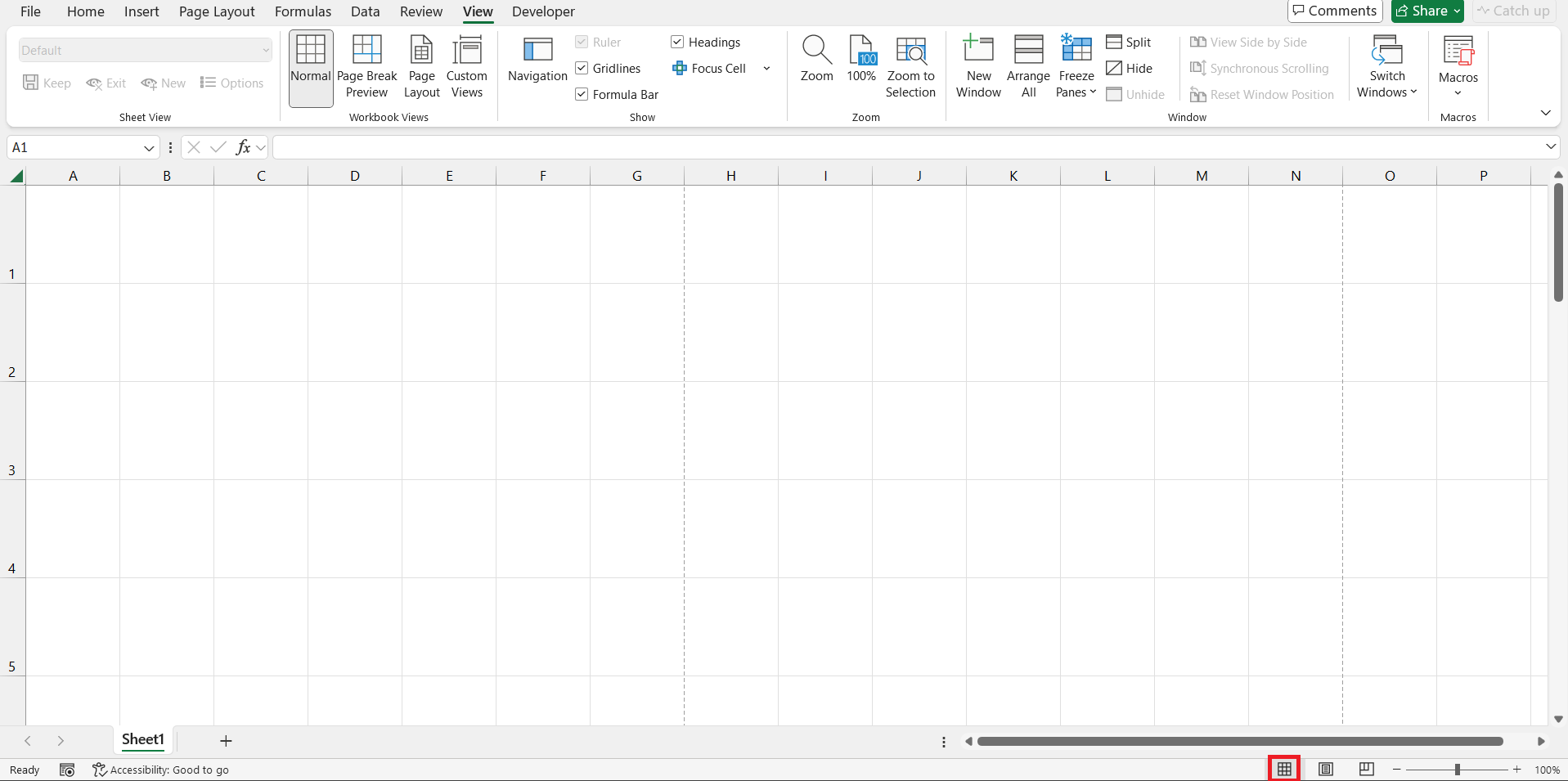
The Ultimate Guide To Create And Print Graph Paper In Excel
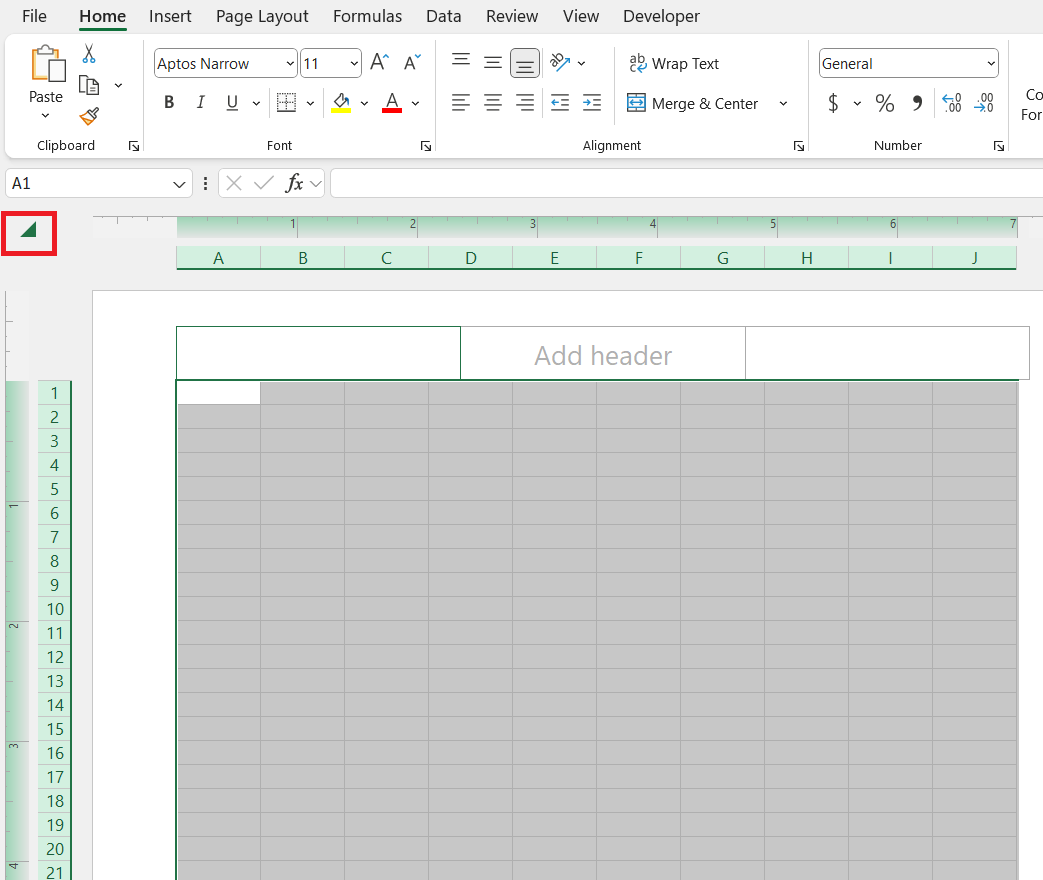
The Ultimate Guide To Create And Print Graph Paper In Excel
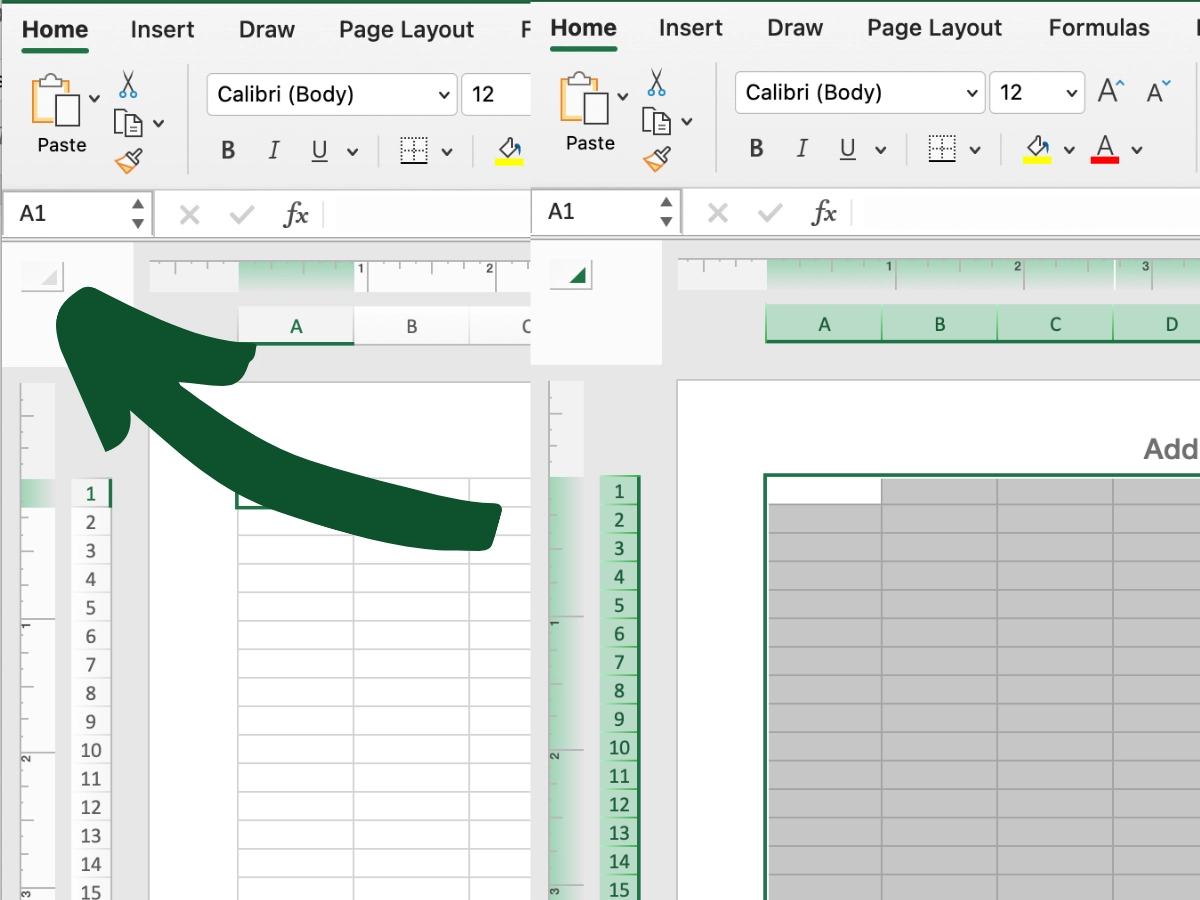
How To Make Graph Paper In Excel Knitting House Square
How To Print A Graph Paper In Excel Square Grid Template