Finding the right tools for your creative projects can make a significant difference. Whether you’re sketching, designing, or planning, having the right surface is essential for achieving your goals. One popular option is using graph paper on your iPad.

Ipad Graph Paper
Ipad Graph Paper
Using iPad graph paper allows for flexibility and portability. You can carry your entire workspace in your bag, making it easy to create anywhere. Plus, digital graph paper offers features like zooming in and out for precise work.
Many apps provide customizable grid sizes, colors, and even the ability to add layers. This versatility means you can tailor your graph paper to suit any project, whether it’s for math calculations or artistic designs.
Additionally, iPad graph paper apps often include tools for drawing shapes and lines. This functionality enhances your ability to create detailed diagrams or intricate designs without the hassle of traditional paper.
Incorporating iPad graph paper into your workflow can streamline your creative process. The ease of use and accessibility makes it a fantastic choice for anyone looking to enhance their productivity.
Overall, iPad graph paper is a valuable resource for anyone who enjoys drawing or planning. Its convenience and versatility make it an excellent addition to your digital toolkit, helping you bring your ideas to life effortlessly.
1 4 Graph Paper IWorkCommunity
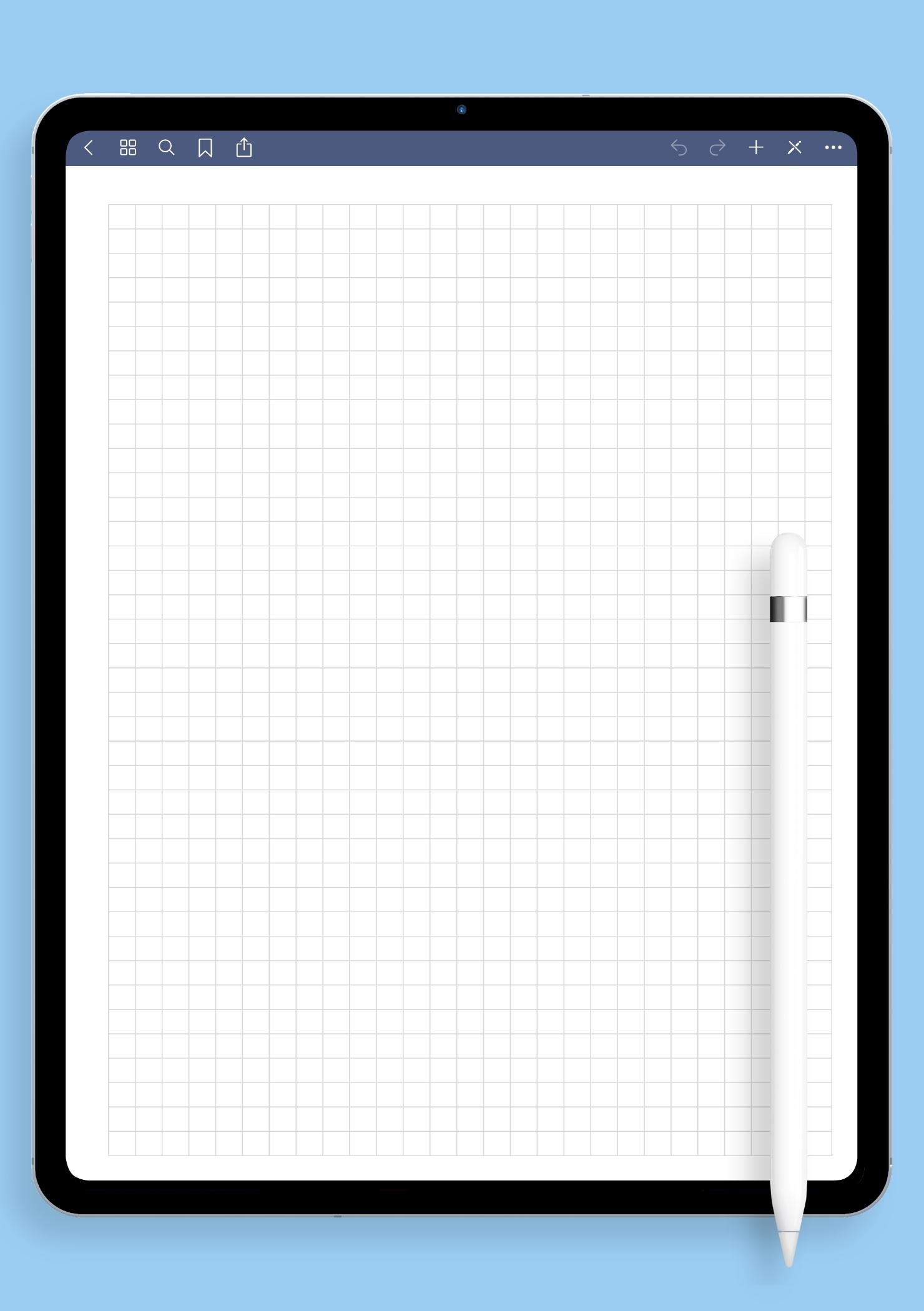
Download Printable 5mm Graph Paper Printable PDF

Download HD Graphpaper amp Hexmaps On The Ipad Plaid Transparent
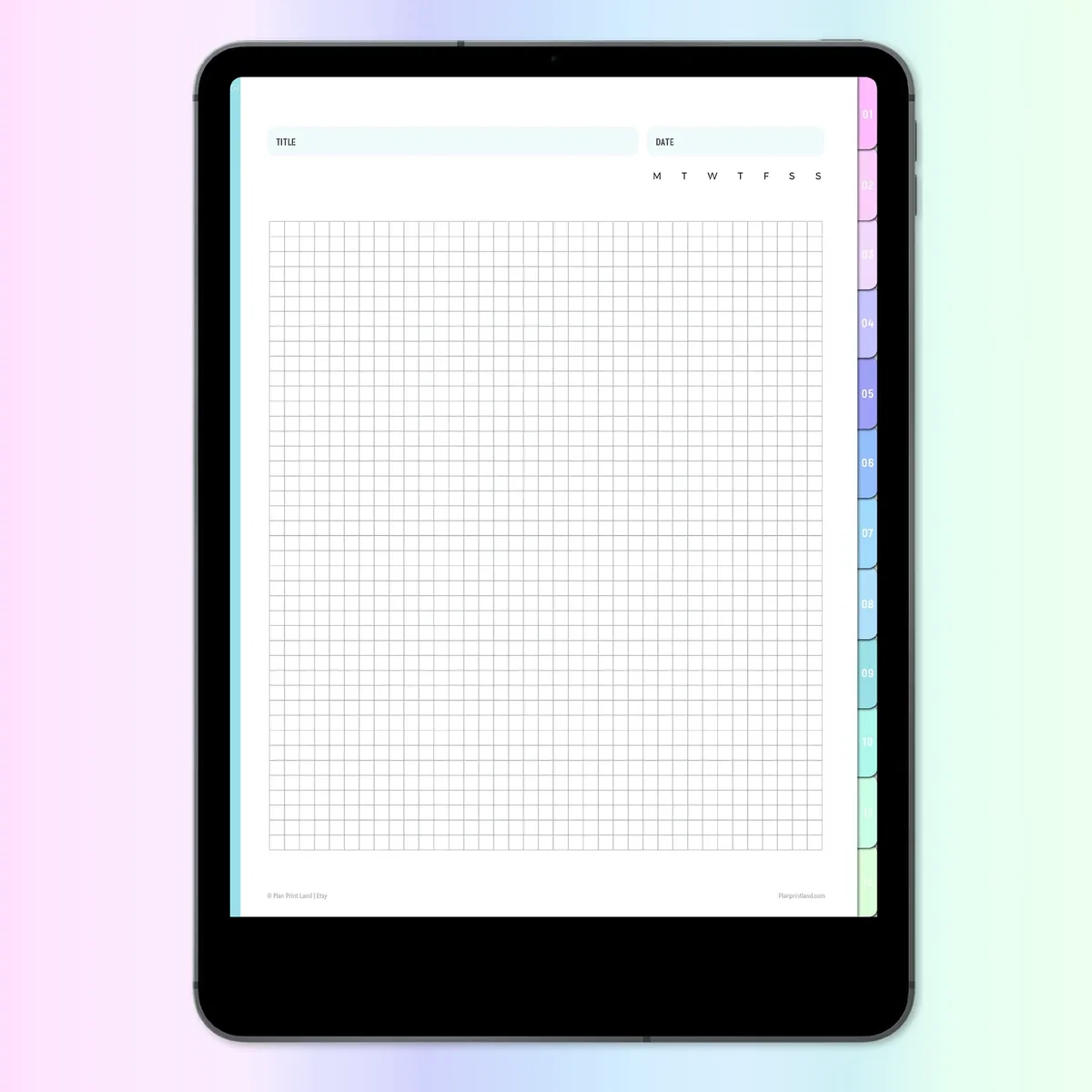
Digital Graph Paper Notebook Hyperlinked PDF For Goodnotes And

Free Graph Paper Template Goodnotes