Seeing white lines on printed paper can be frustrating, especially when you expect a clean and professional look. These lines can disrupt the overall appearance of your documents and affect their readability.
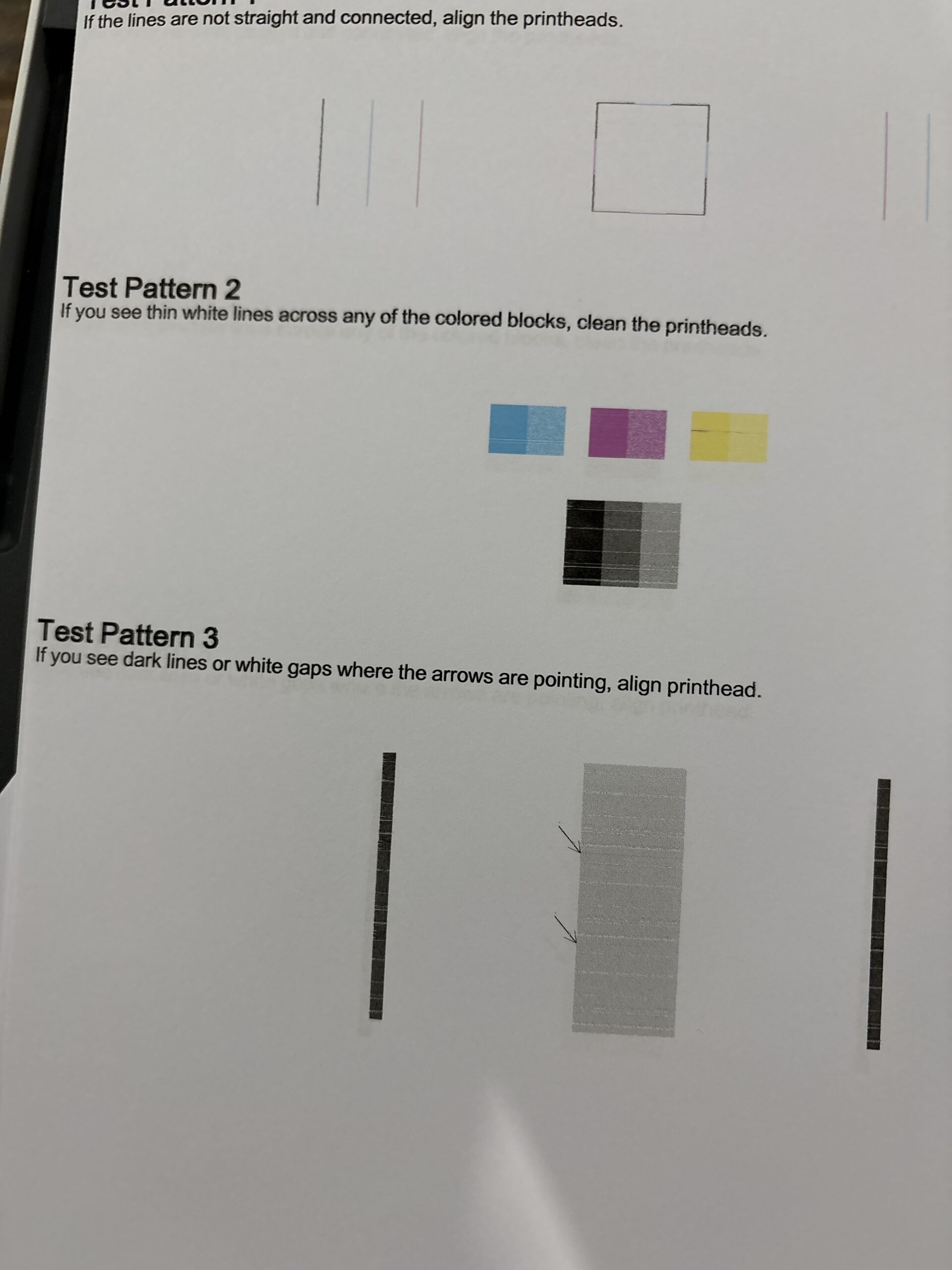
White Lines On Printed Paper
White Lines On Printed Paper
One common cause of white lines on printed paper is low ink levels. When your printer runs low on ink, it may not distribute ink evenly, resulting in streaks or gaps. Regularly checking ink levels can help prevent this issue.
Another factor could be a dirty print head. Dust and debris can accumulate over time, obstructing the ink flow. Cleaning the print head according to your printer’s instructions can often resolve this problem effectively.
Additionally, using incompatible or low-quality paper can lead to printing issues. Ensure that you are using the recommended paper type for your printer to achieve the best results without any unwanted lines.
Lastly, incorrect printer settings may also cause white lines on printed paper. Double-check your print settings to ensure they match the document type and quality you desire for optimal results.
Addressing these common causes can significantly improve your printing experience. With a little maintenance and attention to detail, you can enjoy clear and vibrant prints without any annoying white lines.
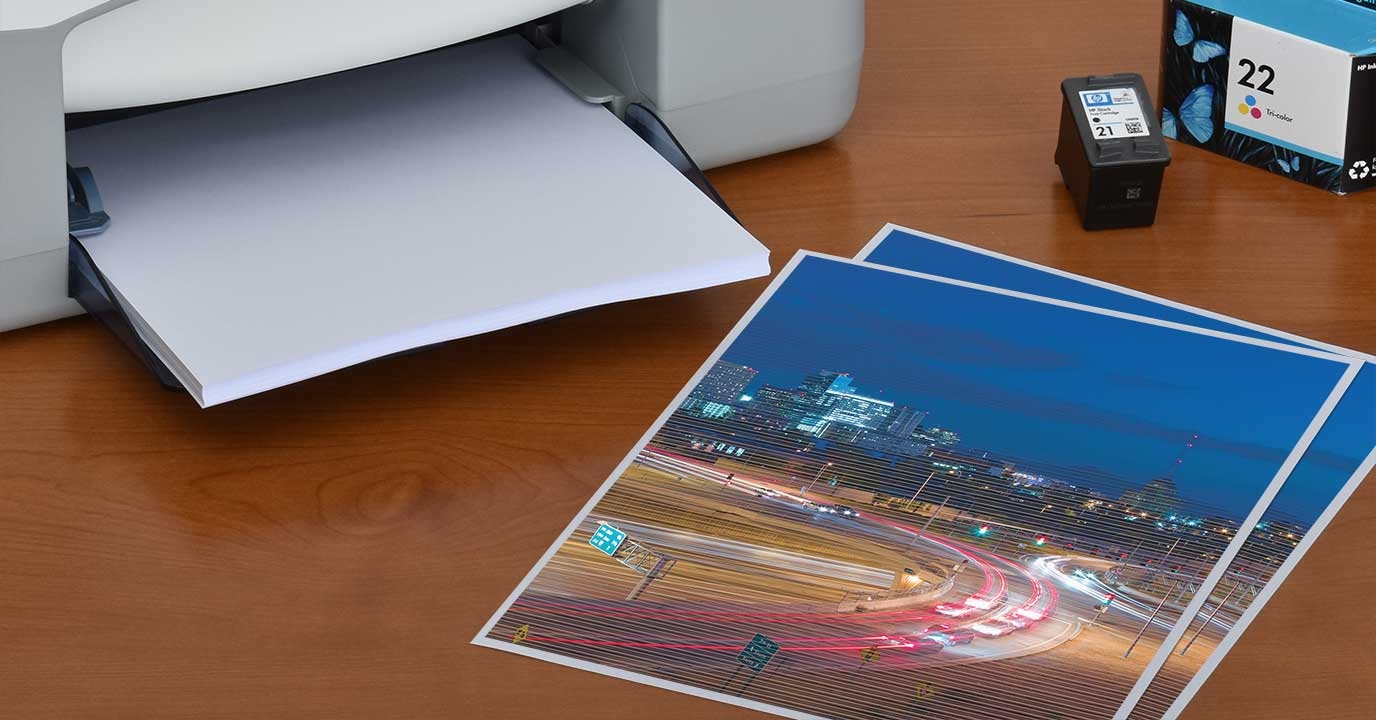
How Can I Fix Lines And White Streaks On My Inkjet Printer
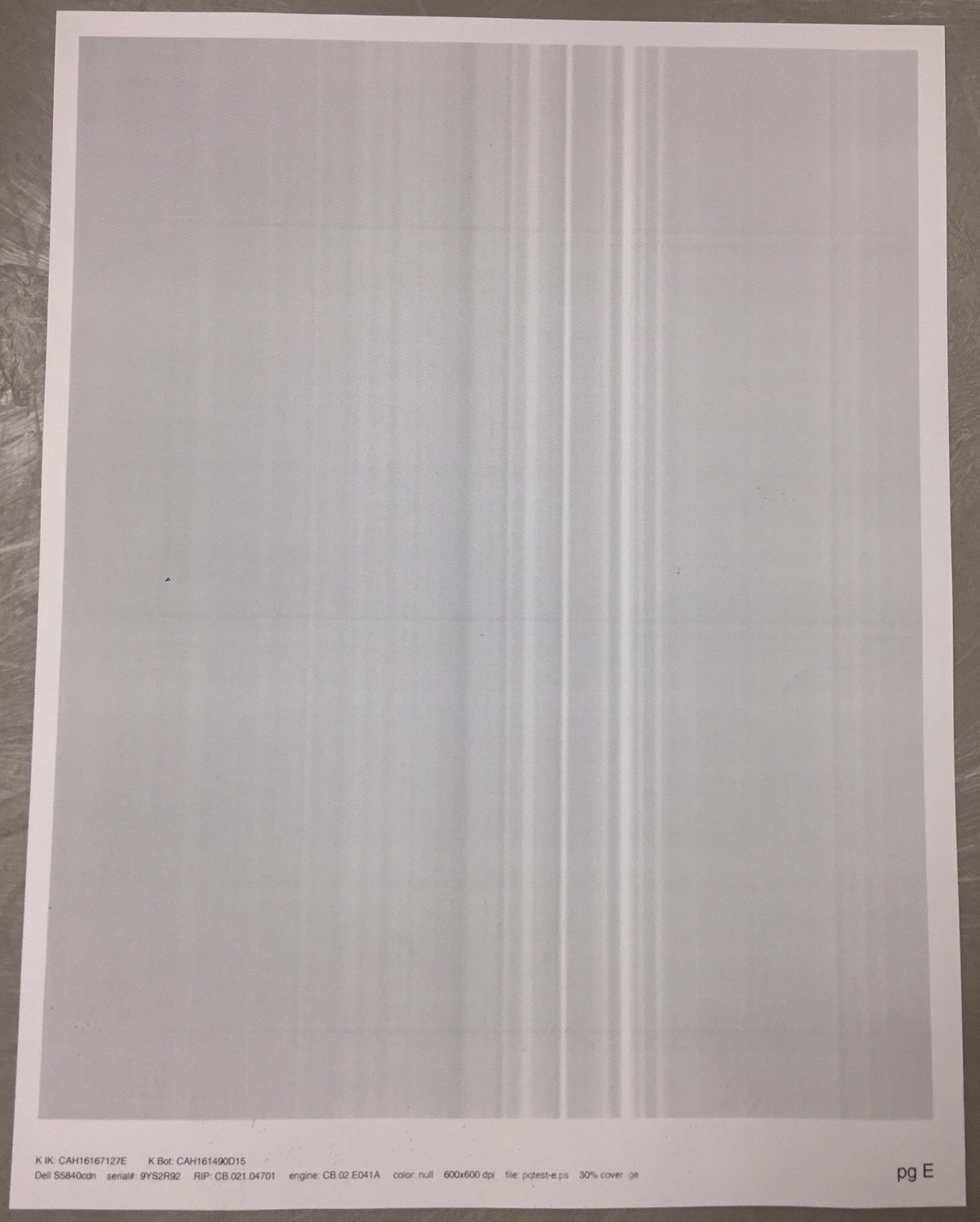
Lexmark C XC41xx And CS X72x Print Quality Diagnosis Vertical
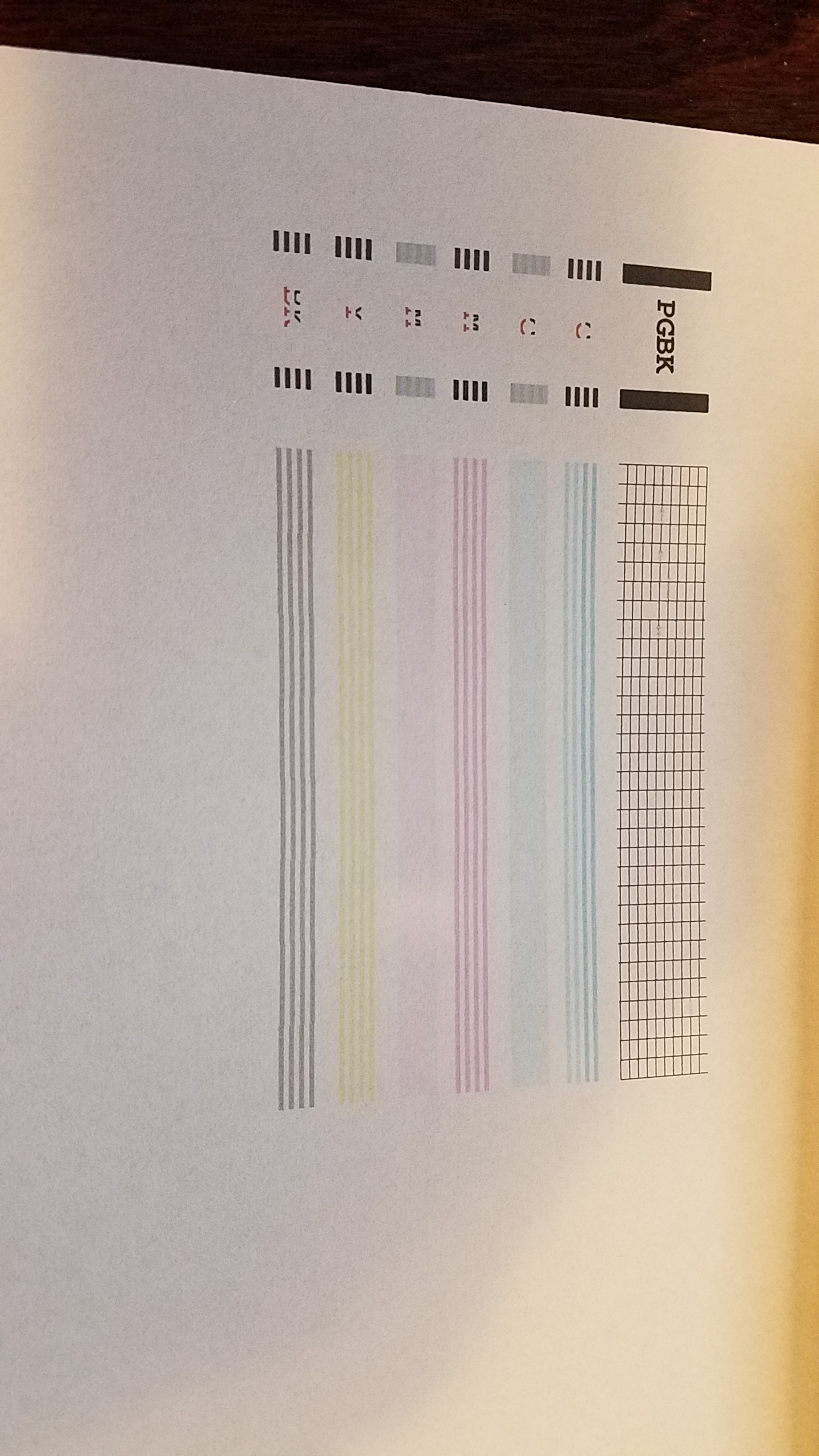
White Lines When Printing In Color Only Canon Community

How Can I Fix These White Printer Lines R printers
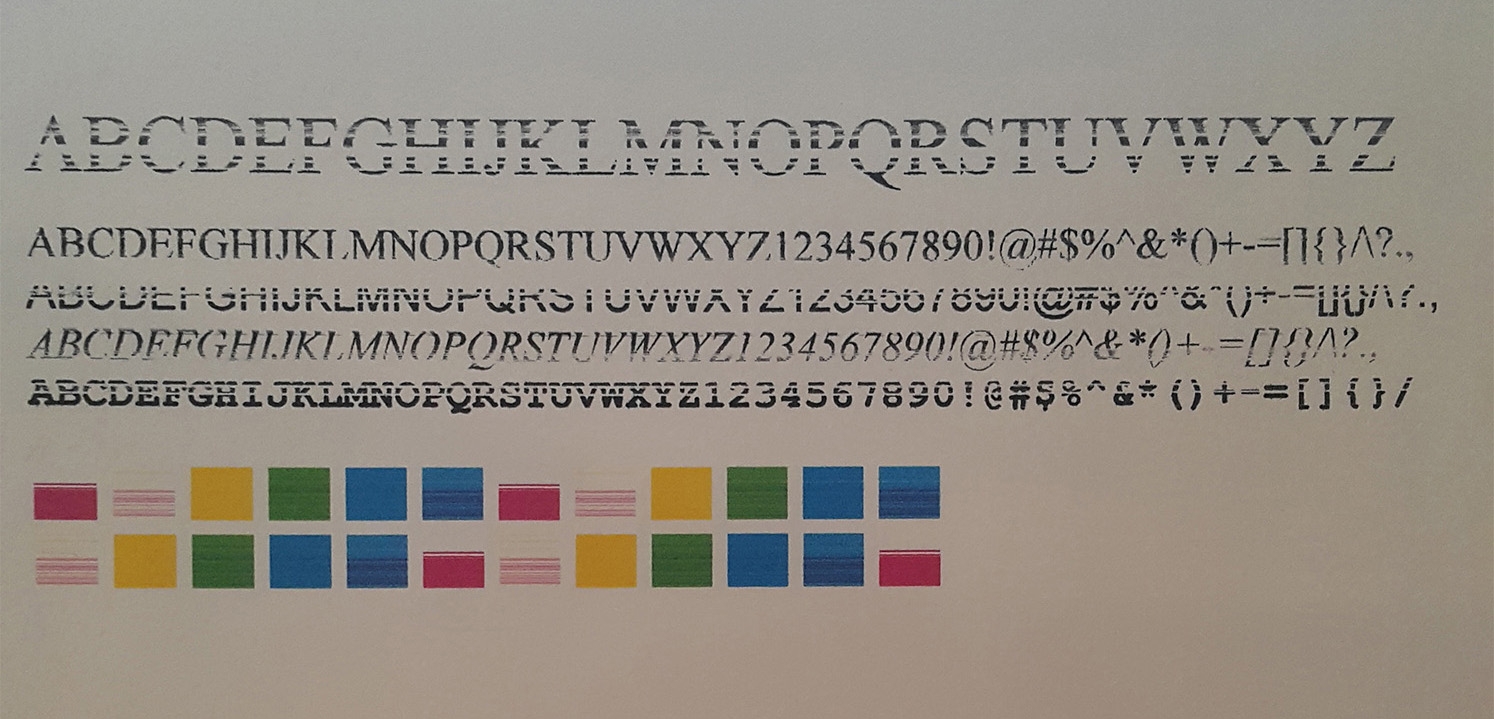
Horizontal White Lines amp Faded Colors On Printing HP Support