Graph paper is a versatile tool used for various projects, from drawing to data organization. Many people find it helpful for visualizing ideas and creating structured layouts. Using a Graph Paper Excel Template can simplify this process significantly.
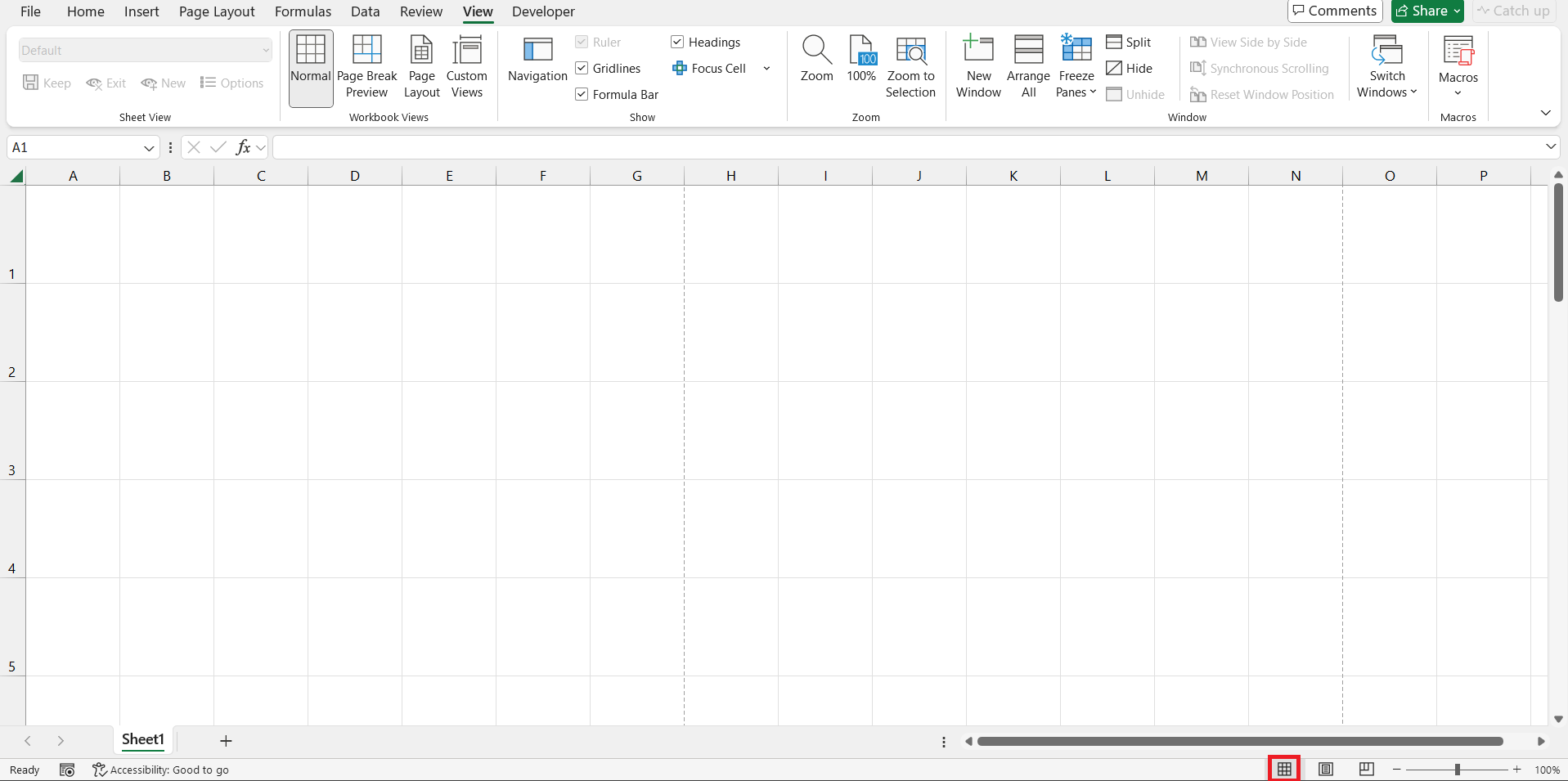
Graph Paper Excel Template
Graph Paper Excel Template
A Graph Paper Excel Template allows users to create grids that are perfect for plotting graphs or designing layouts. You can easily print these templates or use them digitally, making them incredibly convenient for various applications.
Customizing your template is straightforward. You can change the grid size, color, and even add labels or notes directly within Excel. This feature is particularly useful for those who need to present their work clearly and professionally.
Additionally, using a digital template saves time and resources. Instead of purchasing physical graph paper, you can generate as many sheets as you need without wasting paper. This eco-friendly approach benefits both your wallet and the environment.
In conclusion, a Graph Paper Excel Template is an excellent resource for anyone looking to enhance their project planning and visualization skills. Embrace the convenience of digital tools to streamline your creative process today.
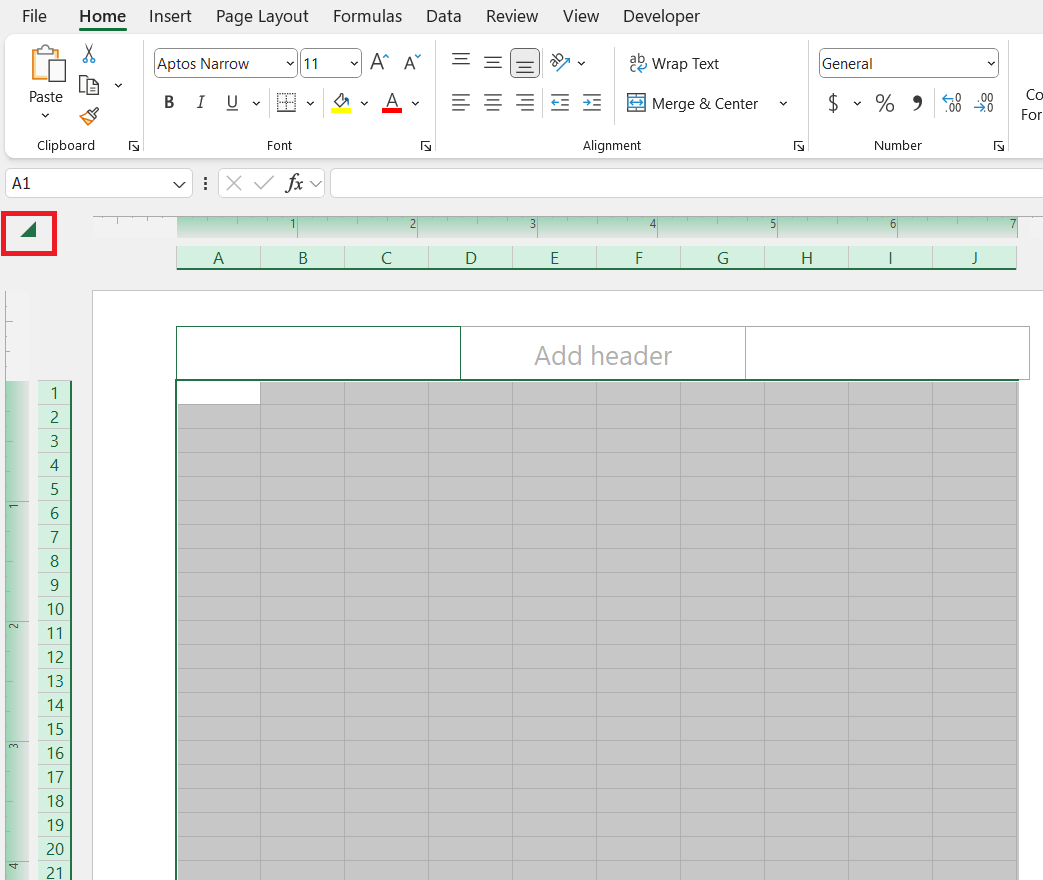
The Ultimate Guide To Create And Print Graph Paper In Excel
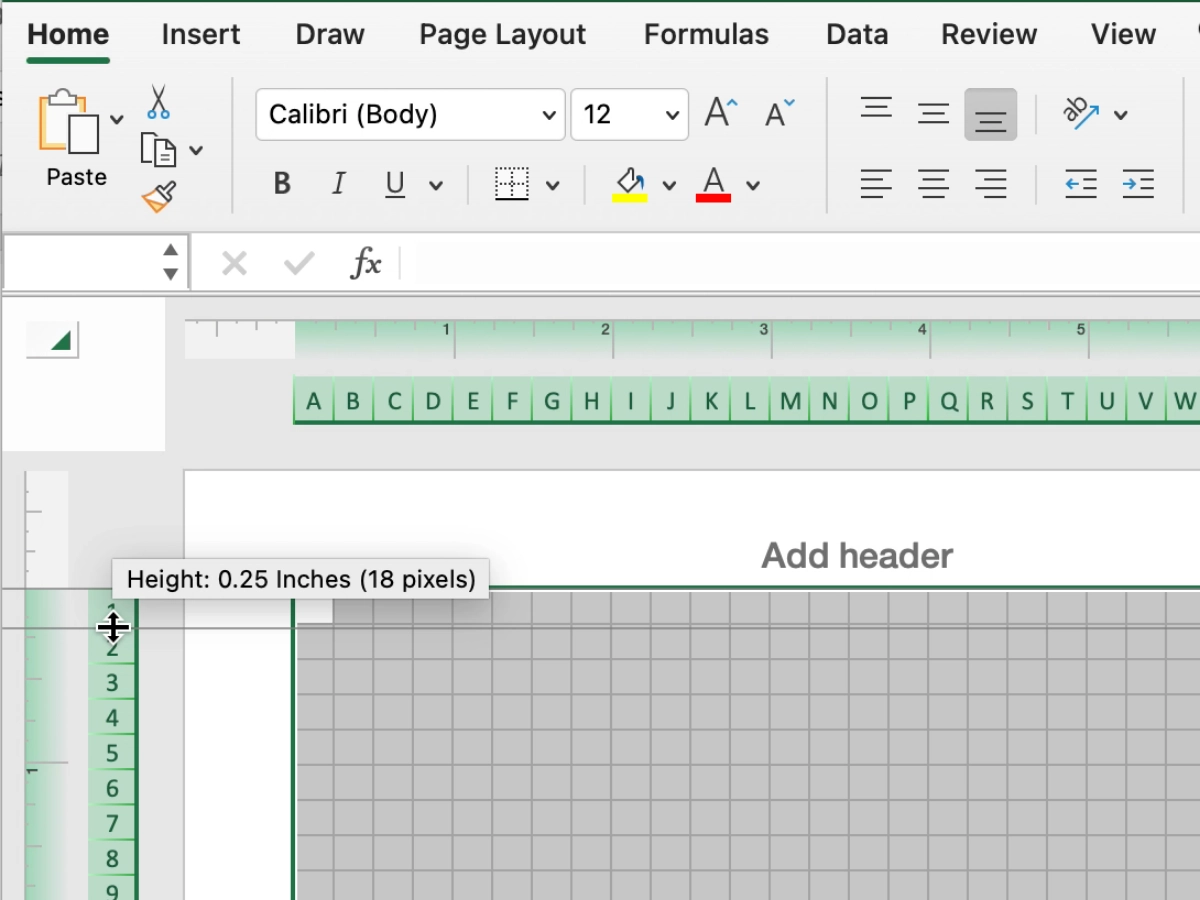
How To Make Graph Paper In Excel Knitting House Square
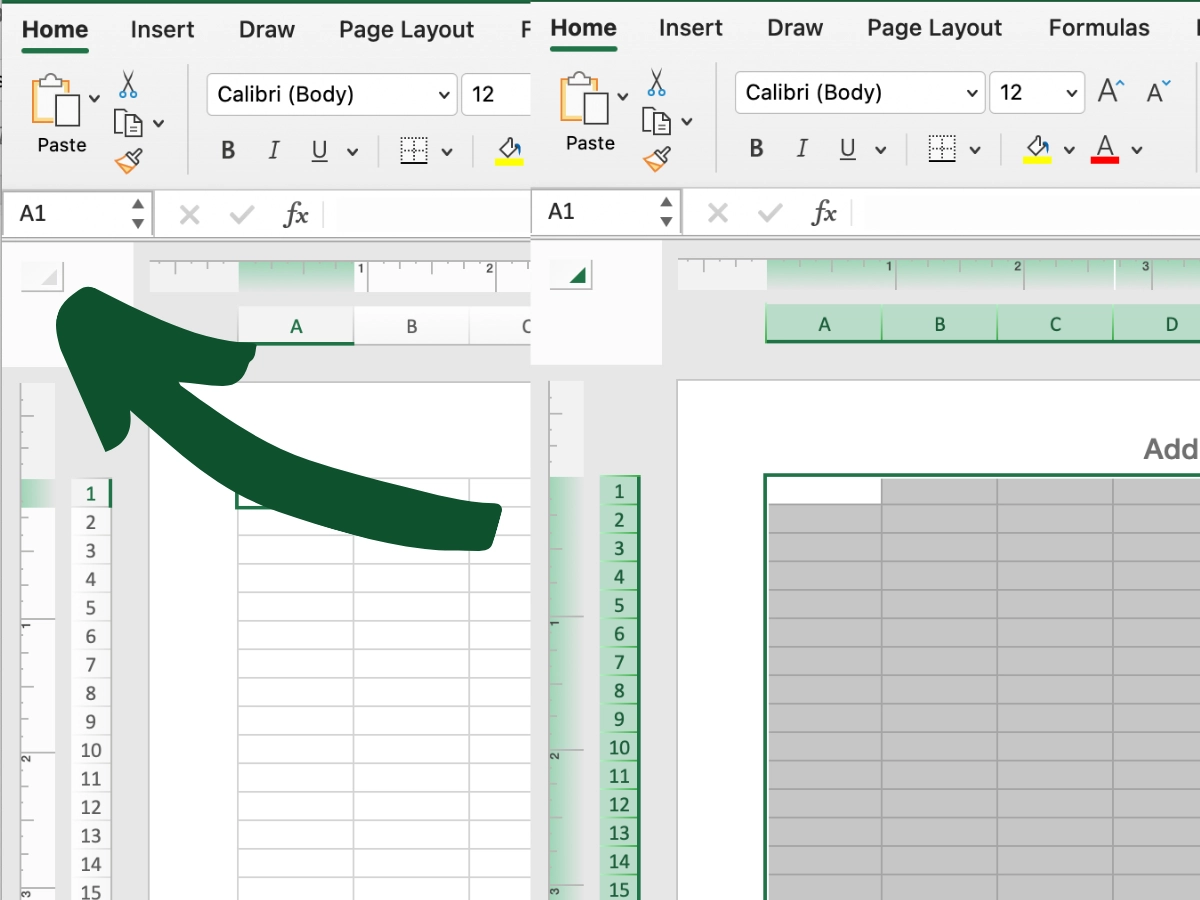
How To Make Graph Paper In Excel Knitting House Square
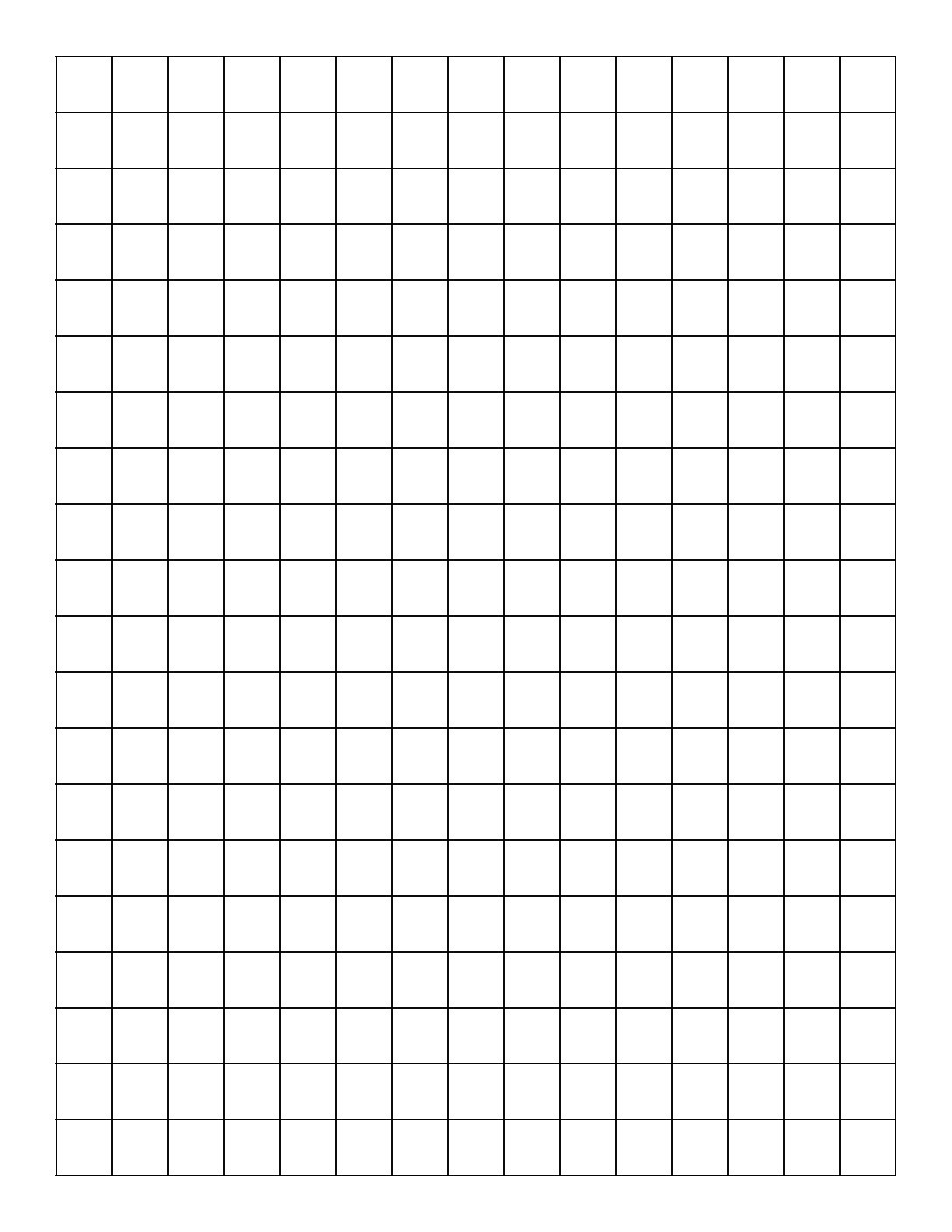
Graph Paper Templates Office Templates
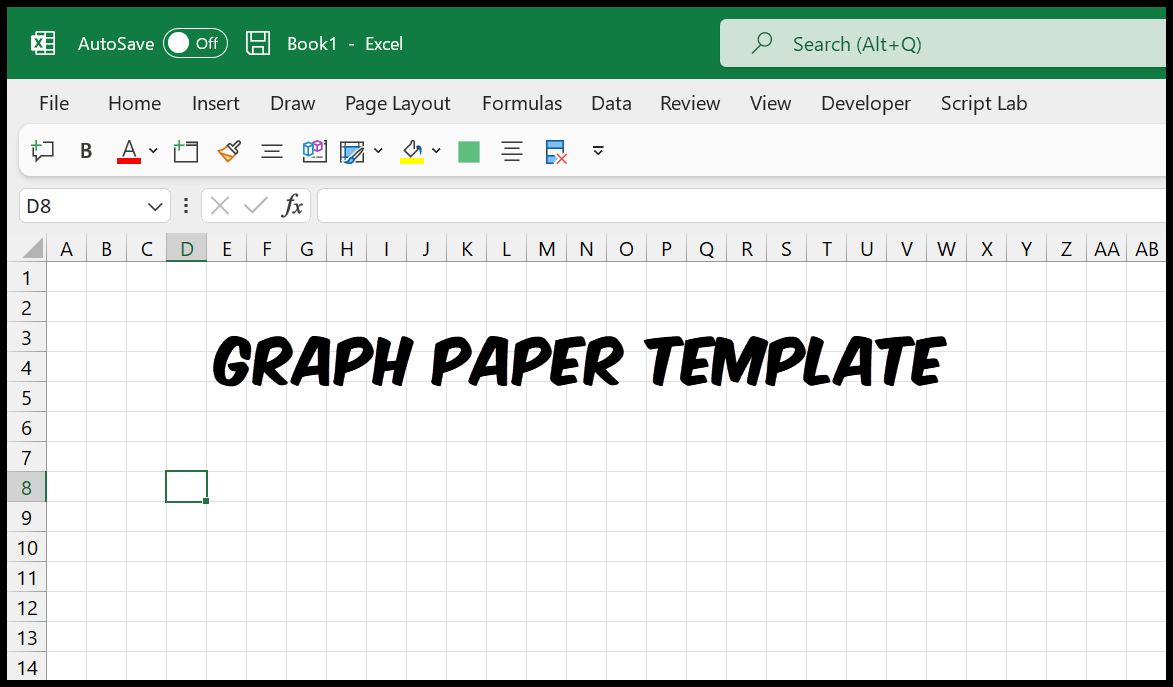
How To Print A Graph Paper In Excel Square Grid Template