Seeing lines on your printed documents can be frustrating, especially when you need them for important tasks. Understanding why this happens can help you troubleshoot the issue effectively and get back to smooth printing.
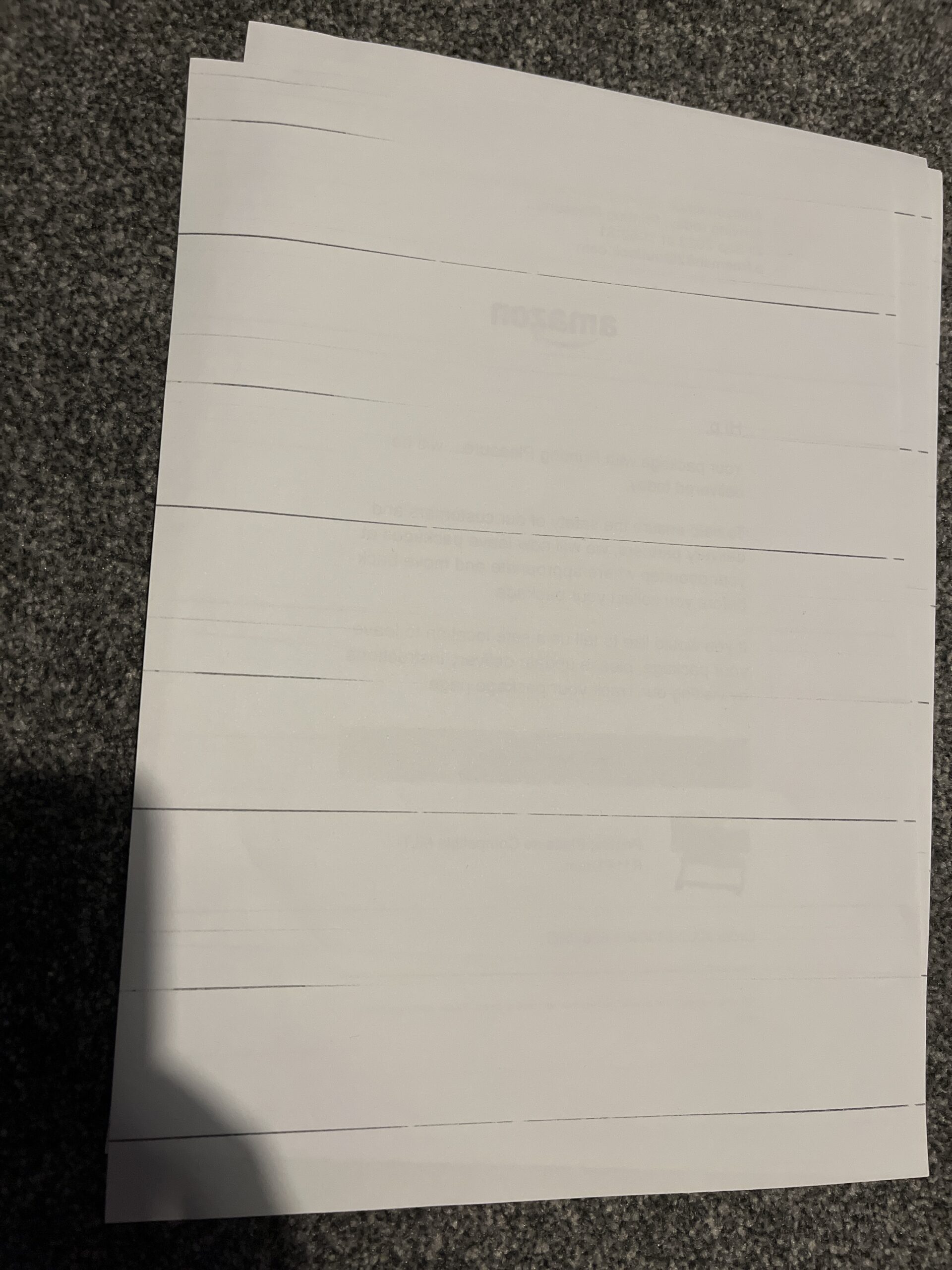
Printer Is Making Lines On Paper
Printer Is Making Lines On Paper
If your printer is making lines on paper, start by checking the ink cartridges. Low or empty cartridges can lead to incomplete prints, resulting in those annoying lines. Replacing or refilling them may solve the issue.
Another common culprit is a clogged print head. Running a cleaning cycle through your printer’s settings can often clear this up. If the problem persists, manually cleaning the print head may be necessary.
Don’t overlook the importance of keeping your printer clean. Dust and debris on the rollers can also cause lines on your prints. Regular maintenance can prevent this issue from recurring and ensure high-quality prints.
In conclusion, if your printer is making lines on paper, check the ink levels, clean the print heads, and maintain your printer regularly. These steps will help you achieve clear and professional-looking documents without hassle.
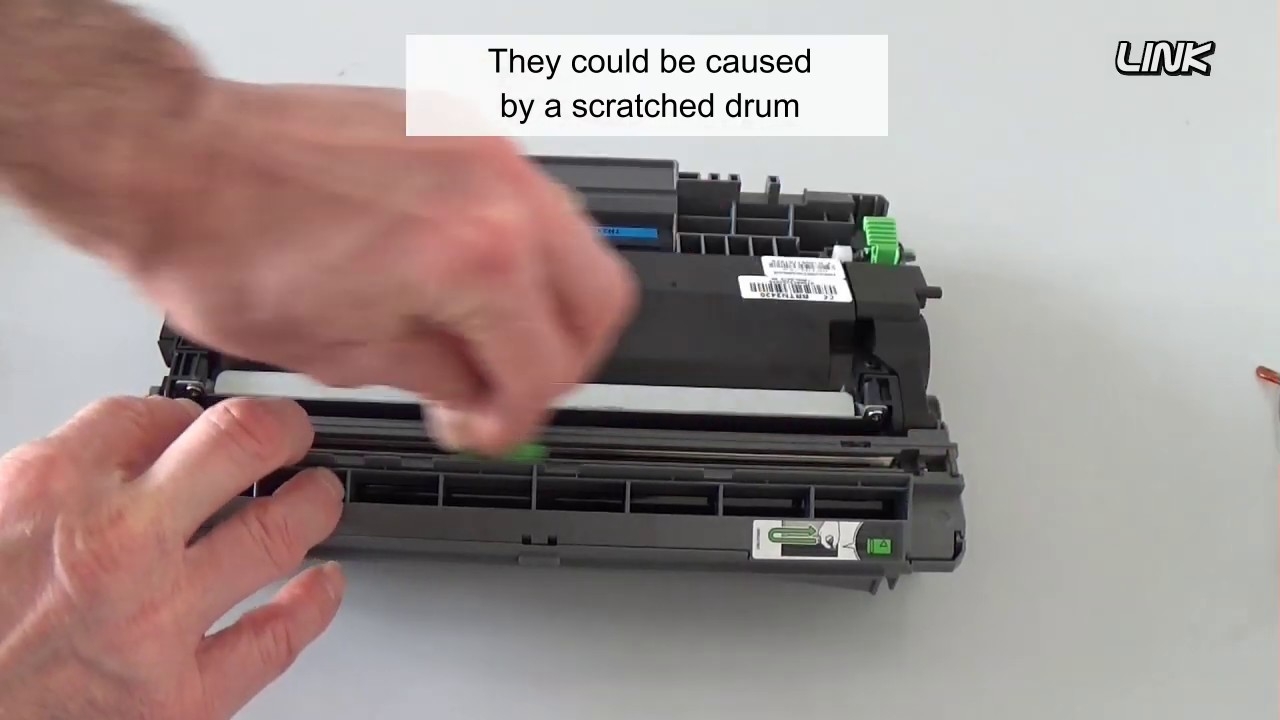
White Vertical Lines Over A Printed Page A Quick Method
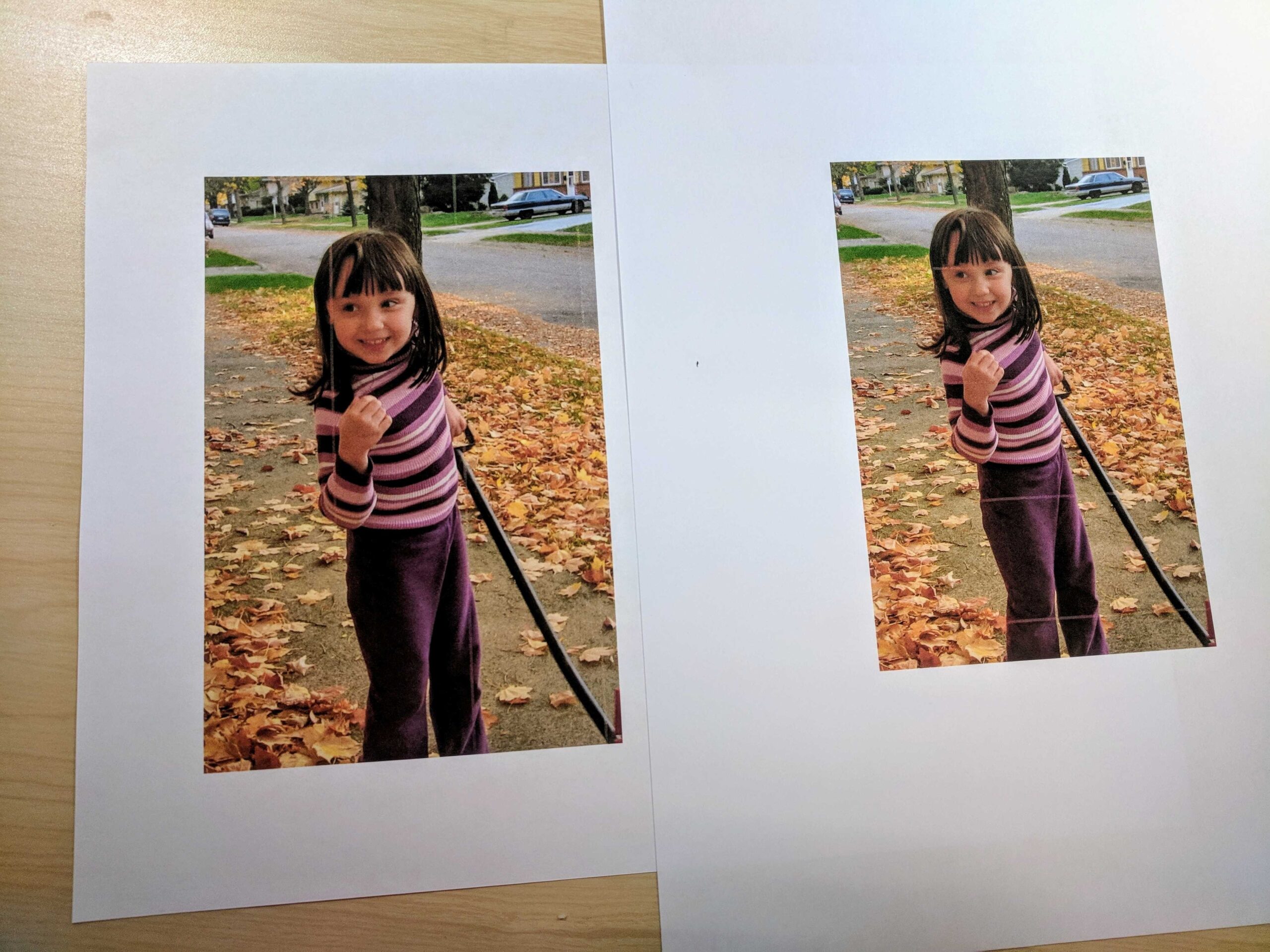
Unwanted Lines In Photo Printing HP Support Community 65836
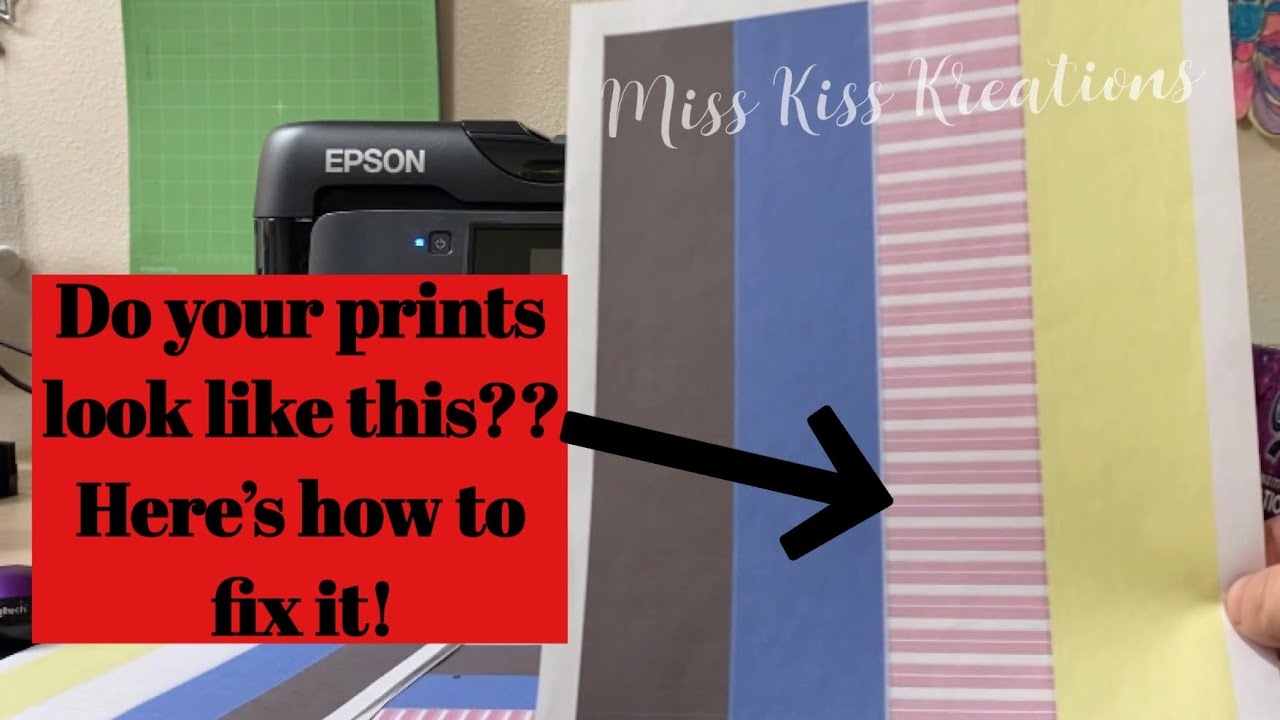
How To Fix Lines In Printout How To Clean A Printhead
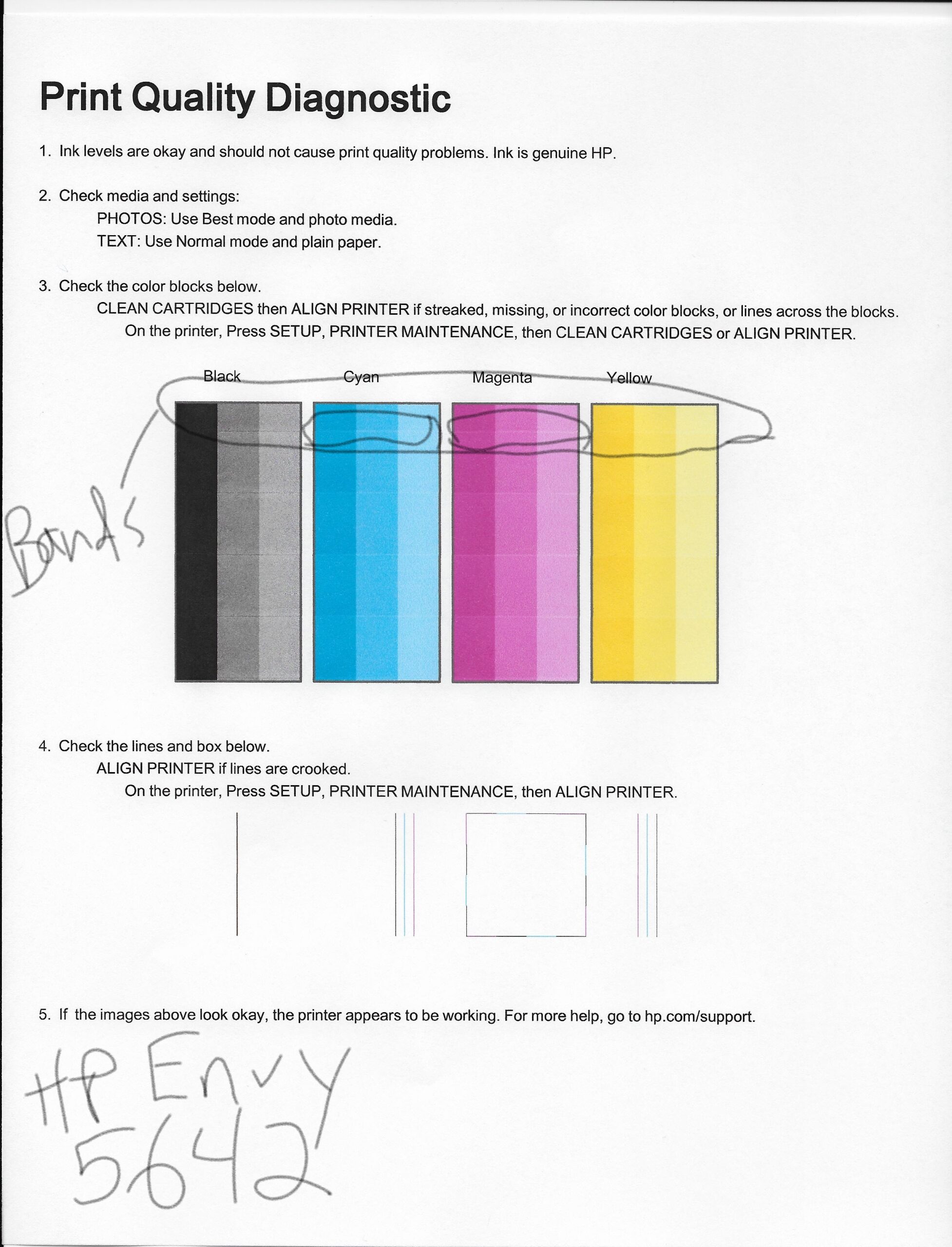
Lines Across My Print Diagnostic Page HP Support Community 6207853
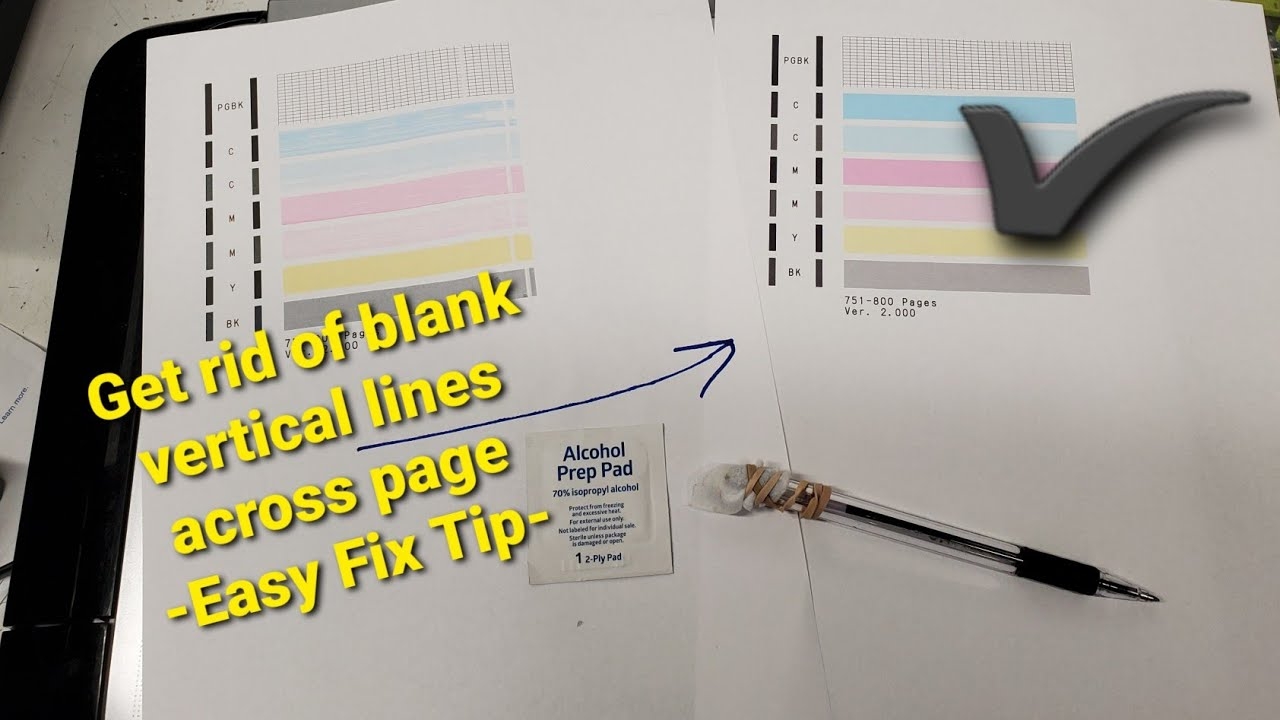
How To Get Rid Of Vertical Lines Across Page On Prints Canon HP Brother Epson Inkjet Printers