Many users experience issues with their printers, and one common problem is the appearance of lines on printed documents. This can be frustrating, especially when you need clear and professional-looking prints for work or school.
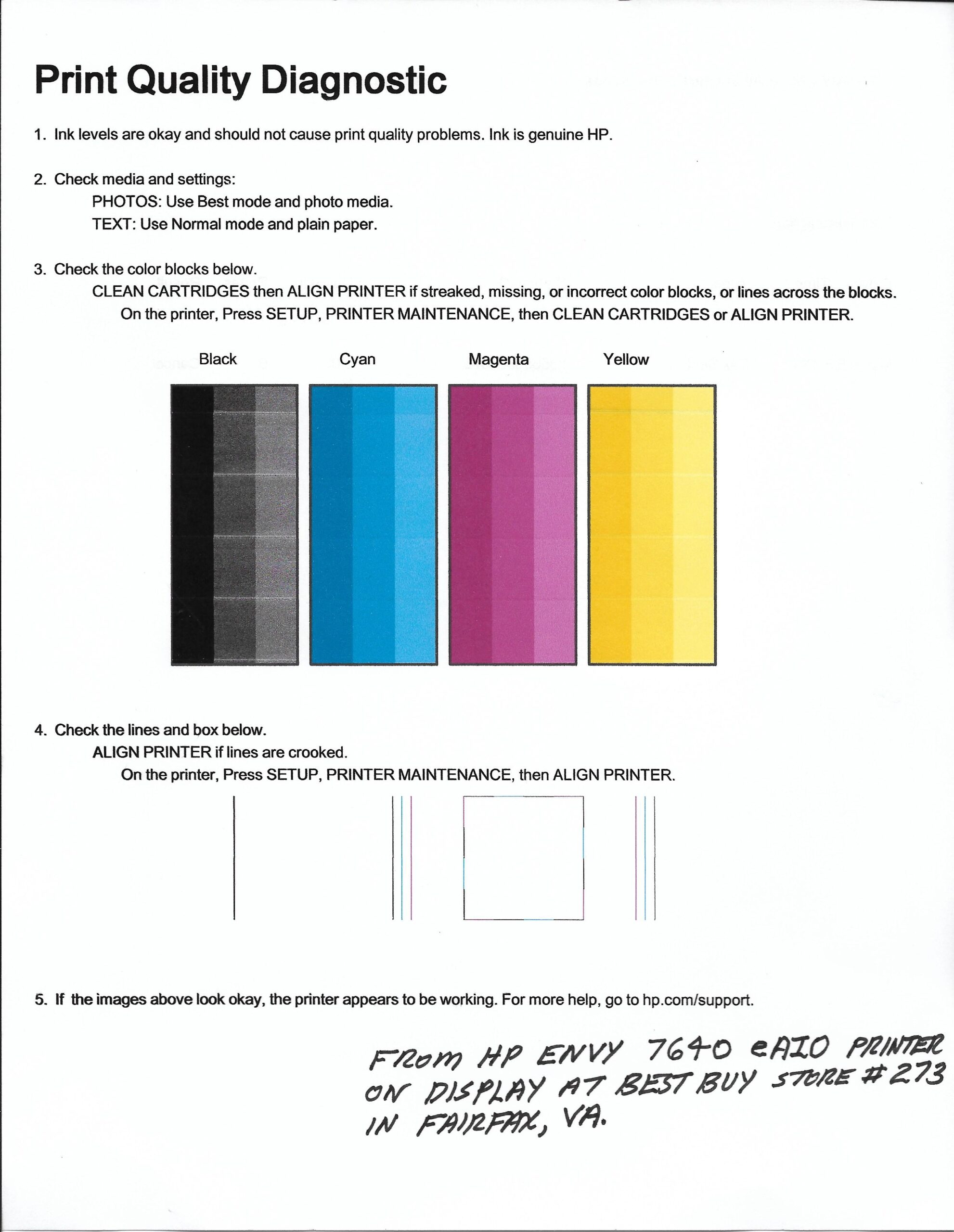
Hp Printer Lines On Paper
Hp Printer Lines On Paper
Hp printer lines on paper can result from clogged print heads. Regular maintenance, such as cleaning the print heads, can significantly improve print quality. Most HP printers have a built-in cleaning function that you can easily access through the settings.
Another reason for lines on paper could be low ink levels. Always check your ink cartridges before printing. Replacing low or empty cartridges can eliminate those annoying lines and ensure vibrant prints.
Using the wrong type of paper can also lead to printing issues. Ensure that you are using paper compatible with your HP printer model. High-quality paper often yields better results and reduces the chances of lines appearing.
If you continue to see lines after trying these solutions, consider updating your printer drivers. Outdated drivers can affect print quality, so keeping them current is essential for optimal performance.
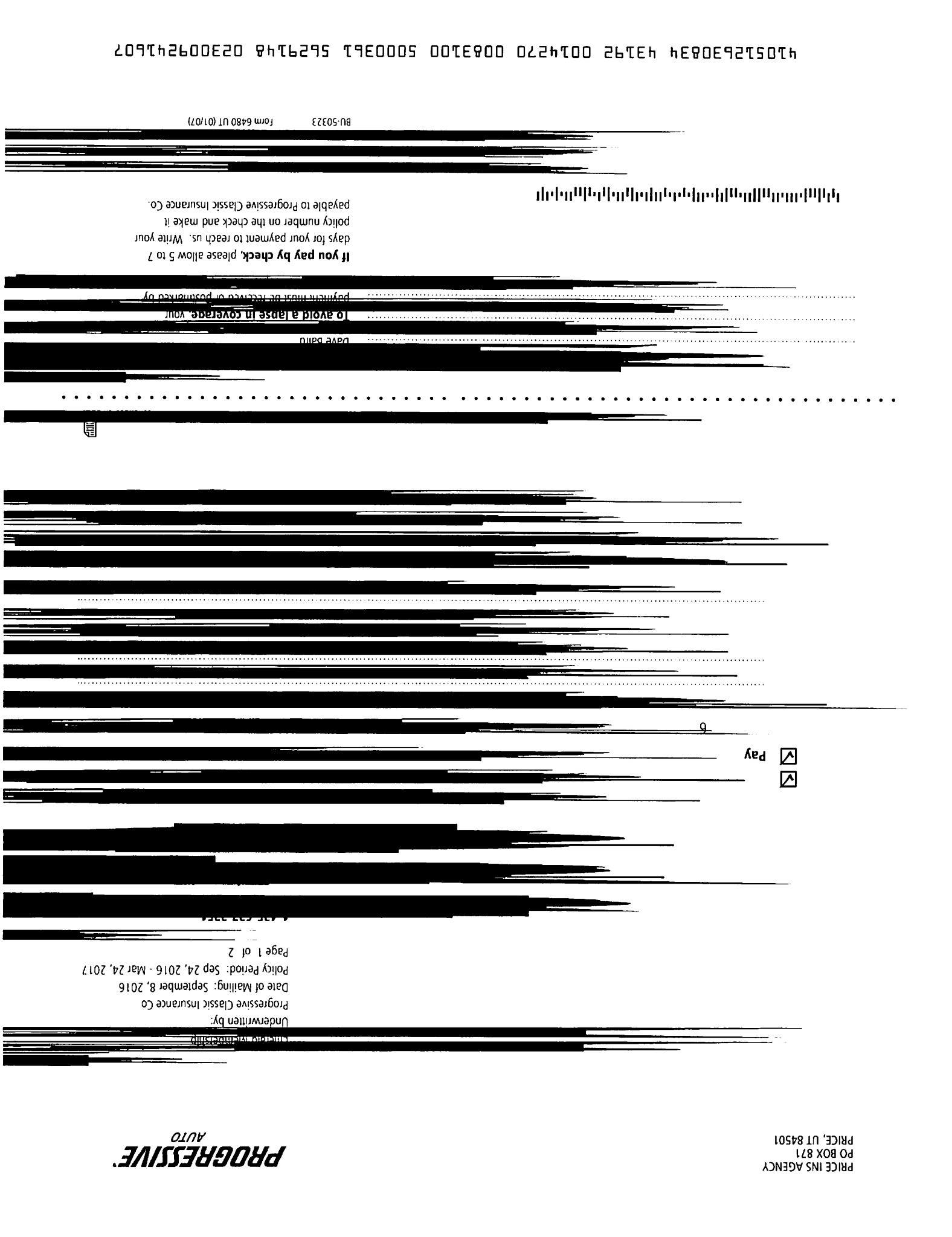
Printing Horizontal Lines HP Support Community 5783733
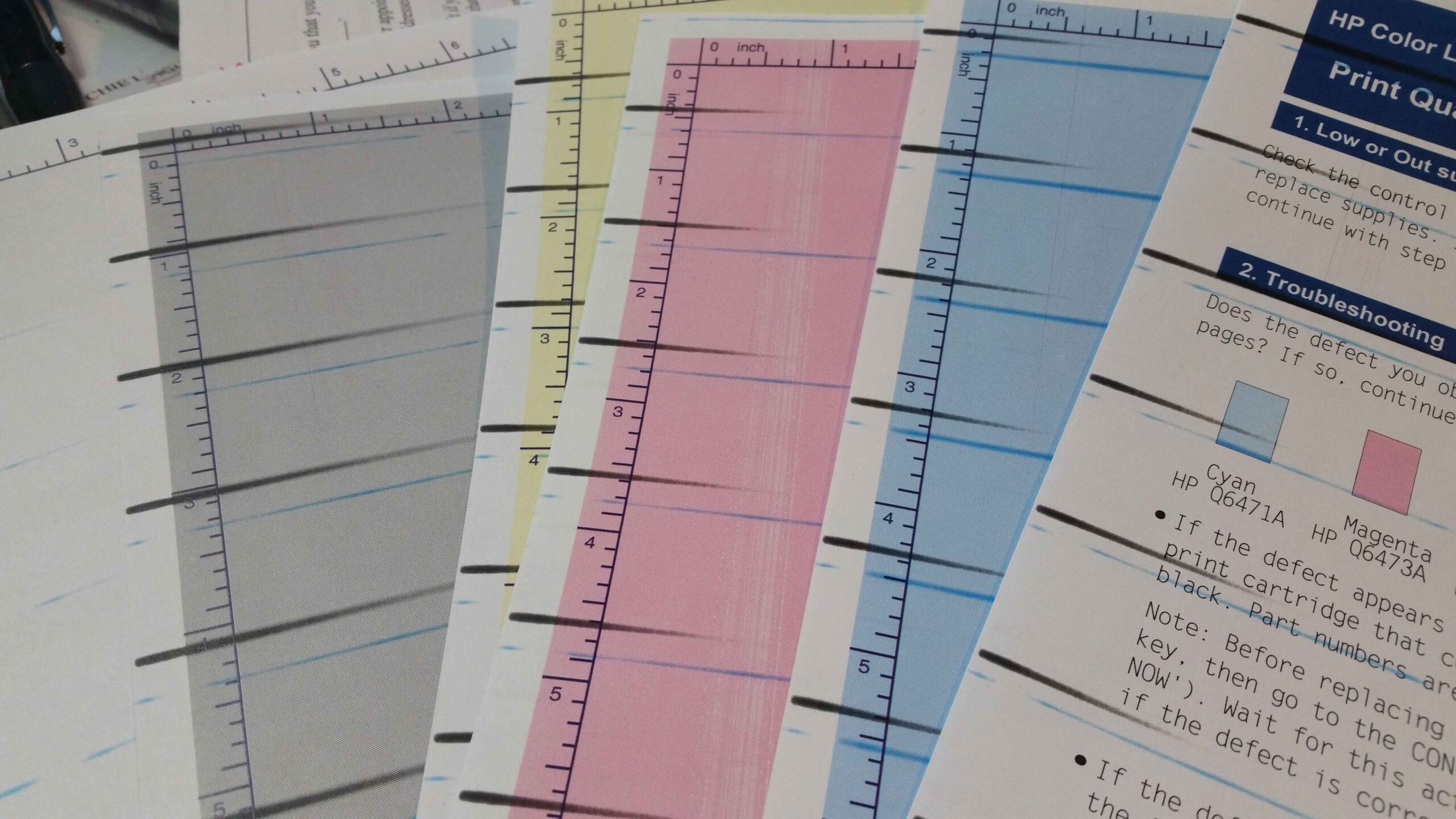
Solved Laserjet 3600n Black amp Blue Horizontal Lines HP Support
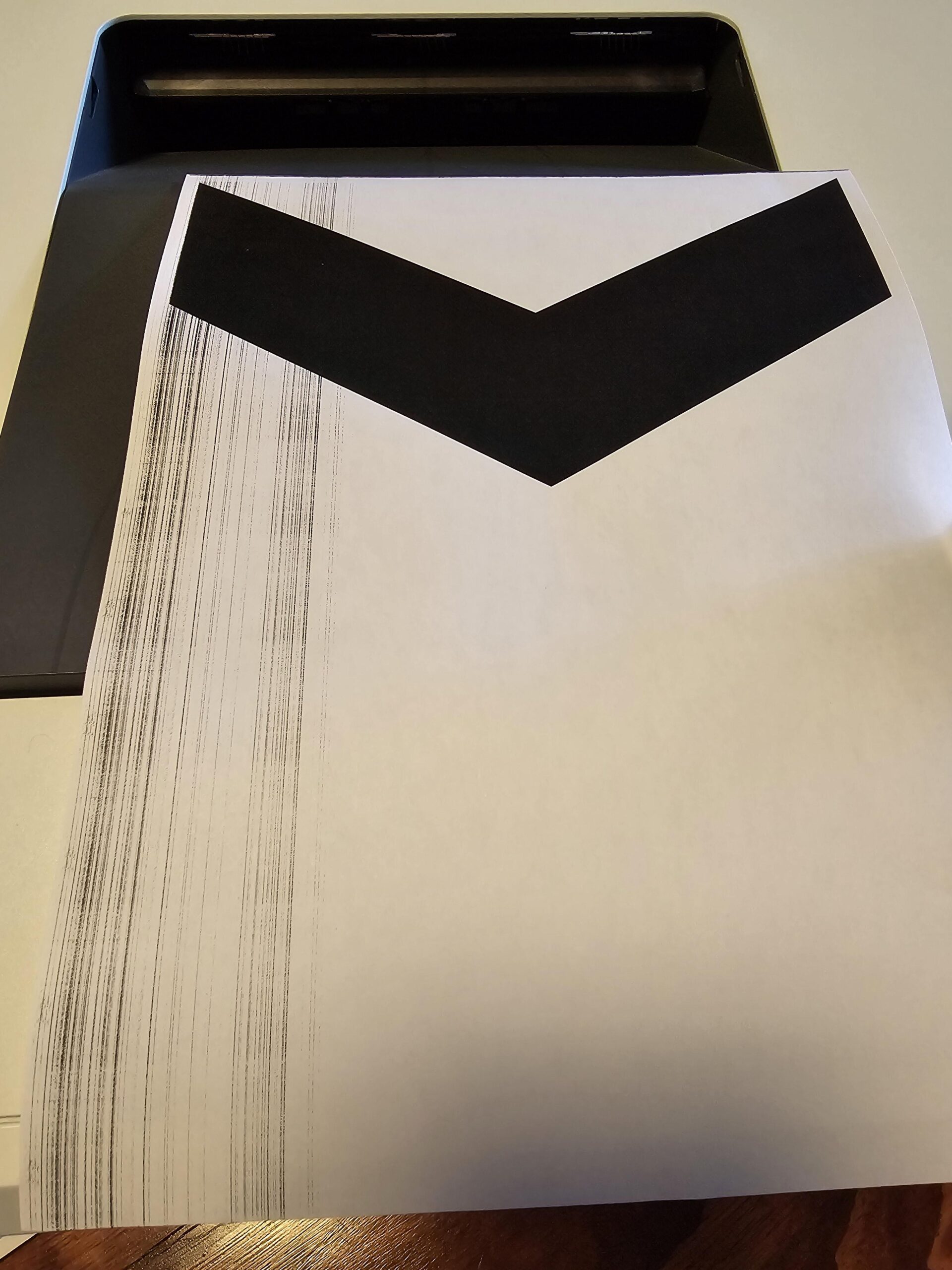
HP LaserJet Pro M454dw Printing Vertical Lines On Left Side Of
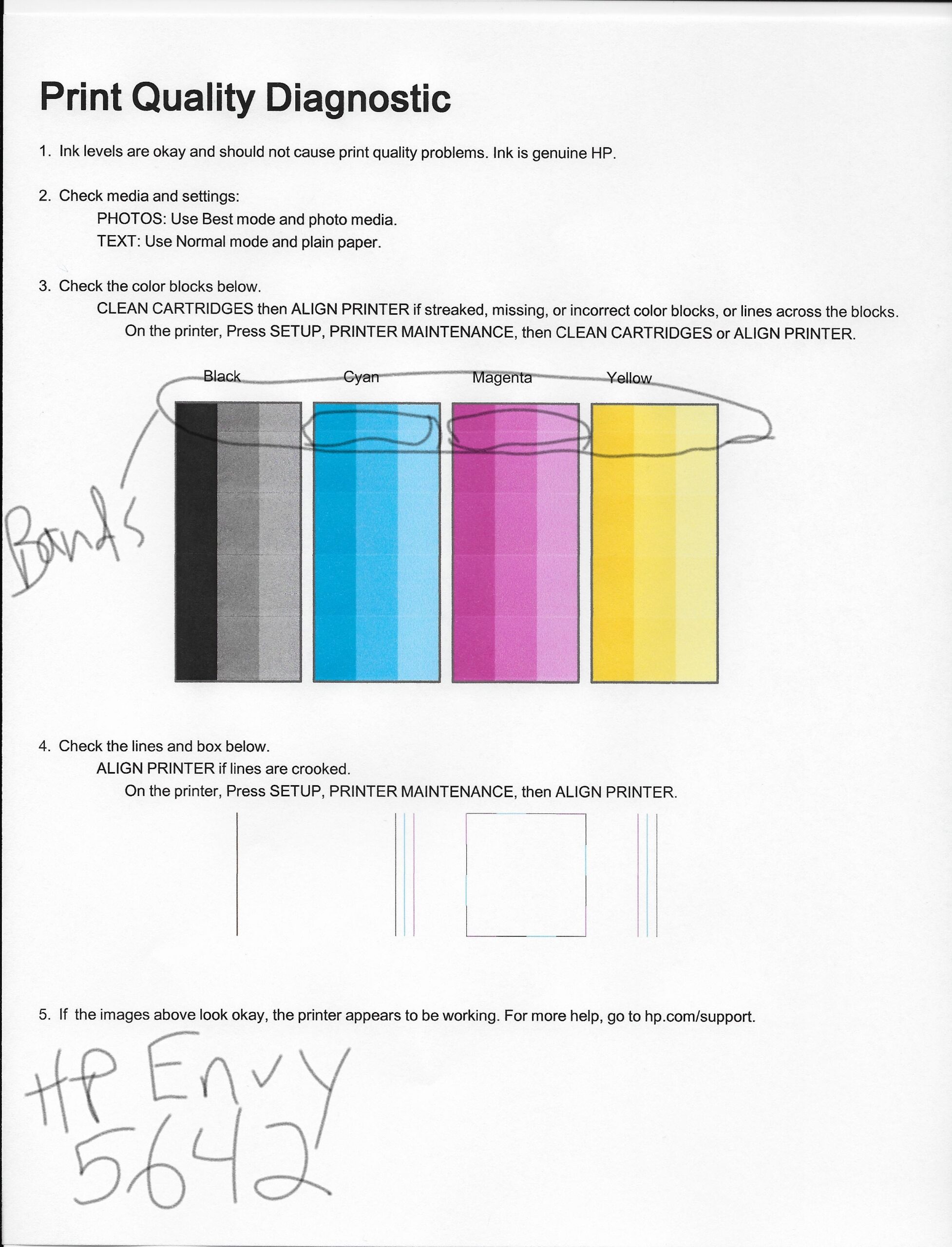
Lines Across My Print Diagnostic Page HP Support Community 6207853
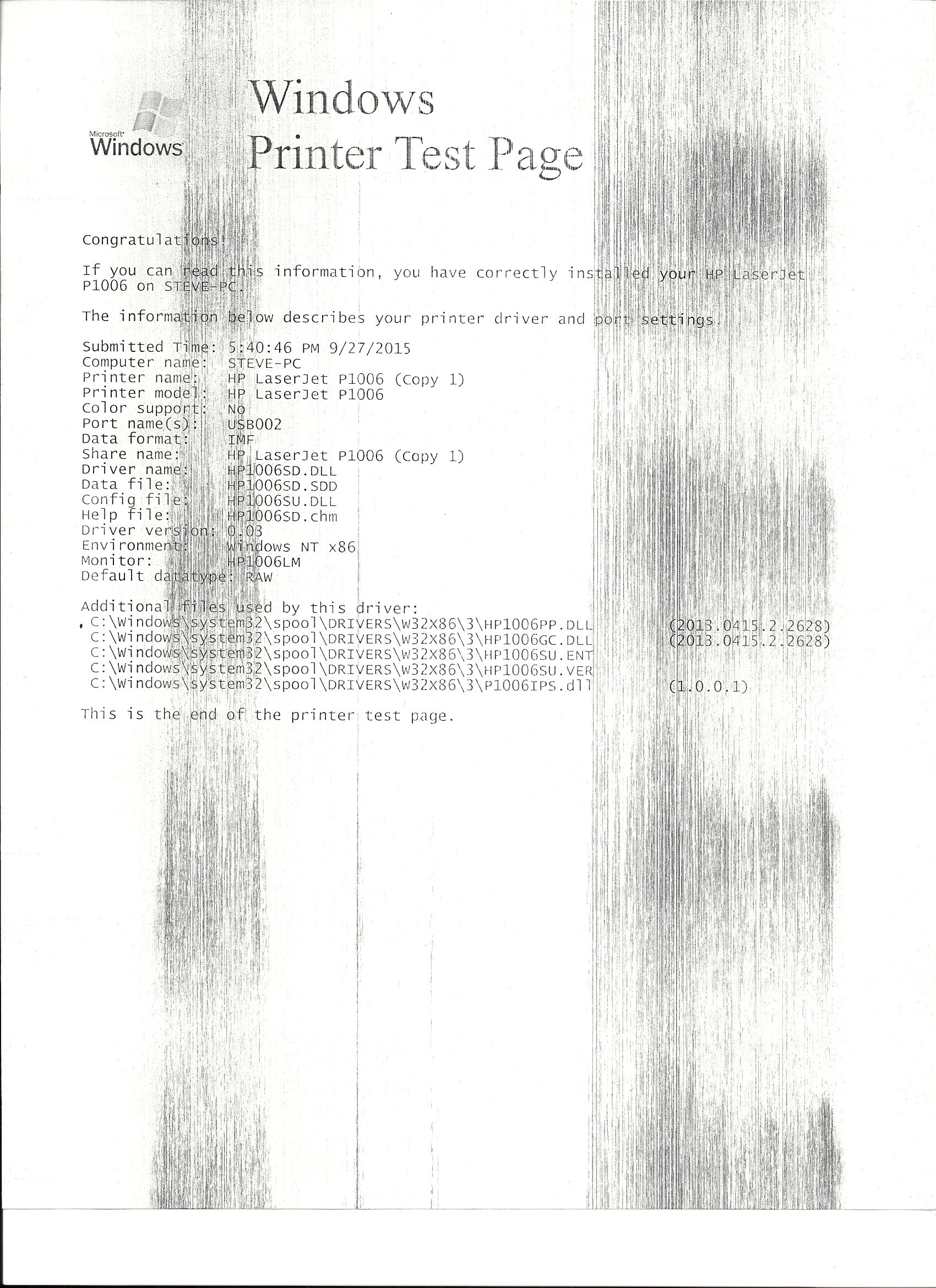
Solved Streaks In Print On A B W Laserjet Printer HP Support