Creating graph paper can be a simple task, especially when you need it for various projects. Whether you’re working on a math assignment or planning a design, having graph paper on hand is essential. Many people prefer to print their own to suit their specific needs.
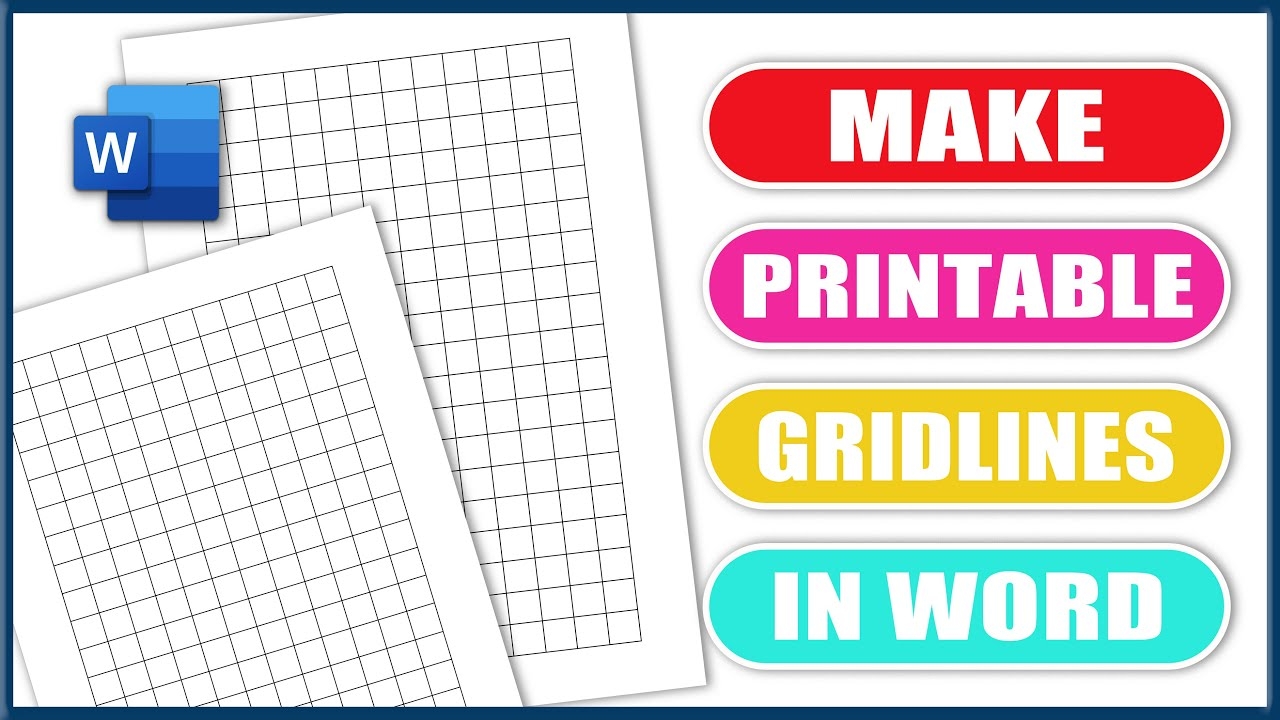
Print Graph Paper Word
Print Graph Paper Word
To print graph paper in Word, start by opening a new document. You can then adjust the page layout settings to fit your desired size. This customization ensures that your graph paper is tailored to your project requirements.
Next, insert a table into your document. By adjusting the number of rows and columns, you can create the grid that resembles traditional graph paper. This method allows for precise control over the dimensions of each square.
Once your table is set up, consider formatting it for better visibility. You can change the border styles and colors to make the grid stand out more clearly. This step is particularly useful if you’re using the graph paper for presentations or detailed designs.
Finally, print your customized graph paper directly from Word. Make sure to select the correct printer settings to ensure that everything aligns perfectly on the page. This way, you’ll have high-quality graph paper ready for use.
Creating and printing your own graph paper in Word is both easy and convenient. With just a few steps, you can have personalized sheets ready for any project or task that comes your way.

Large Grid Graph Paper Free Printable
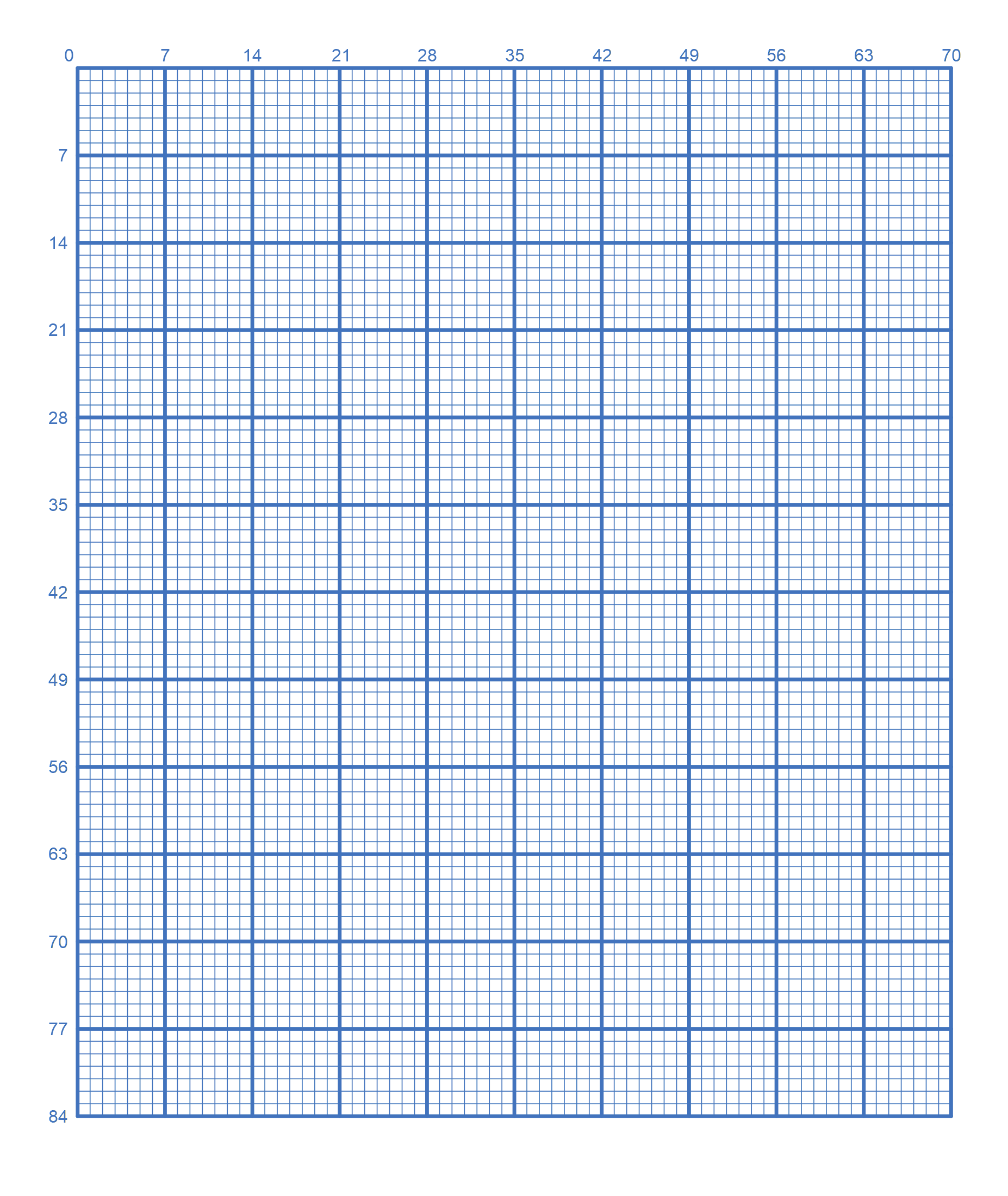
Free Printable Graph Paper Online Grid Paper Free Printables
24 Free Printable Graph Paper Templates Word PDF
24 Free Printable Graph Paper Templates Word PDF
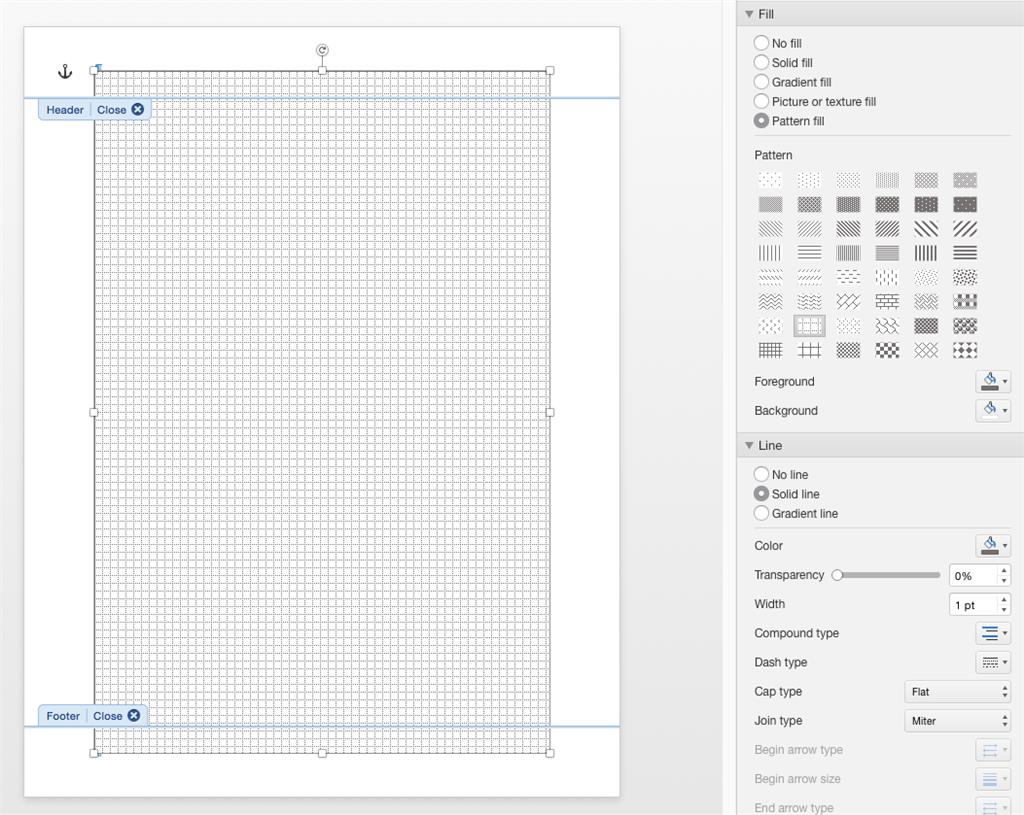
Graph Paper As Background In A Word Document Tiled Pattern