Finding the right tools for creativity can be a game changer. Whether you’re sketching, designing, or planning, having the right resources at your fingertips makes all the difference. One such resource is a graph paper app for iPad.
Graph Paper App For Ipad
Graph Paper App For Ipad
A graph paper app for iPad allows users to create grids effortlessly. You can customize the grid size, color, and even add layers for different projects. This adaptability makes it perfect for various tasks, from drafting to note-taking.
Many apps also offer features like zooming in and out, which is essential for detailed work. You can easily focus on small sections without losing sight of the overall design. This functionality enhances your productivity and creativity.
Collaboration is another significant advantage of using a graph paper app. You can share your designs with friends or colleagues instantly. This feature is especially useful for group projects or brainstorming sessions.
In conclusion, a graph paper app for iPad is an invaluable tool for anyone looking to enhance their creative process. With its customizable features and ease of use, it’s a must-have for artists and planners alike.
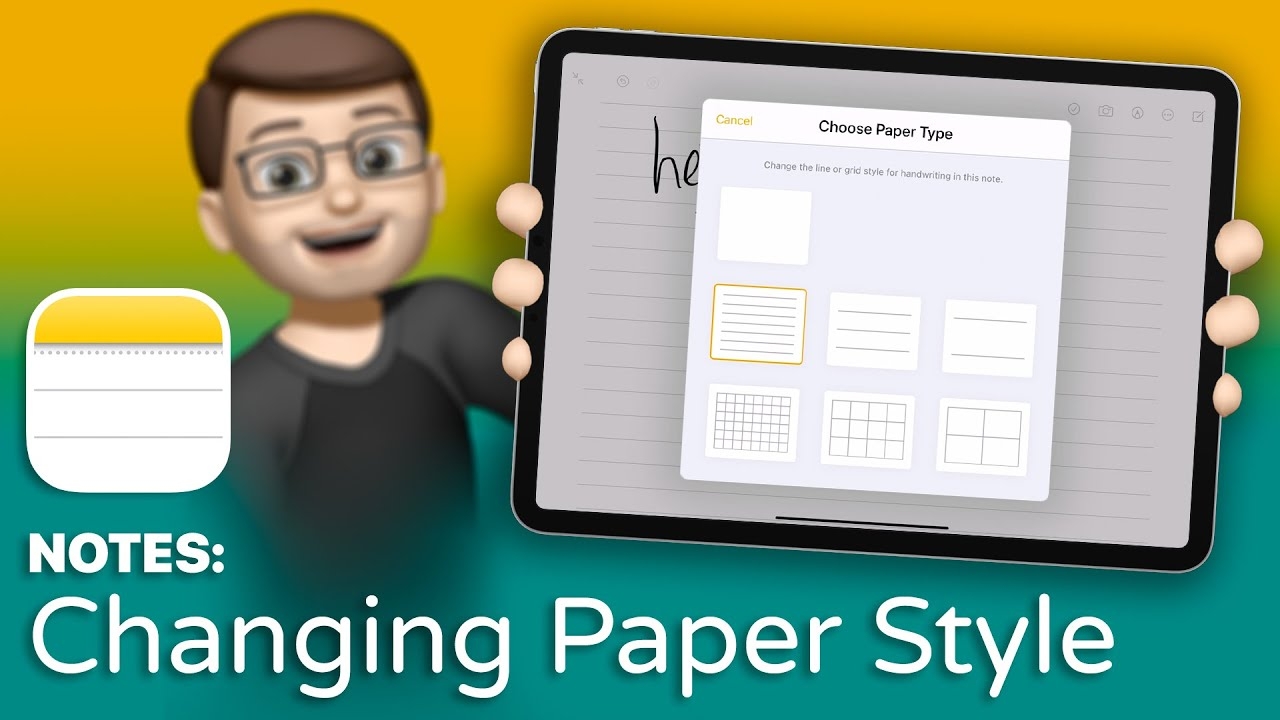
How To Use Lined Paper And Grids In The Notes App For IPad And IPhone
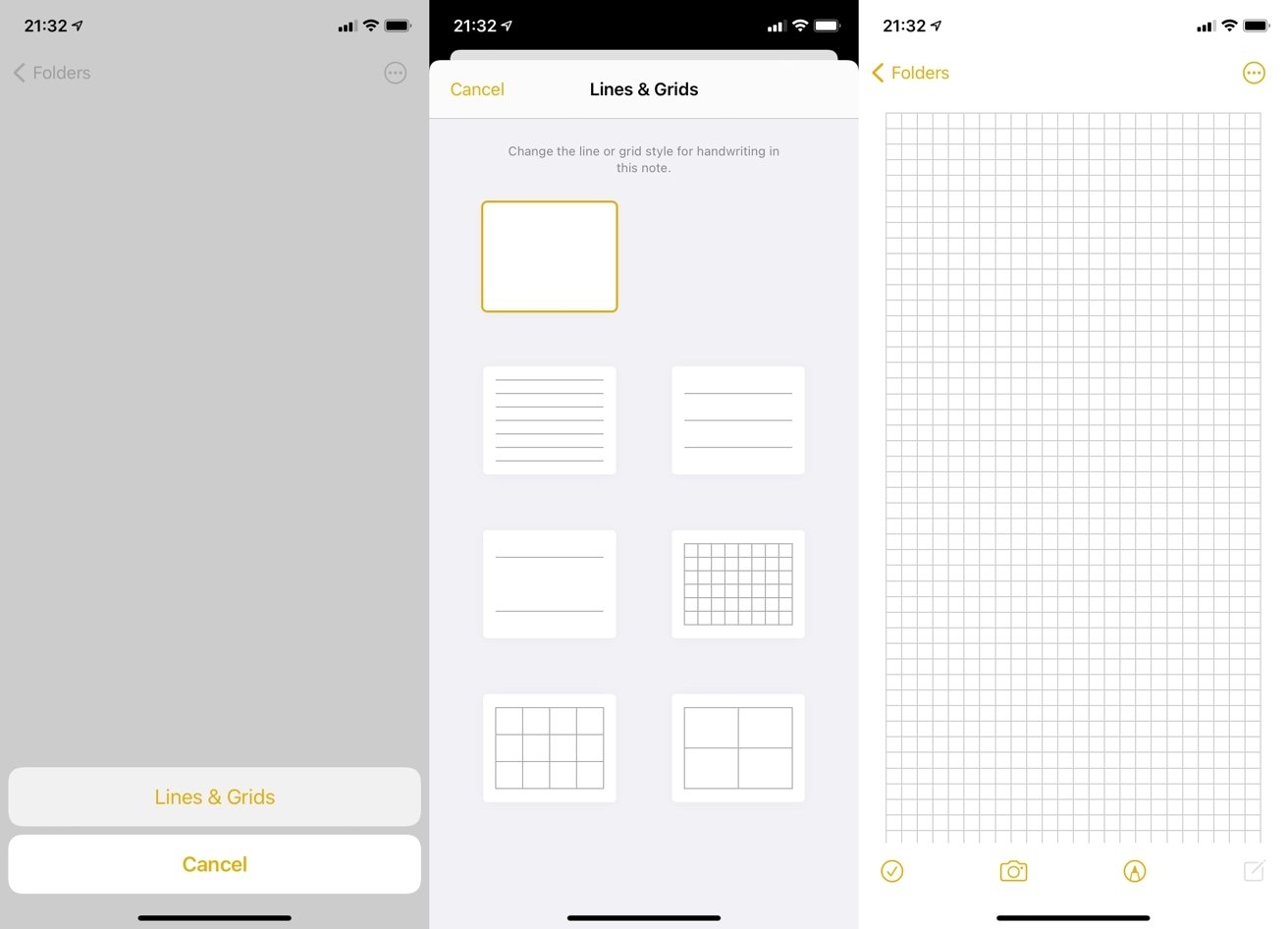
How To Add Lines And Grids To Your Notes On IOS And IPadOS
Get Started Making Graph Paper Using GridMaker
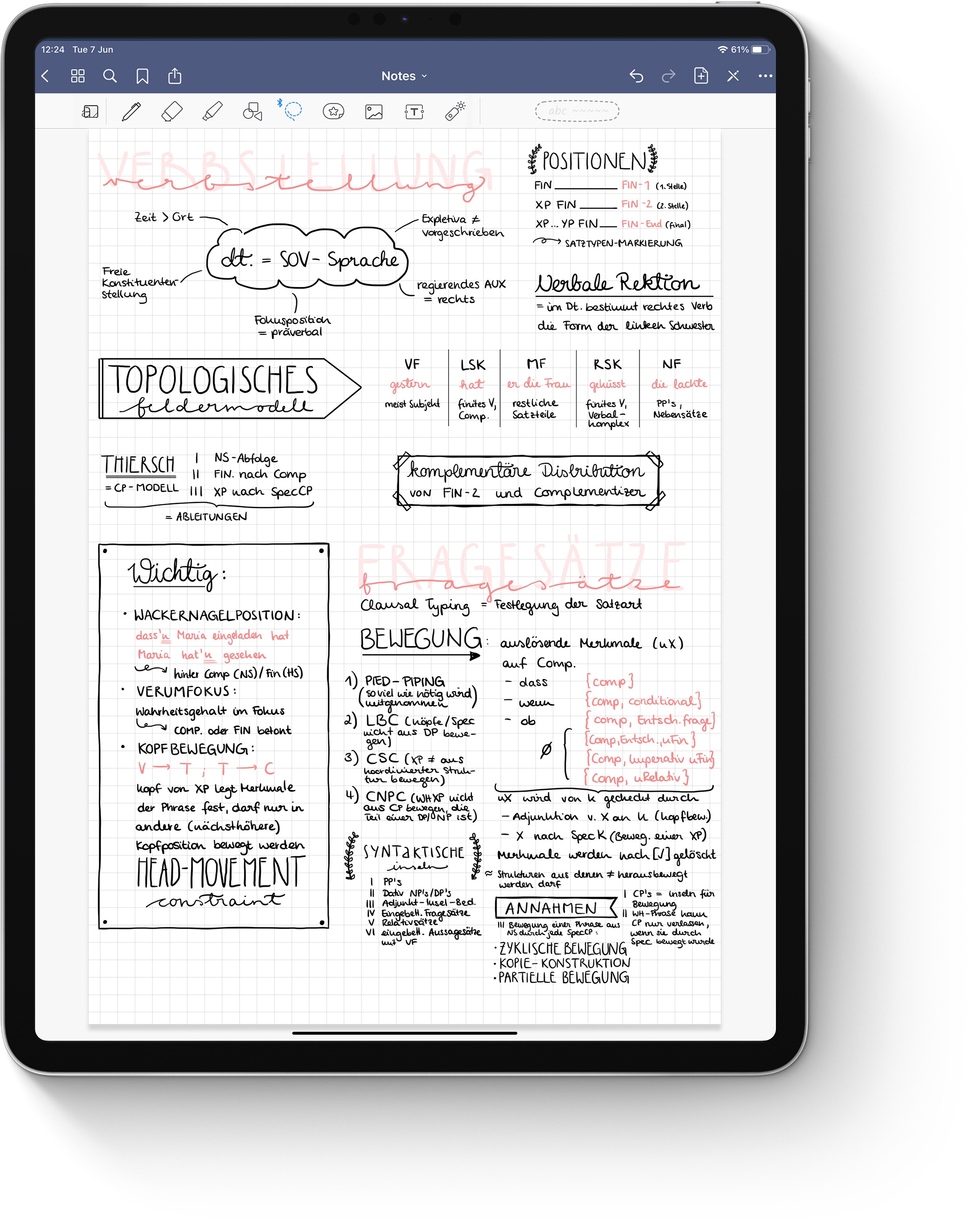
Free Graph Paper Template Goodnotes
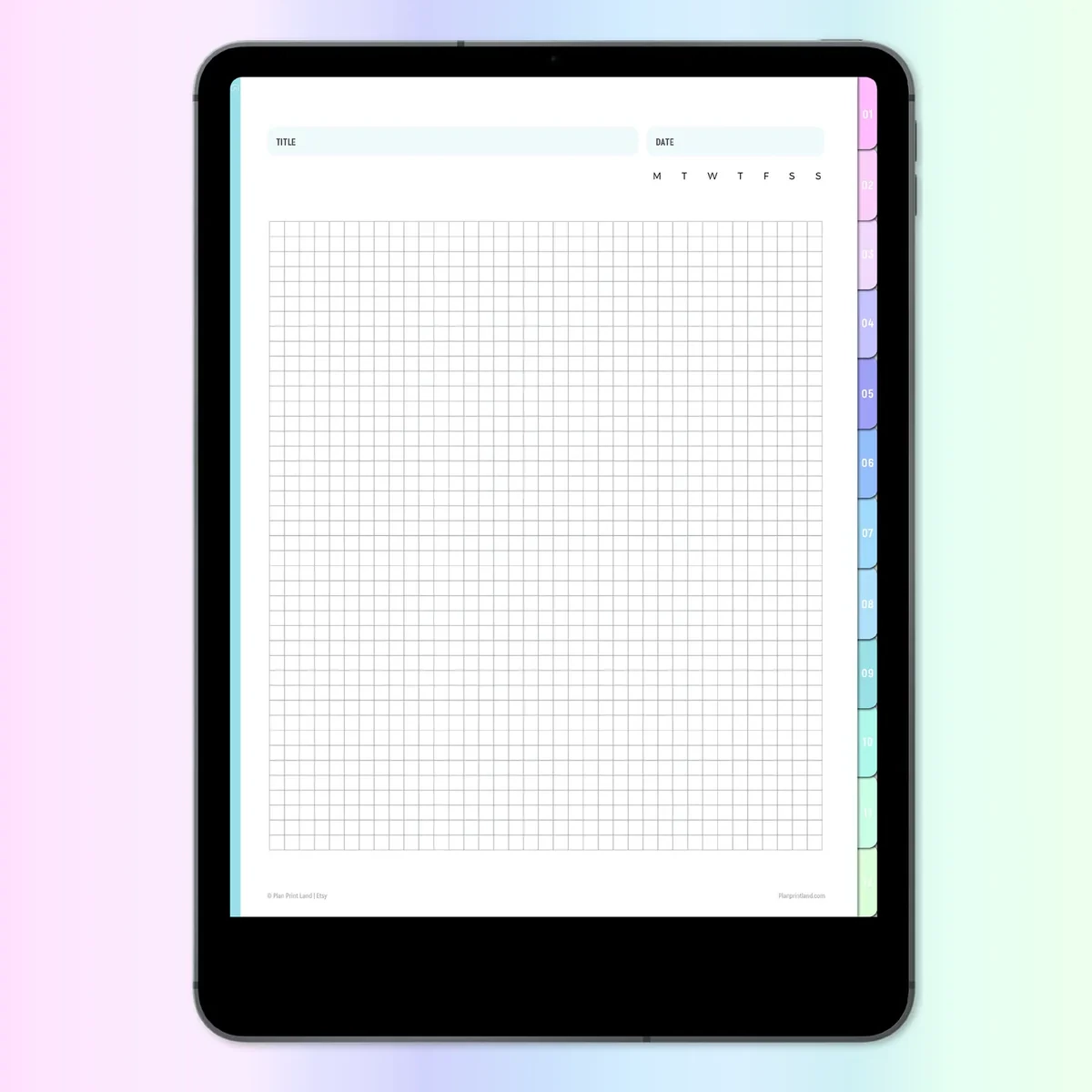
Digital Graph Paper Notebook Hyperlinked PDF For Goodnotes And