Printing issues can be frustrating, especially when they disrupt your workflow. One common problem many users face is the appearance of horizontal lines on printed documents. This issue can affect both the quality and clarity of your prints.
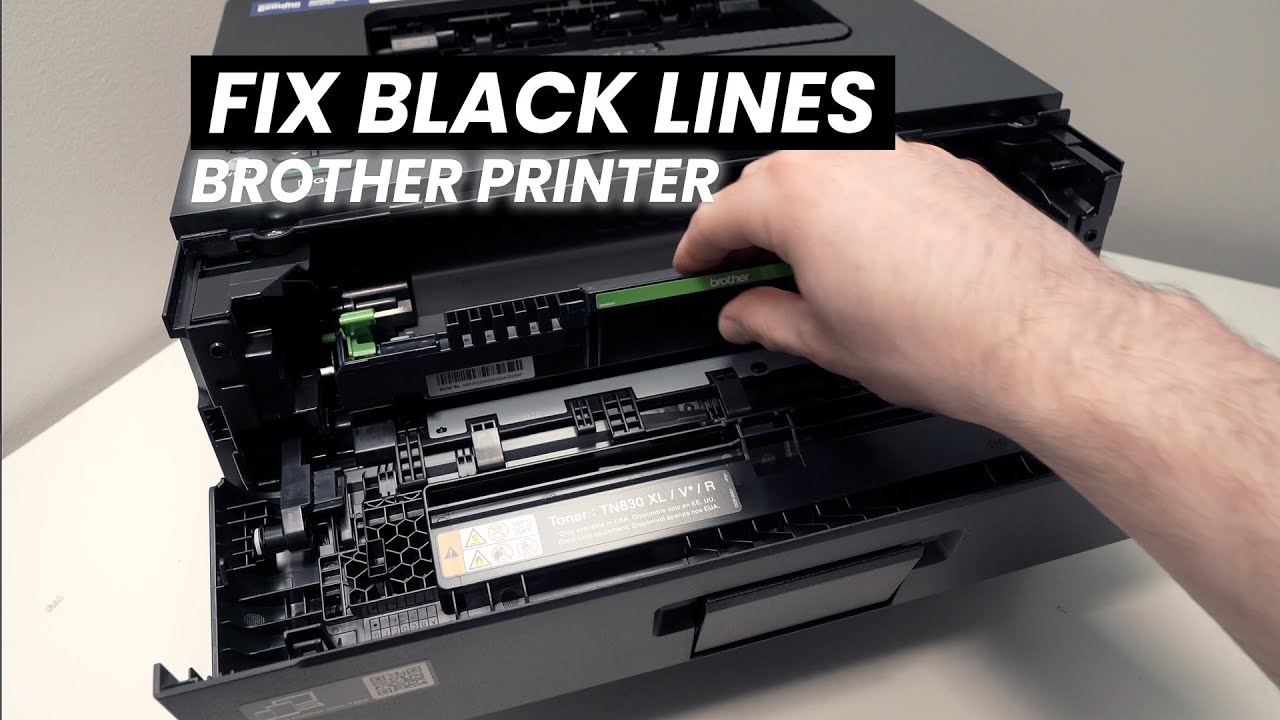
Brother Printer Horizontal Lines On Paper
Brother Printer Horizontal Lines On Paper
When you notice horizontal lines on paper from your Brother printer, it’s often due to clogged print heads. Regular maintenance and cleaning can help prevent this issue and ensure smooth printing.
Another reason for these lines could be low ink levels. Always check your ink cartridges and replace them if they are running low. This simple step can significantly improve print quality.
Additionally, using the wrong paper type may lead to printing problems. Ensure you are using compatible paper that meets your printer’s specifications for optimal results.
If you continue to experience issues after trying these solutions, consider updating your printer drivers. Outdated software can sometimes cause unexpected printing problems, including horizontal lines on your documents.
Addressing the issue of horizontal lines on paper is crucial for maintaining print quality. By following these tips, you can enjoy clearer prints and a smoother printing experience with your Brother printer.
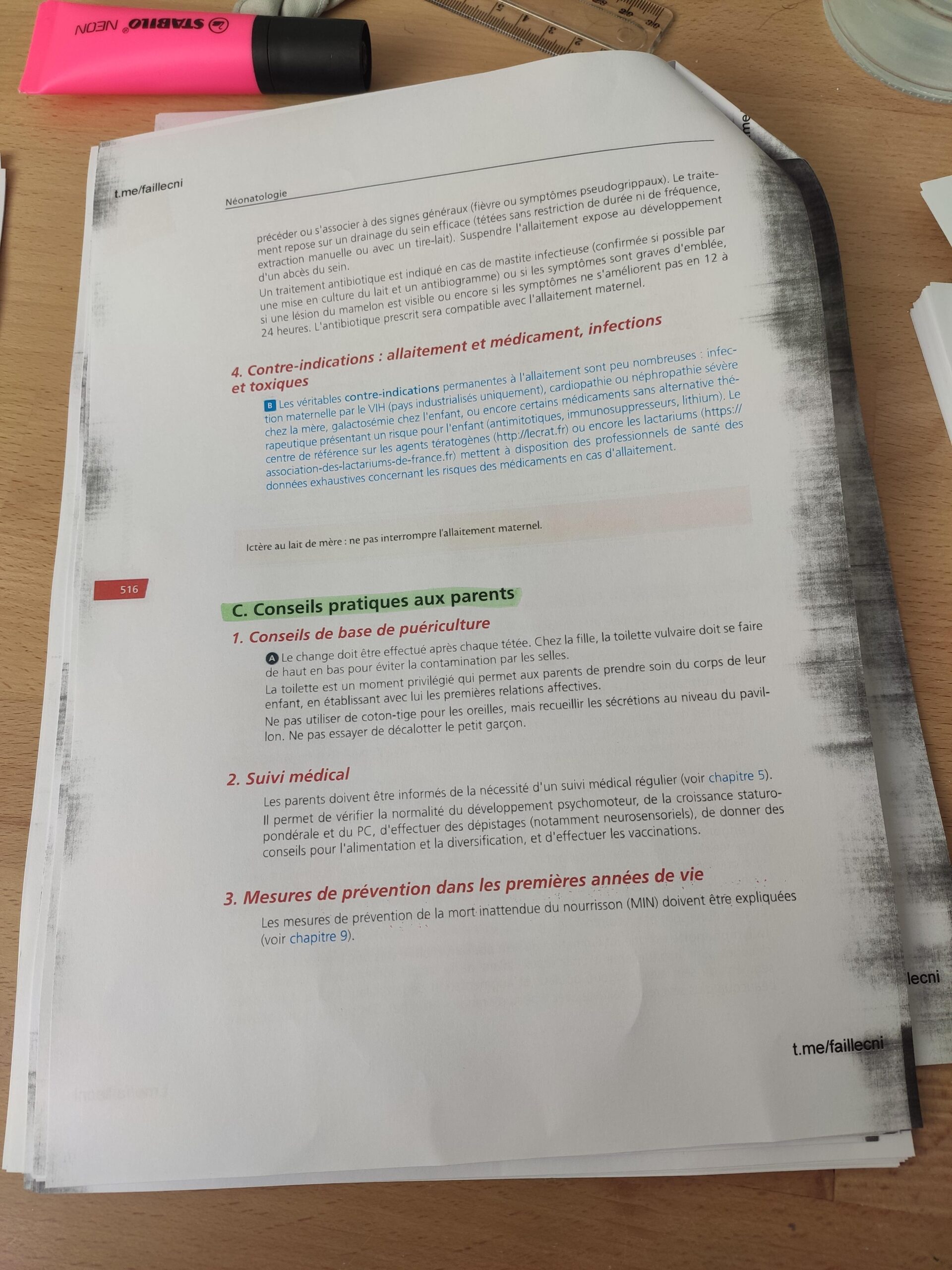
Hi I Have An Issue With My Brother MFC L3750 CDW Printer It
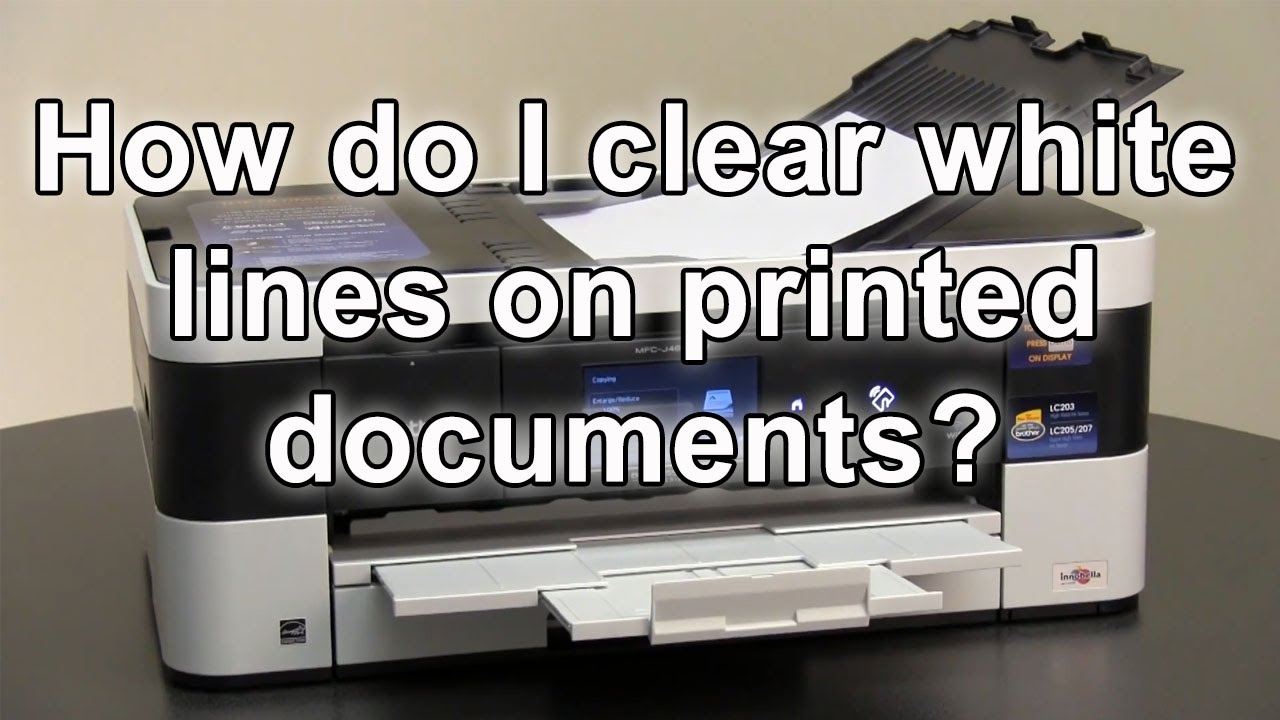
How Do I Clear White Lines On Printed Documents Brother MFCJ4620DW MFCJ5620DW
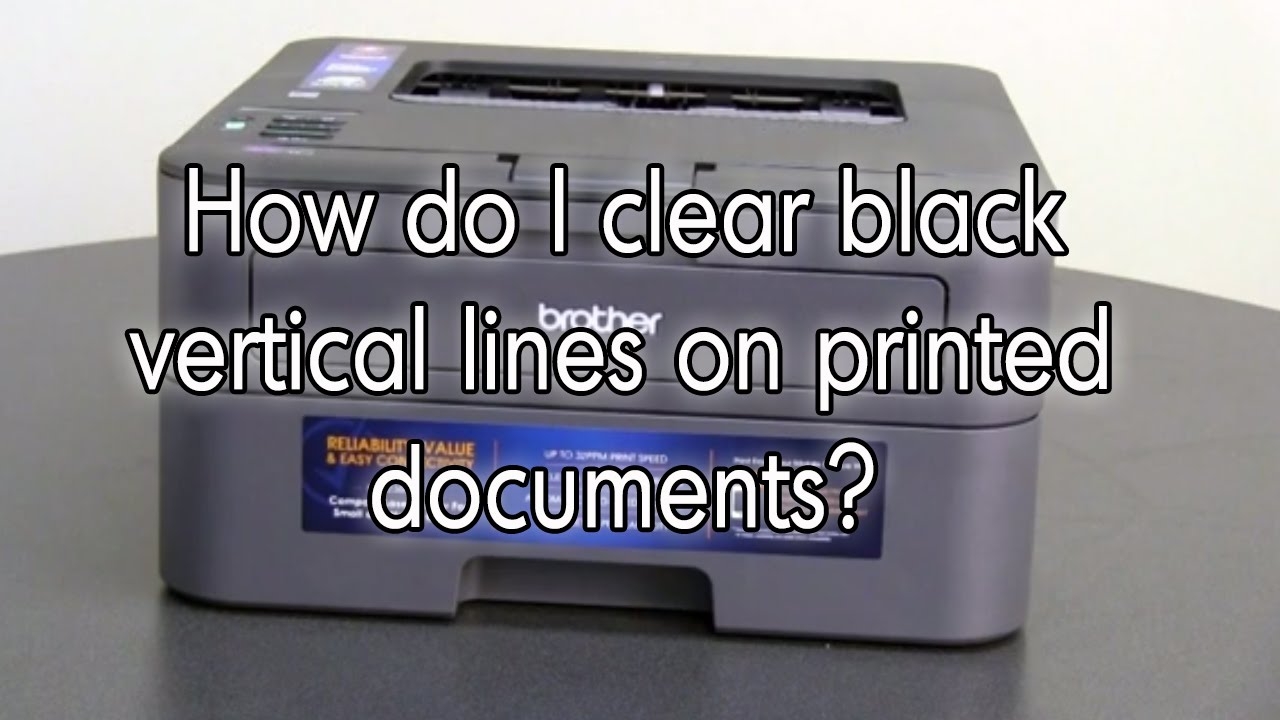
How Do I Clear Black Lines On Printed Documents Brother HLL2360DW
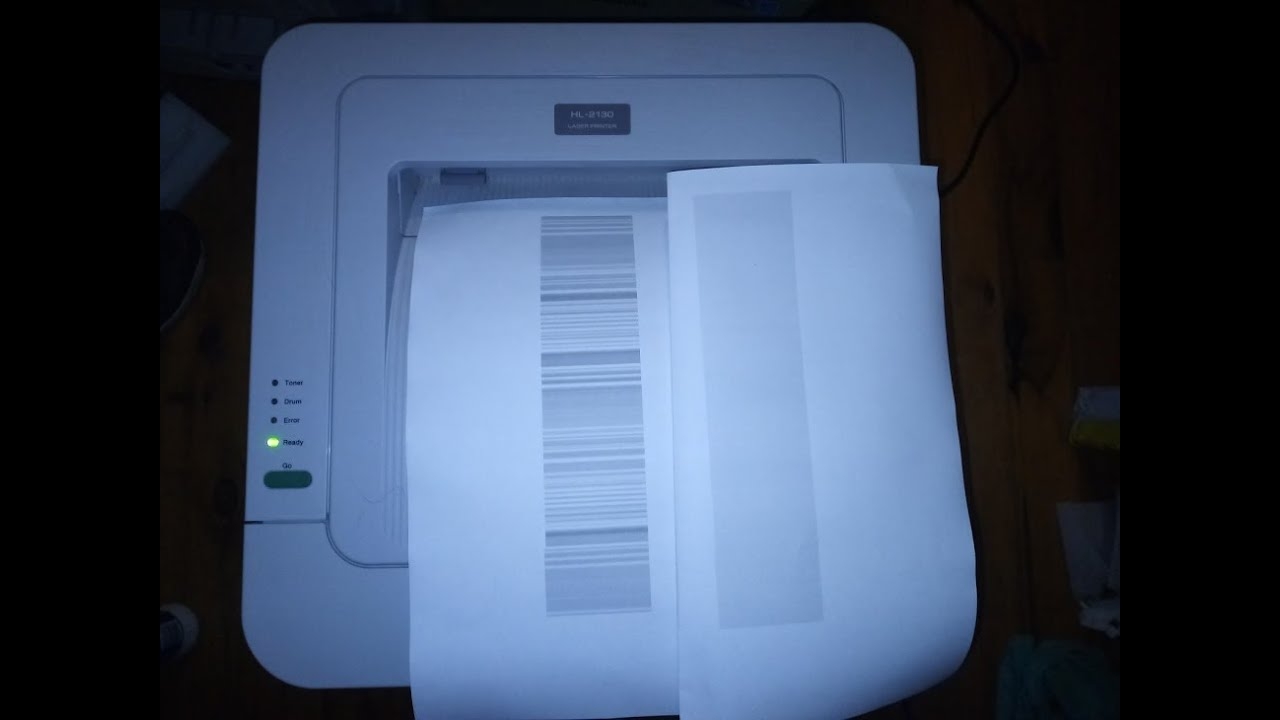
Brother Printer Horizontal White Lines Prints MFC7360n MFC 7860 HL2130 2250 2270 2135w
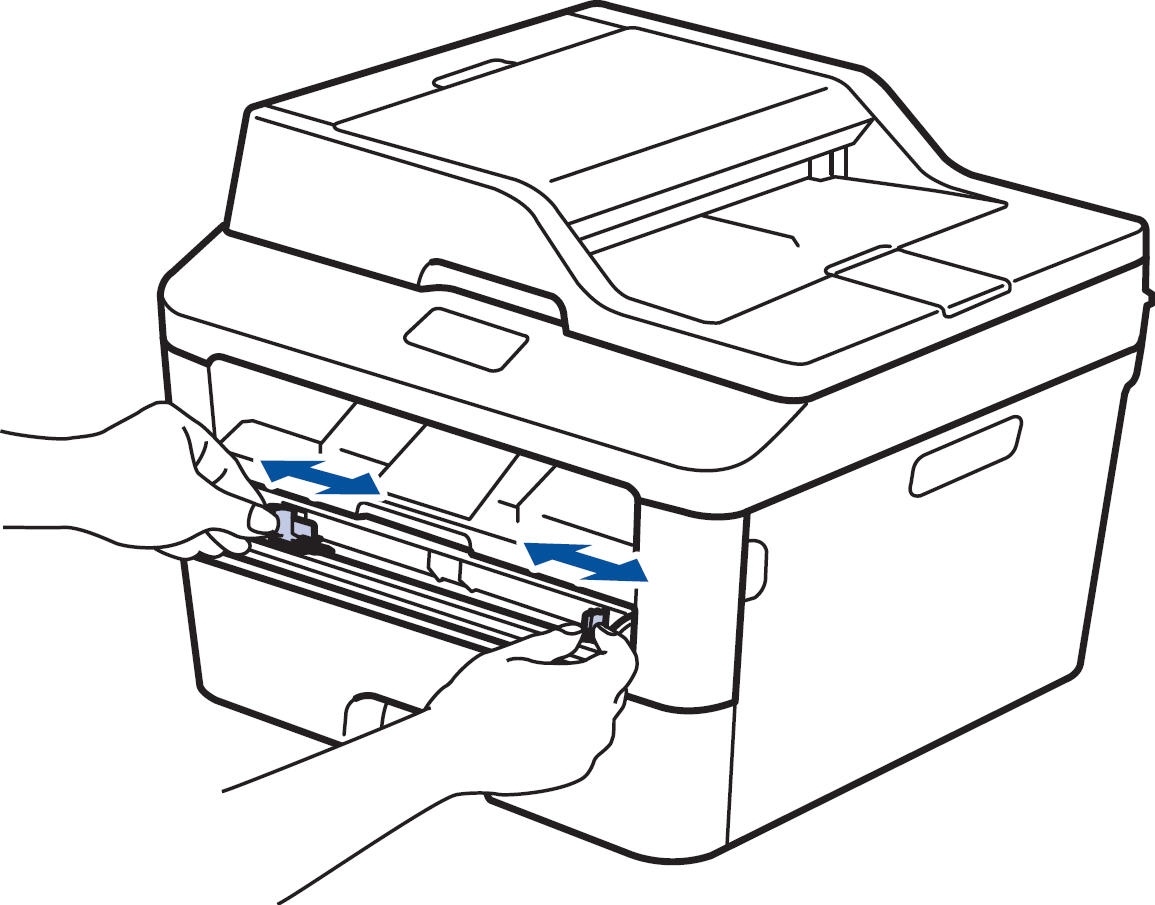
How Do I Clear Black Horizontal Lines Or Streaks From Printed