Graph paper is a versatile tool that can help with various projects, from drawing to crafting. Its grid layout makes it easy to create precise designs and layouts, whether for school or personal use.
Create A Graph Paper
Create A Graph Paper
To create a graph paper template, start by deciding the size of your grid. Common sizes include 1/4 inch or 1/10 inch squares. This choice will depend on the level of detail you need for your project.
Next, choose a software program or app that allows you to draw grids. Many free online tools can help you generate graph paper quickly. Simply input your desired dimensions and print it out for immediate use.
If you prefer a hands-on approach, you can also draw graph paper manually. Use a ruler to create evenly spaced lines on blank paper. This method allows for customization in size and spacing according to your needs.
Creating your own graph paper not only saves money but also gives you the flexibility to design it as per your requirements. Whether digital or hand-drawn, personalized graph paper can make any project more enjoyable.
Incorporating graph paper into your creative process can streamline your work and enhance your designs. With just a few simple steps, you can easily create graph paper tailored to your specific needs.
Free Online Graph Paper Plain
Simple Grid Graph Paper Generator
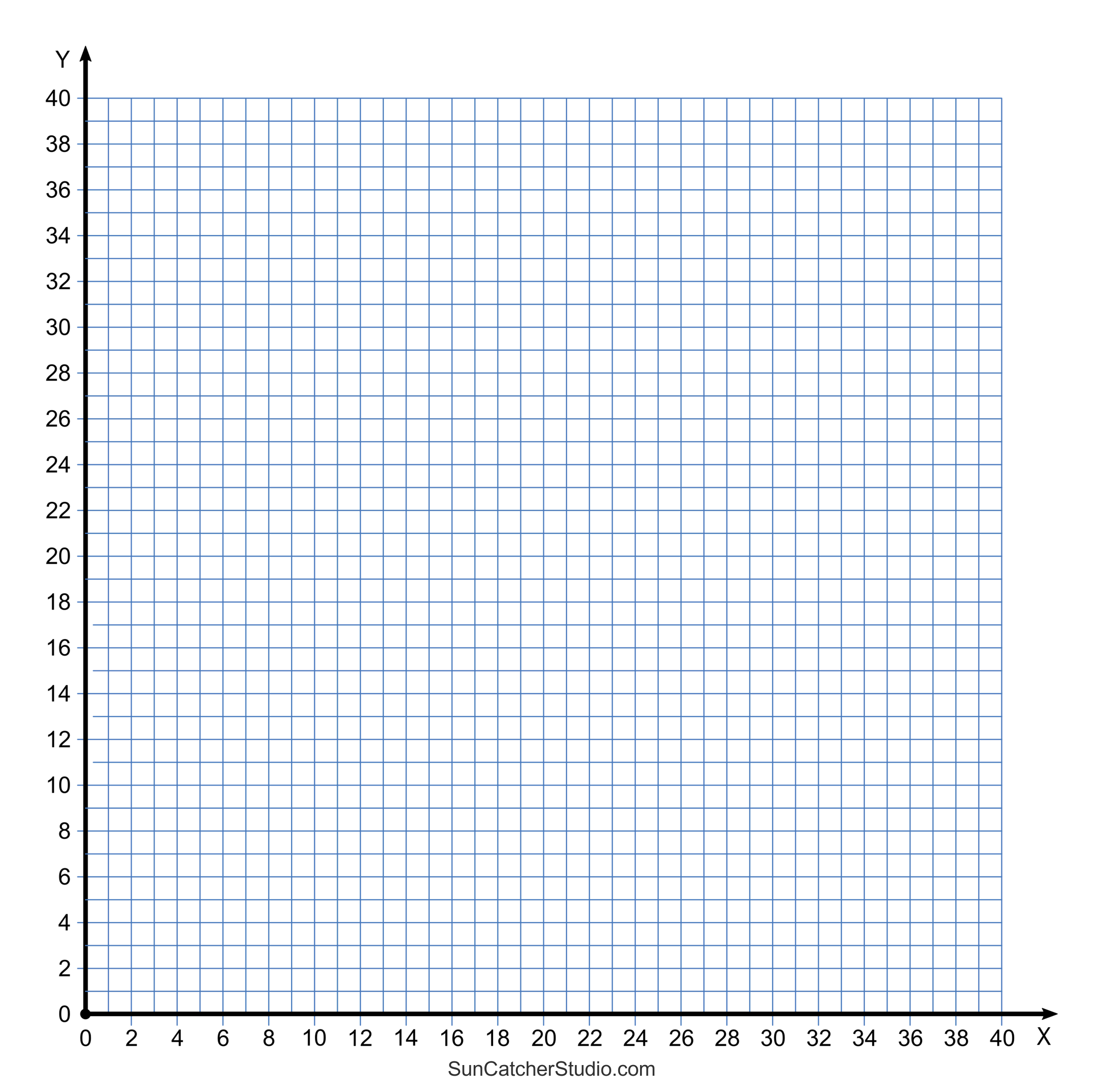
Grid Paper Printable 4 Quadrant Coordinate Graph Paper Templates
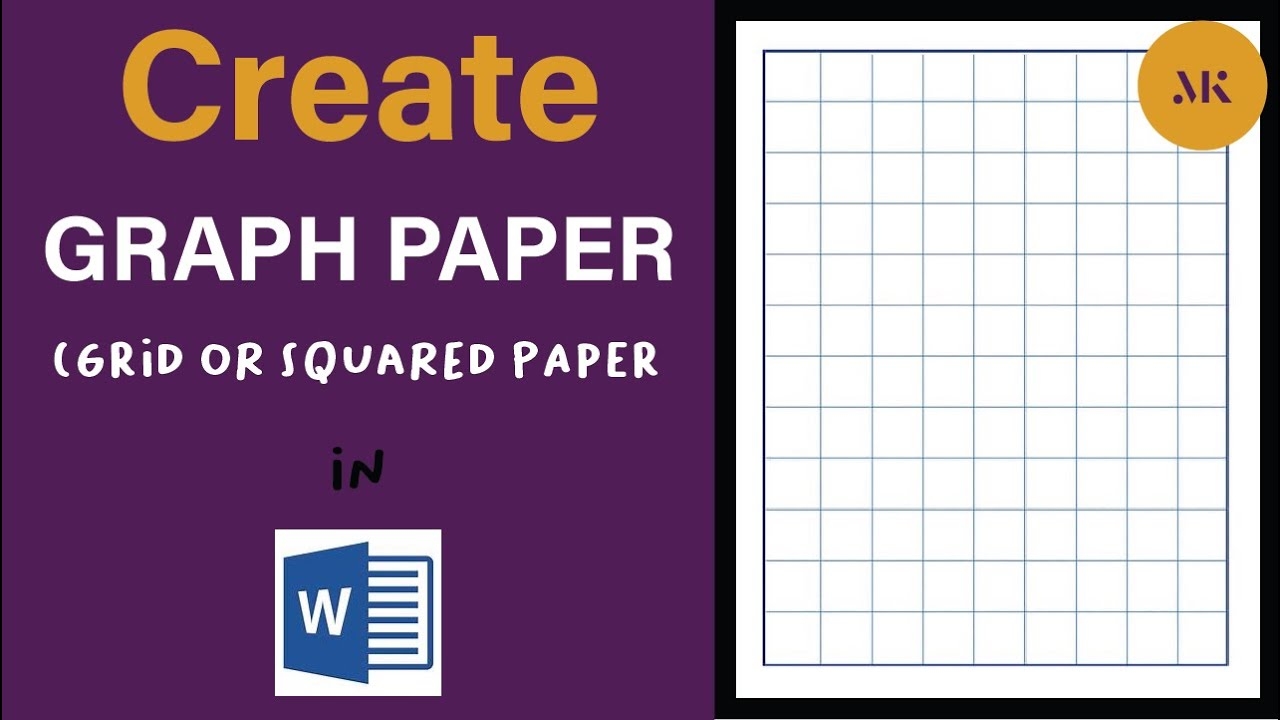
How To Create Grid Pages Create Graph Paper In Word Microsoft Word Tutorial
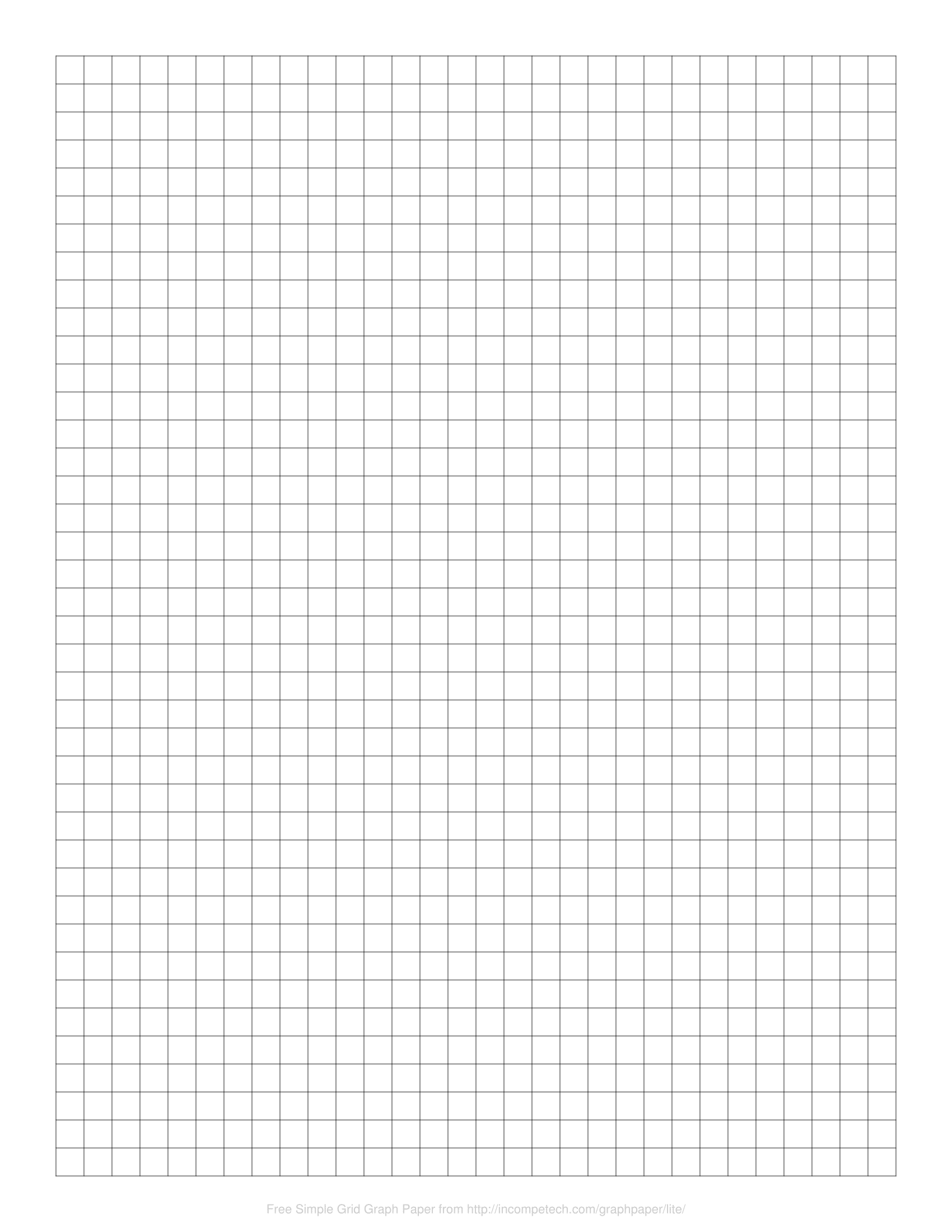
Simple Grid Graph Paper Generator