Creating graphs and charts can be a daunting task, especially when precision is key. Using an Excel graph paper template can simplify this process, making it easier to visualize data effectively. This tool is perfect for students, professionals, and anyone who loves organizing information.
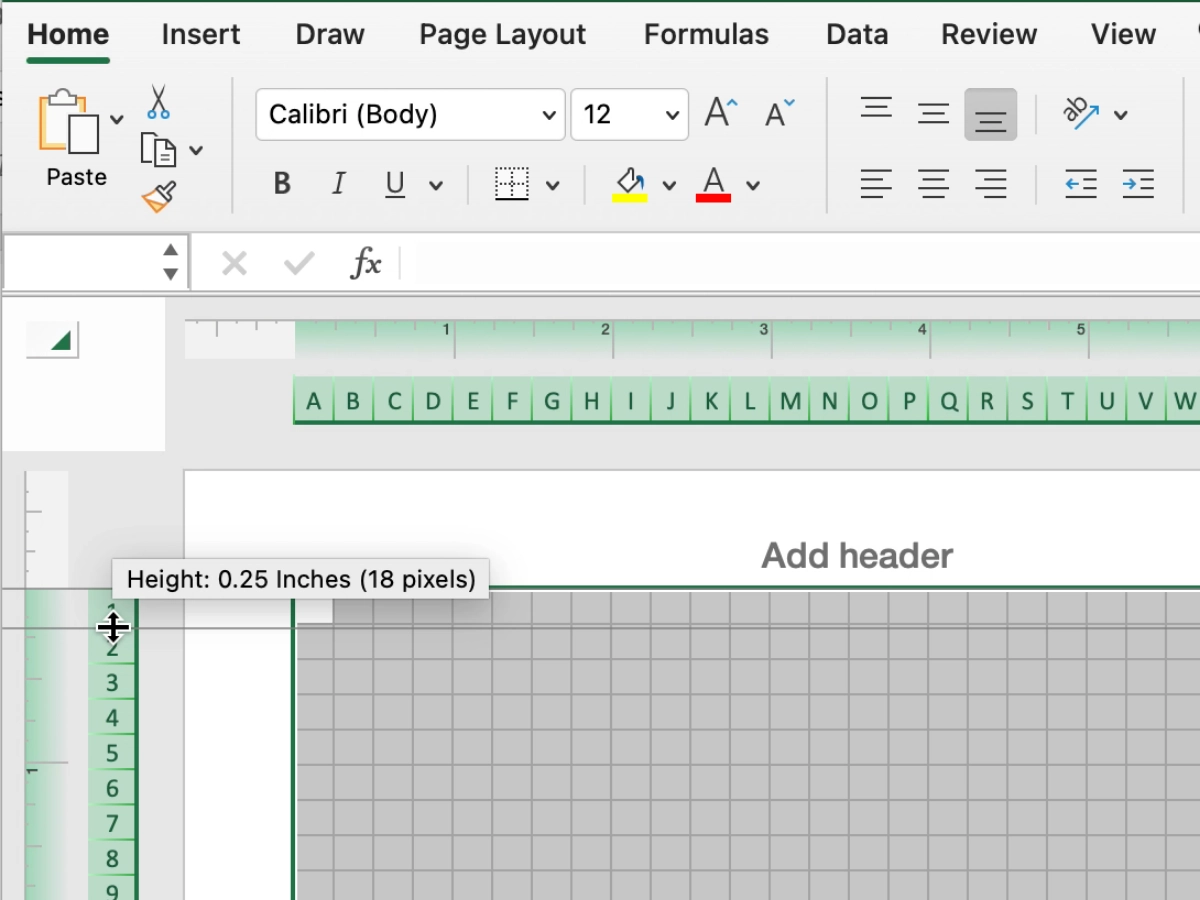
Excel Graph Paper Template
Excel Graph Paper Template
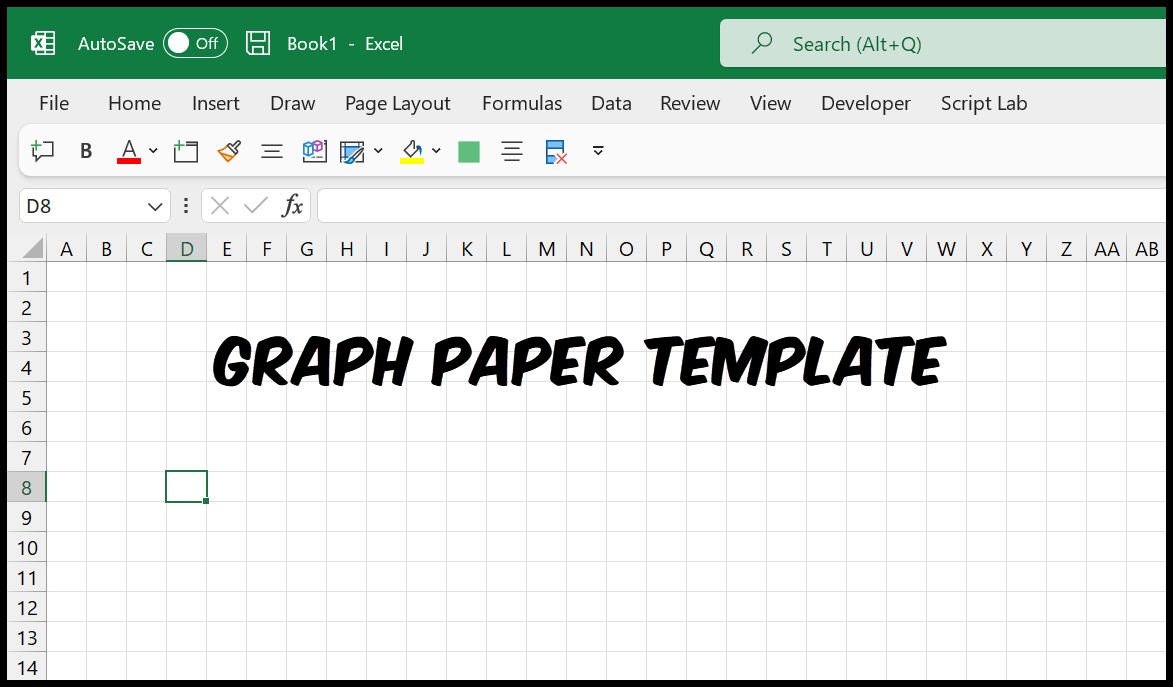
An Excel graph paper template provides a structured grid that helps in plotting points accurately. This grid system allows for easy alignment of data, ensuring that your graphs are both neat and professional. It’s a great way to enhance your presentations.
Many templates are available online for free or at a minimal cost. These templates often come with customizable features, allowing you to adjust the size of the grid or add colors to suit your preferences. This flexibility makes it easier to create visually appealing graphs.
Using an Excel graph paper template also promotes consistency in your work. By adhering to a standard format, you can maintain uniformity across multiple projects. This is particularly beneficial when collaborating with others or presenting findings to stakeholders.
In conclusion, an Excel graph paper template is an invaluable resource for anyone looking to improve their data visualization skills. It streamlines the process and enhances the overall quality of your work, making it a must-have tool.

How To Make Graph Paper In Excel Tutorial
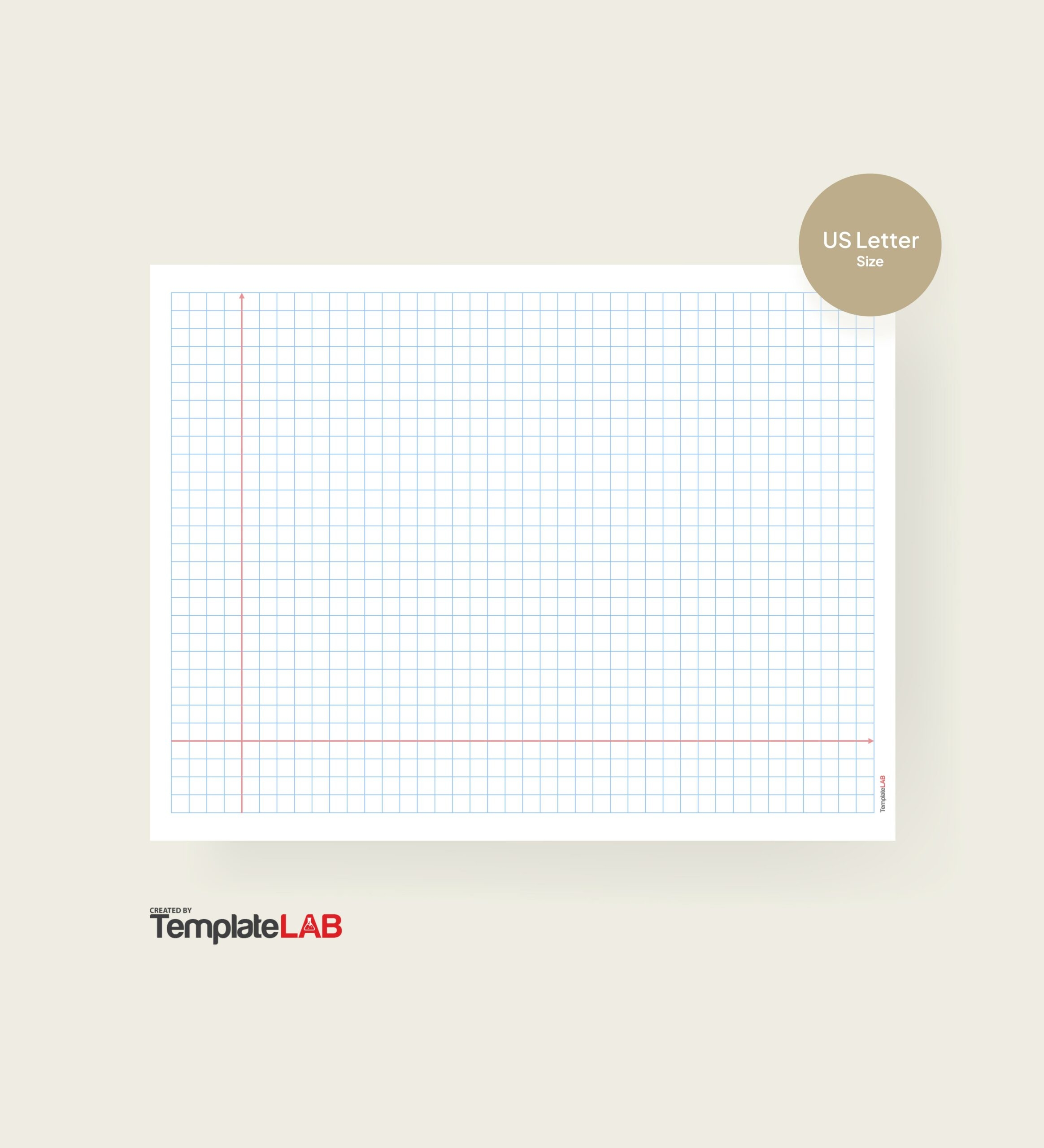
24 Free Printable Graph Paper Templates Word PDF
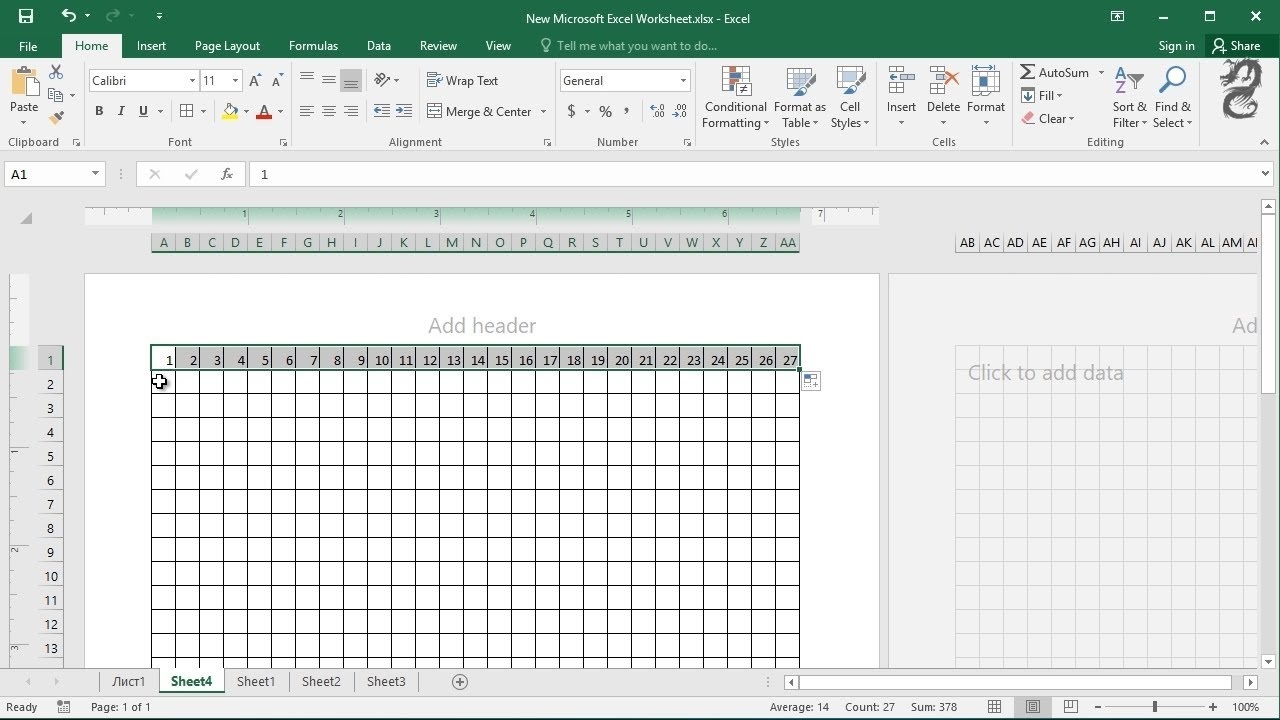
How To Make Graph Paper In Excel
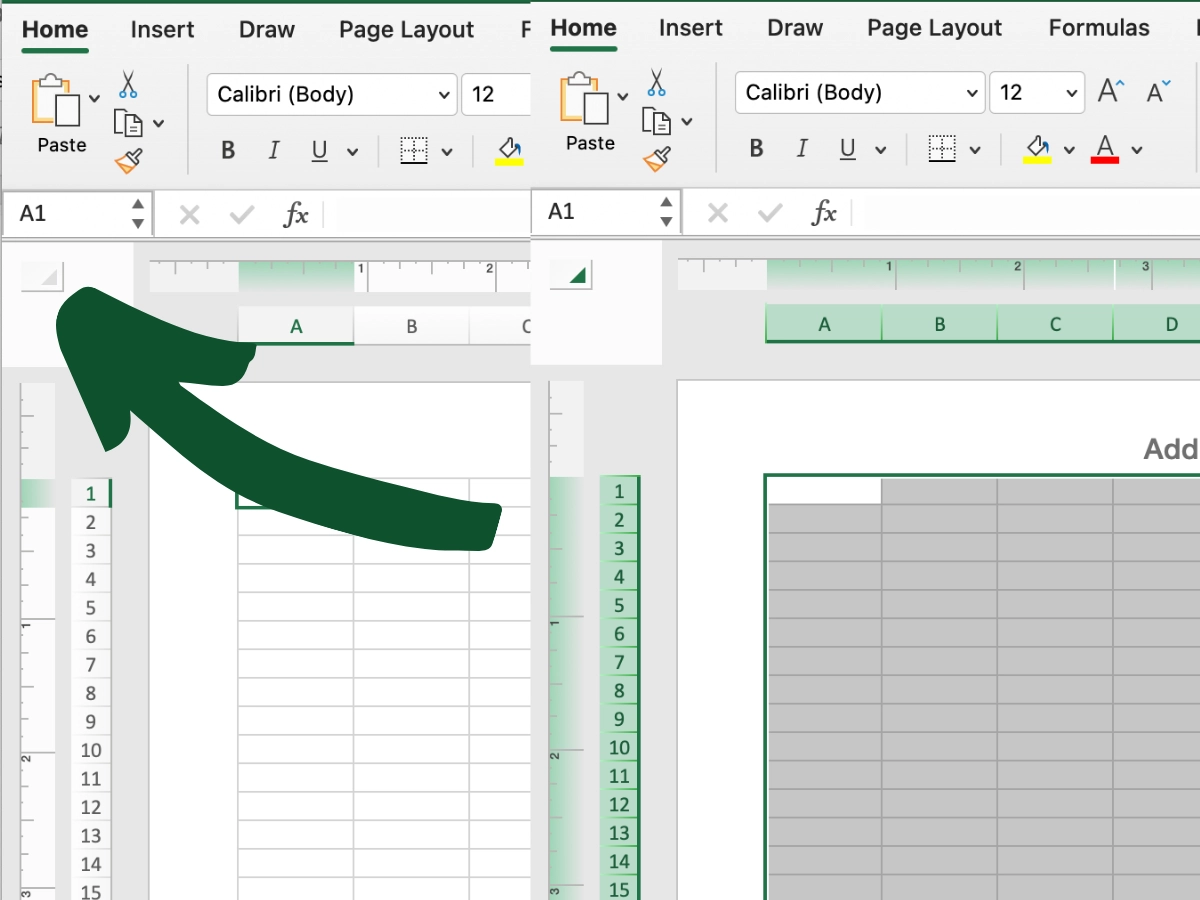
How To Make Graph Paper In Excel Knitting House Square
How To Print A Graph Paper In Excel Square Grid Template