Creating precise designs or layouts can be challenging without the right tools. Excel graph paper offers a simple solution for anyone looking to organize their thoughts visually. It combines the power of Excel with the structure of graph paper.
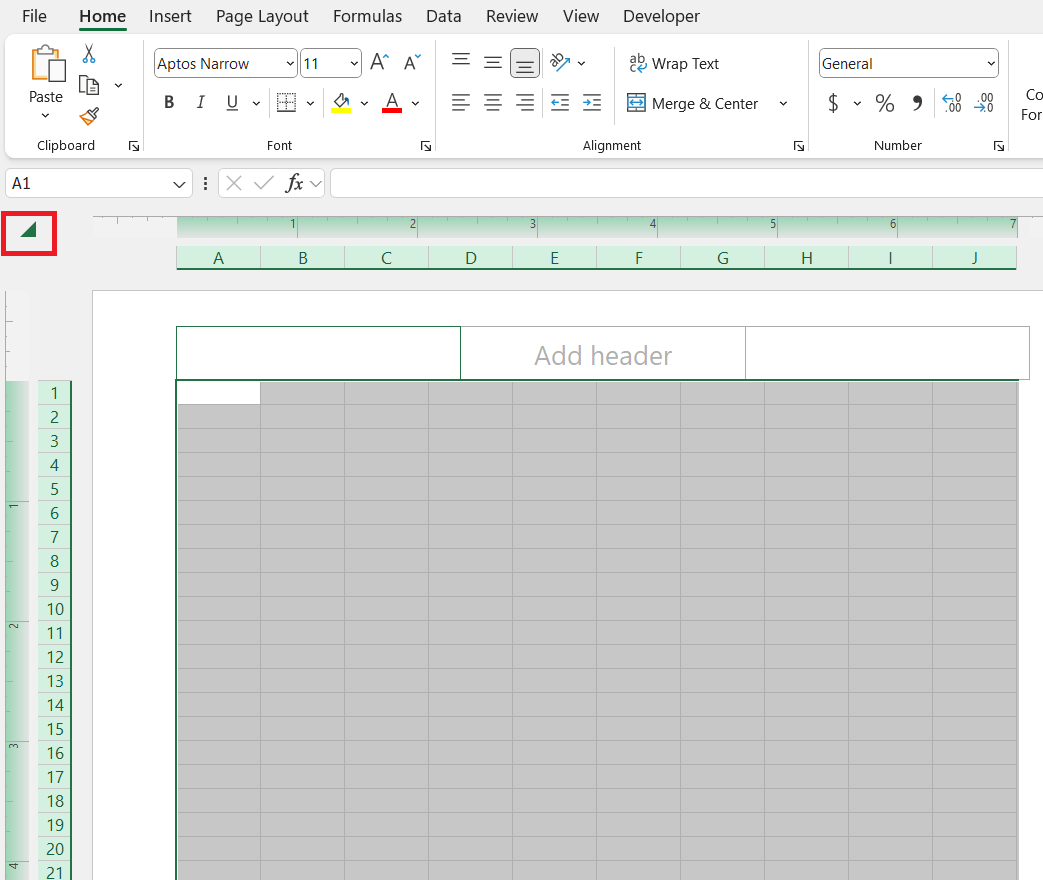
Excel Graph Paper
Excel Graph Paper
Using Excel graph paper is straightforward. You can easily set up a grid by adjusting the cell sizes to create squares. This method provides a customizable experience, allowing you to choose the dimensions that work best for your project.
Another advantage of Excel graph paper is its ability to incorporate formulas and data. You can plot points, create charts, and even analyze data directly on your grid. This feature makes it ideal for both creative and analytical tasks.
Additionally, sharing your Excel graph paper is a breeze. You can save your work in various formats or share it directly with others via email or cloud services. Collaboration becomes seamless, enhancing teamwork on projects.
In conclusion, Excel graph paper is a valuable tool for anyone needing structured layouts or visual aids. Its flexibility and ease of use make it an excellent choice for students, professionals, and creatives alike.
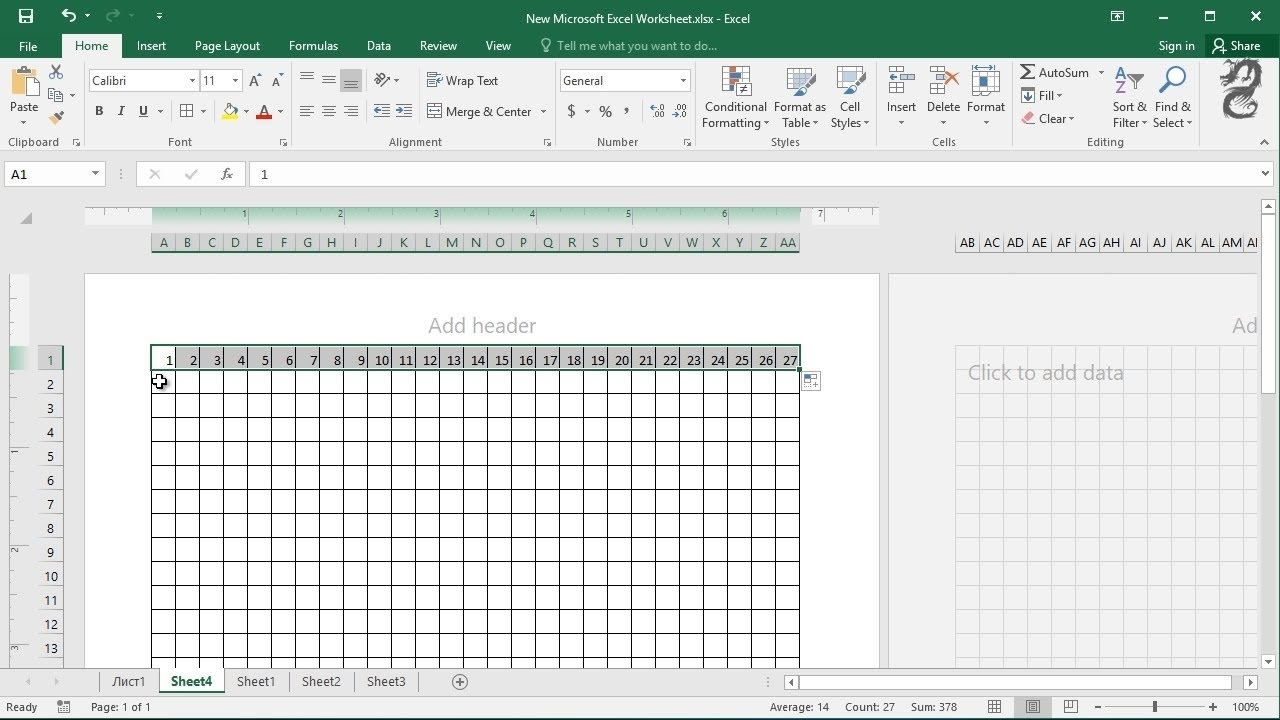
How To Make Graph Paper In Excel
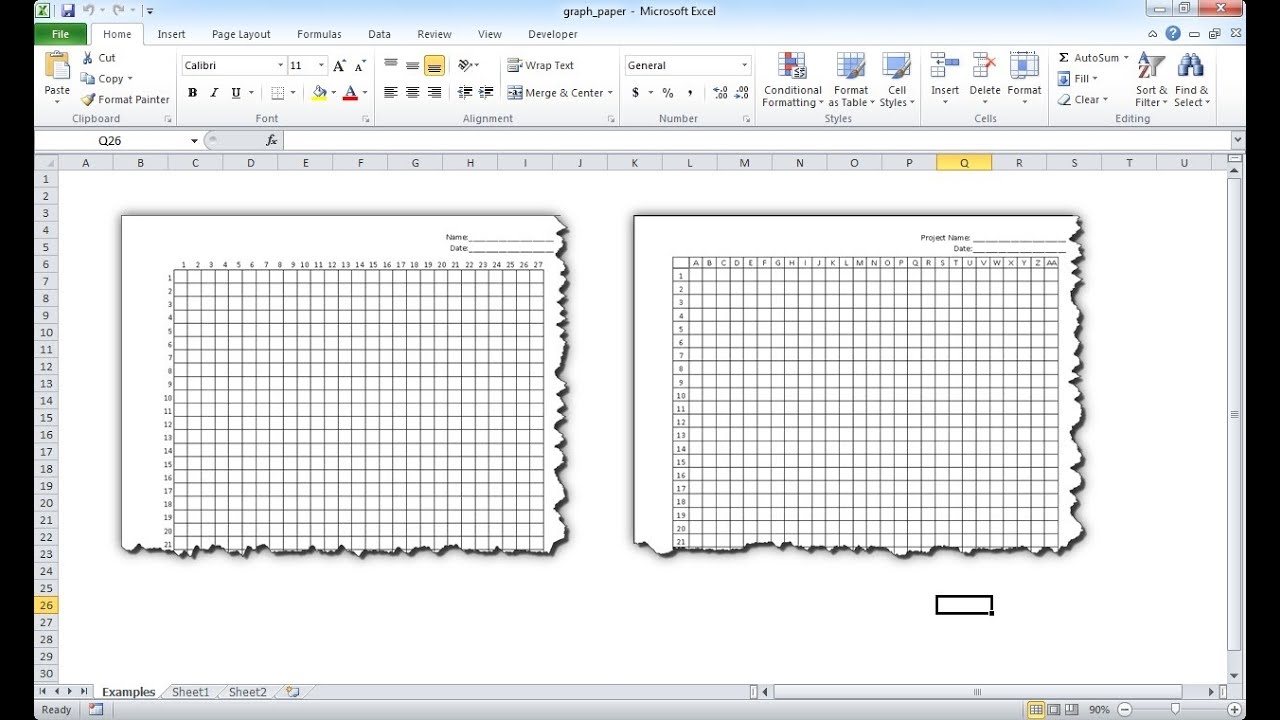
Make Graph Paper In Excel
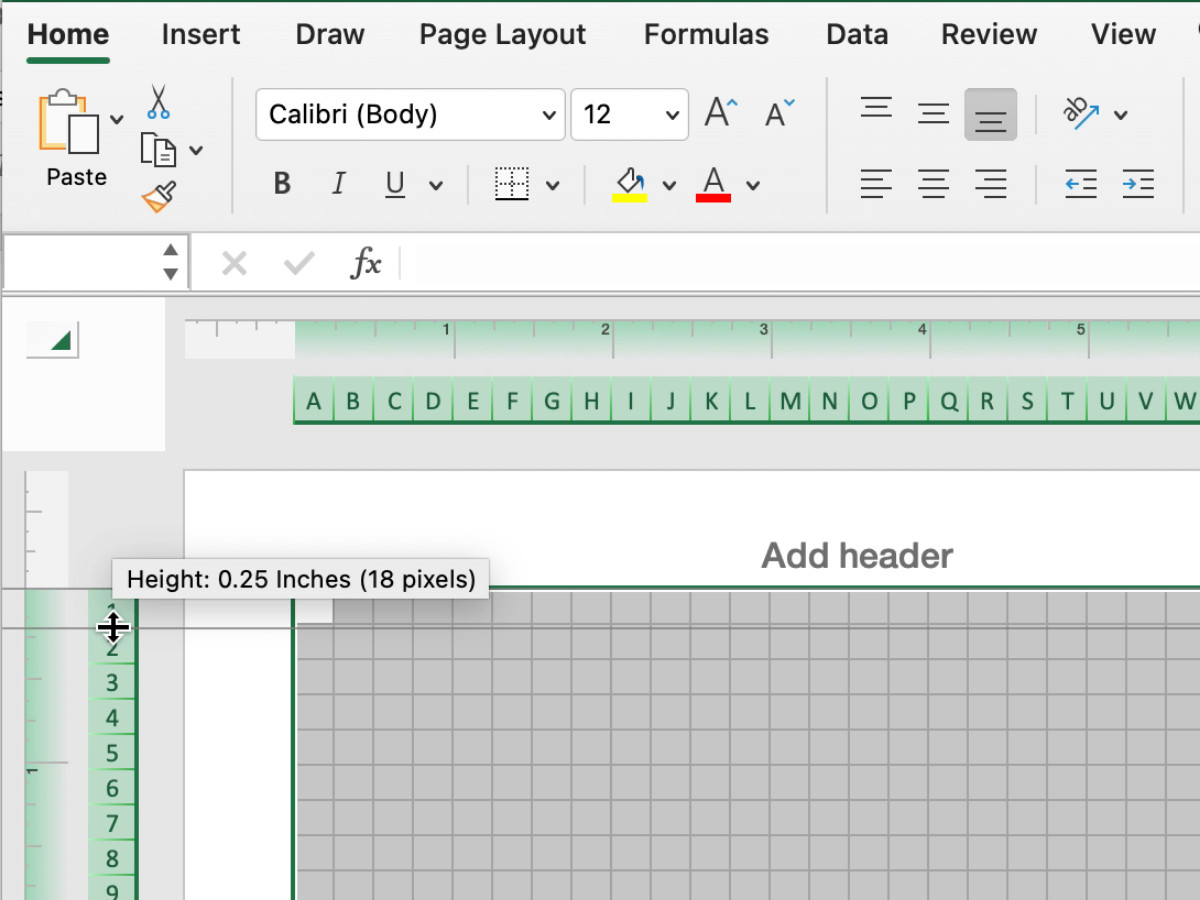
How To Make Graph Paper In Excel Knitting House Square
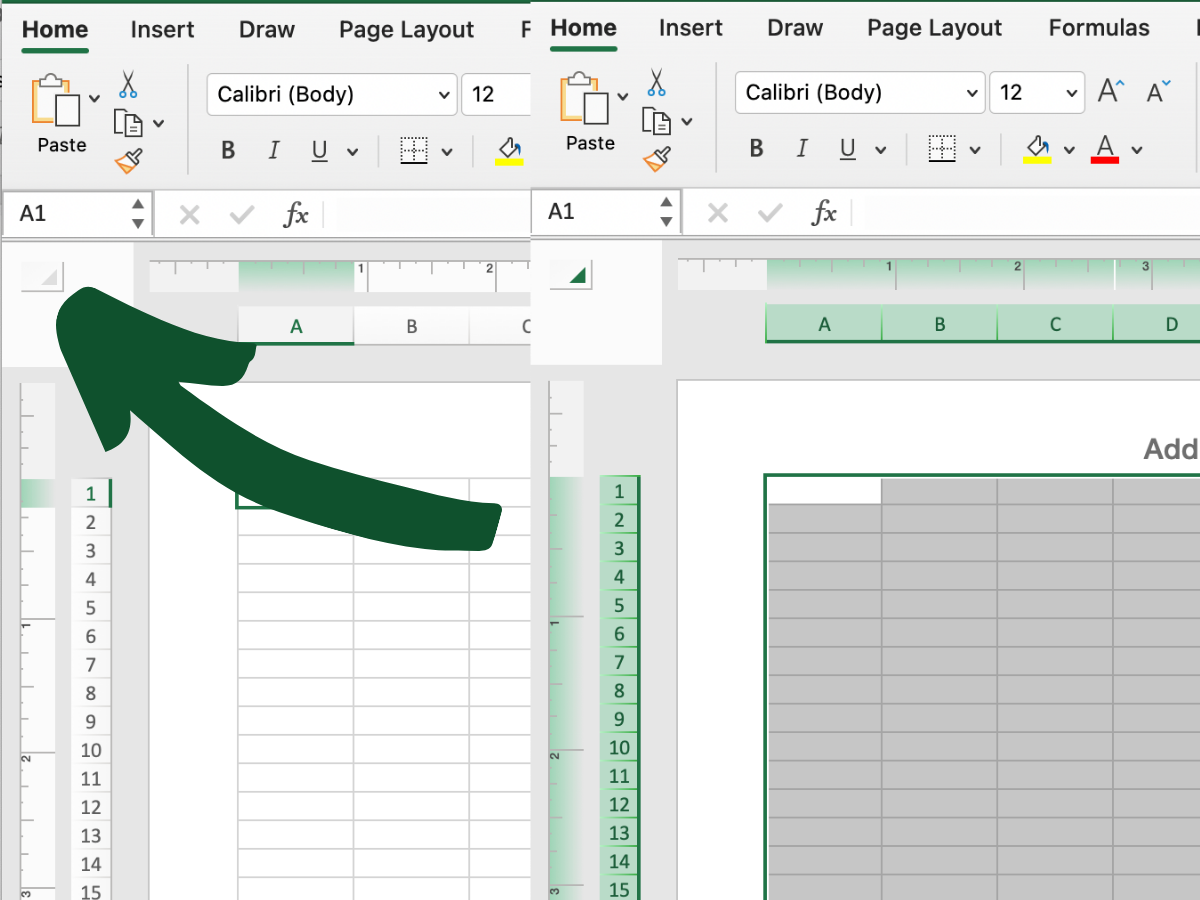
How To Make Graph Paper In Excel Knitting House Square
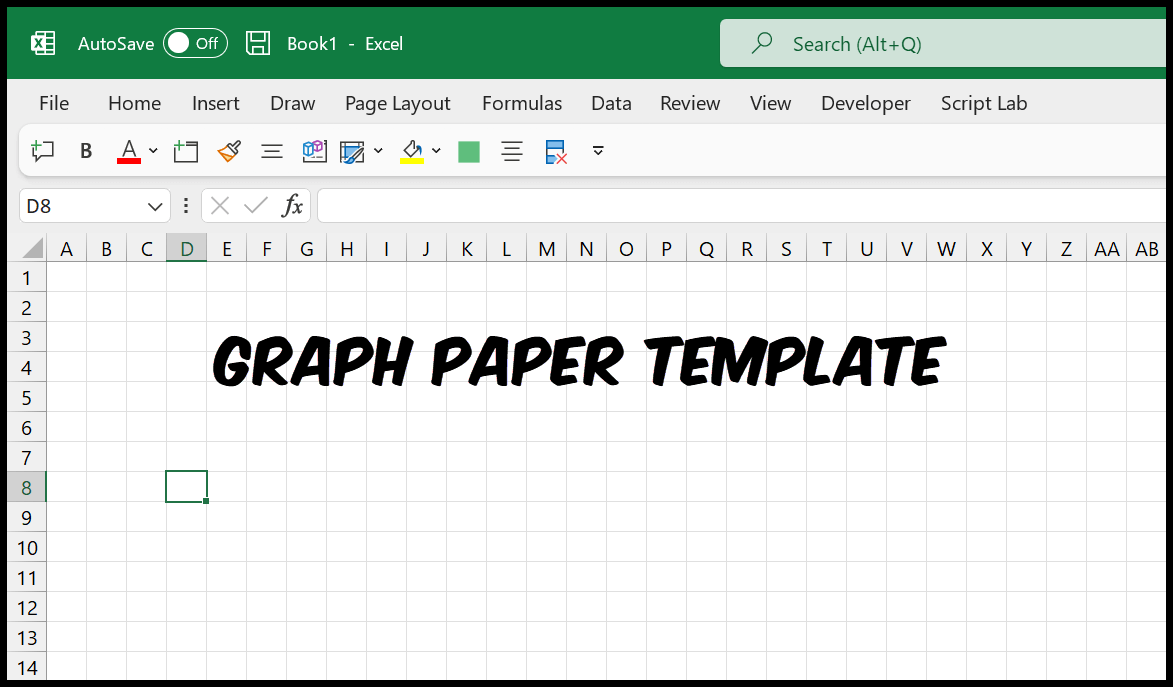
How To Print A Graph Paper In Excel Square Grid Template