Finding the right tools for your projects can make a world of difference. Whether you’re sketching designs or plotting graphs, having a reliable template is essential. Excel offers a fantastic solution with its customizable features.
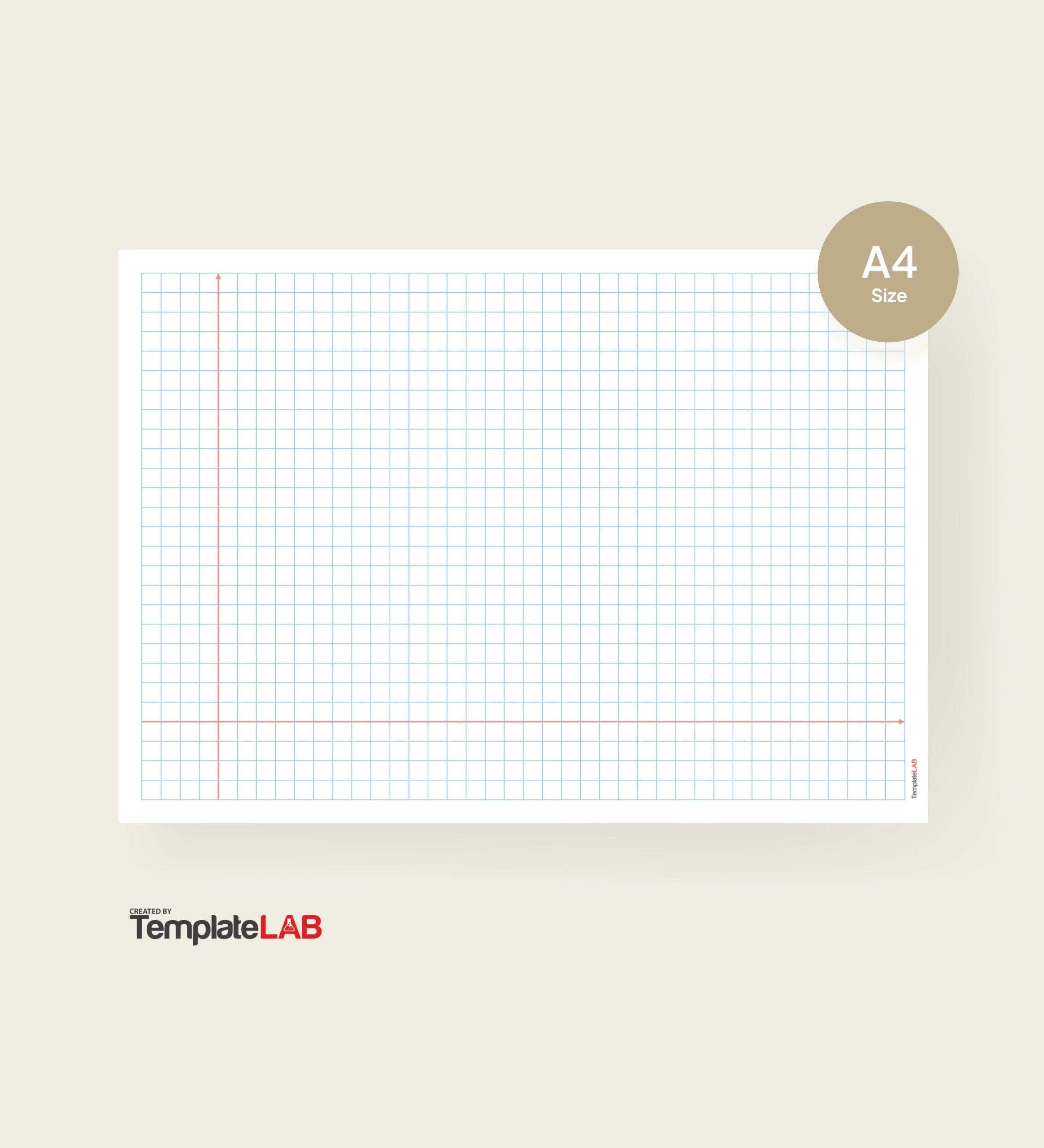
Excel Template Graph Paper
Excel Template Graph Paper
An Excel template graph paper is perfect for students, engineers, and artists alike. You can easily print it out or use it digitally, providing flexibility for various tasks. This adaptability makes it a valuable resource in any toolkit.
One of the best features of an Excel template is its customization options. You can change the color of the grid lines, adjust the spacing, and even add labels or notes directly onto the sheet. This level of personalization enhances your productivity.
Moreover, sharing your Excel graph paper template with colleagues or friends is simple. Just send the file via email or cloud storage, and everyone can benefit from your well-organized layout. Collaboration has never been easier!
In conclusion, using an Excel template graph paper can significantly improve your workflow. Its versatility and ease of use make it an indispensable tool for anyone looking to enhance their projects and creativity.
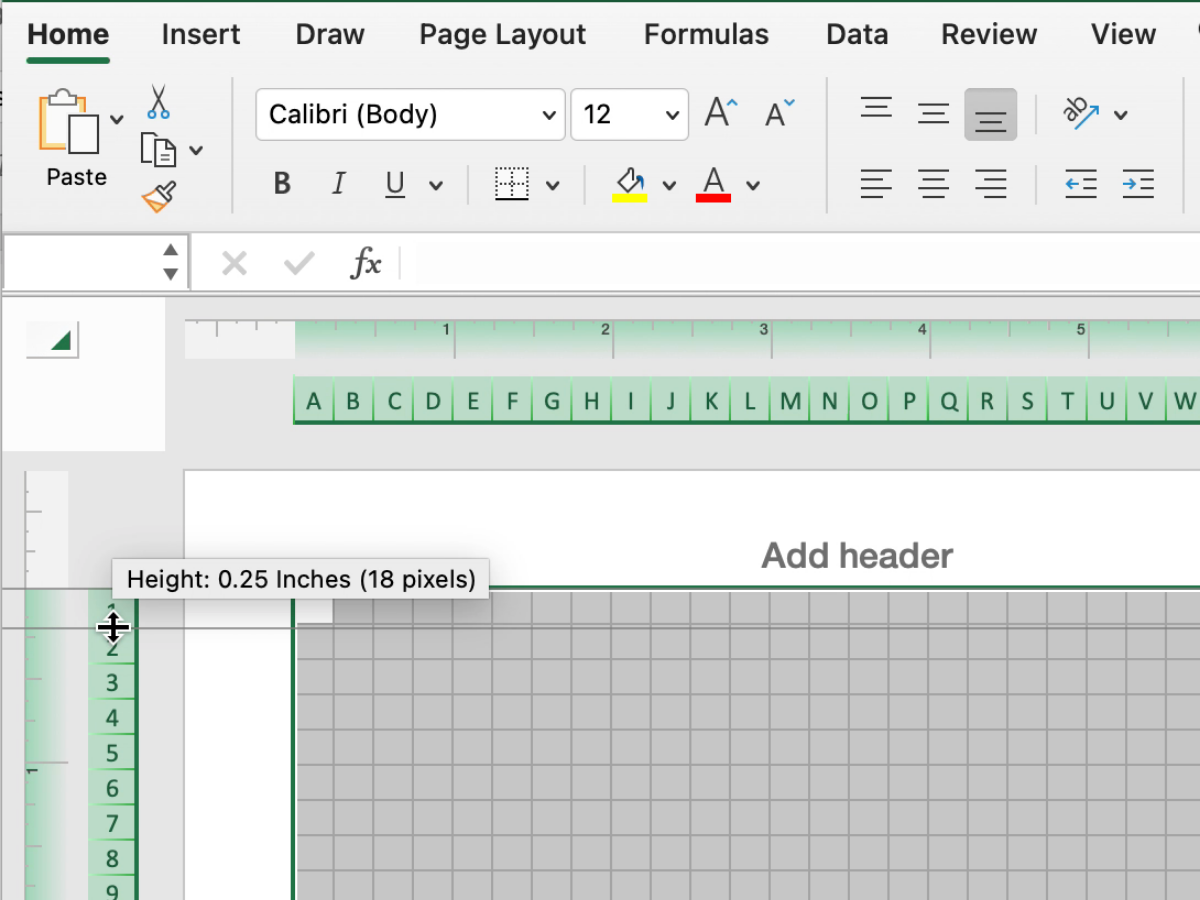
How To Make Graph Paper In Excel Knitting House Square
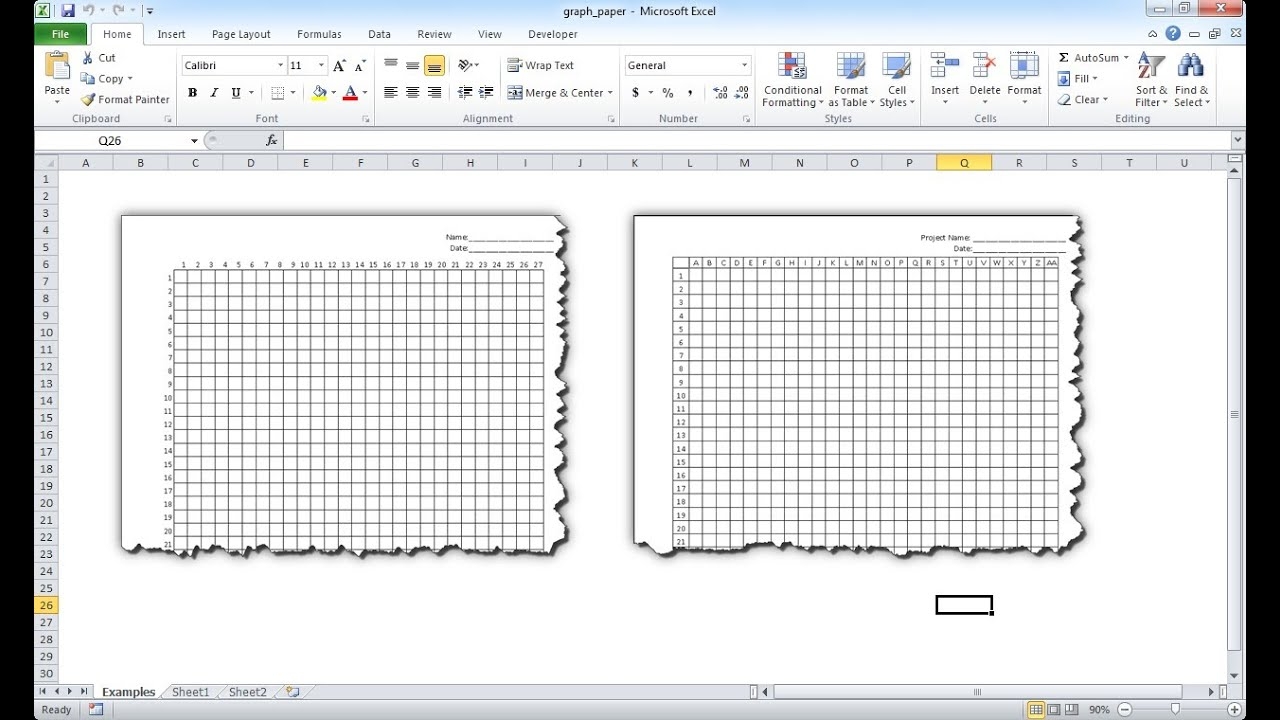
Make Graph Paper In Excel
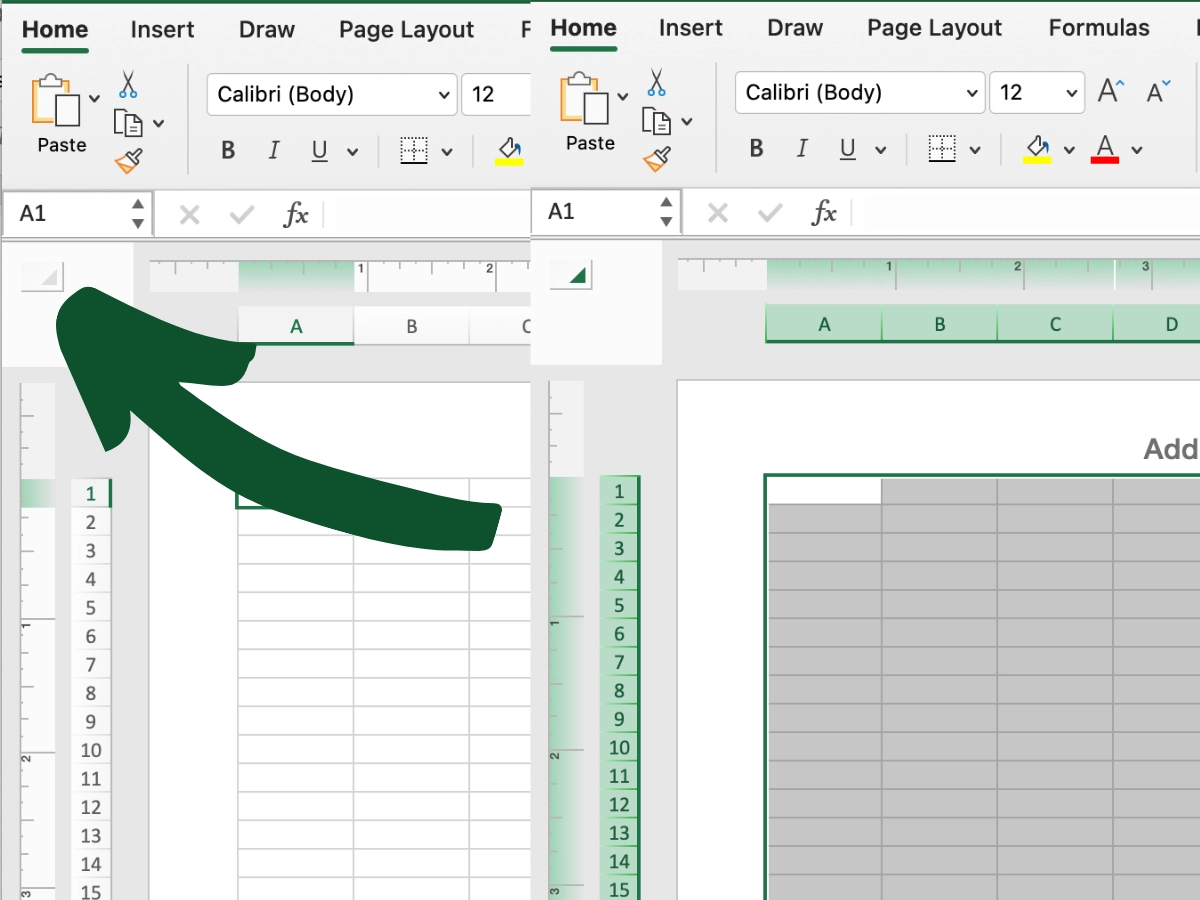
How To Make Graph Paper In Excel Knitting House Square
Graph Paper Templates Office Templates
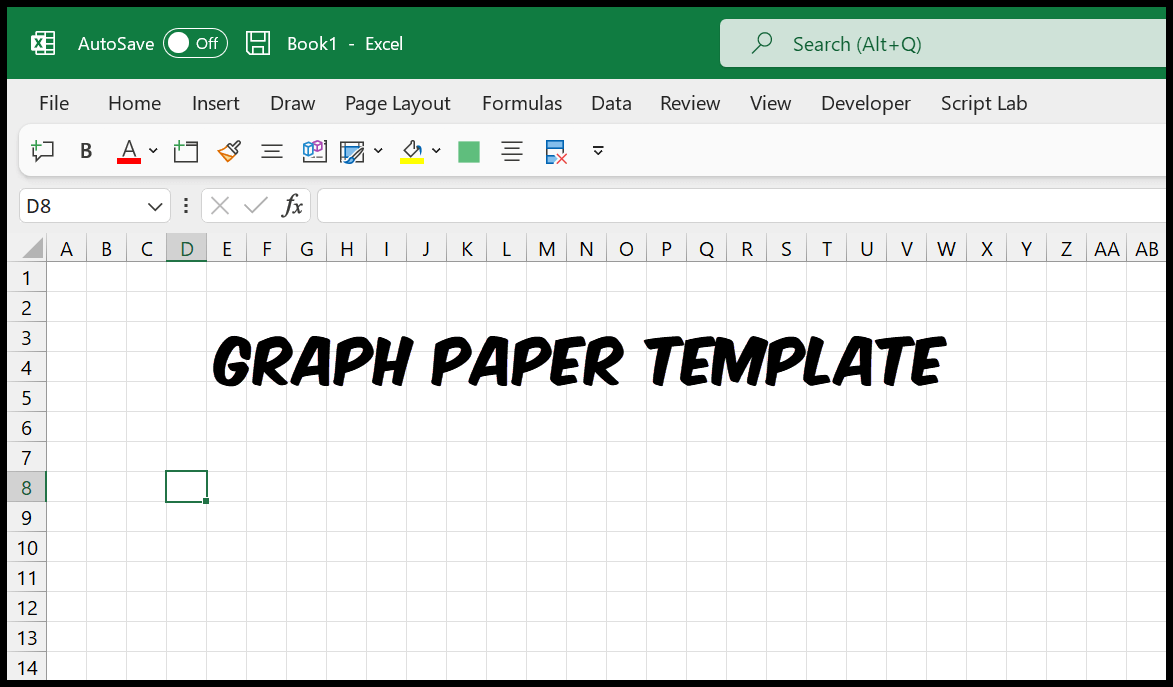
How To Print A Graph Paper In Excel Square Grid Template