Graph paper is a handy tool for students, artists, and professionals alike. It provides a structured way to create designs, graphs, and diagrams with precision. Using graph paper can simplify complex tasks and enhance creativity.
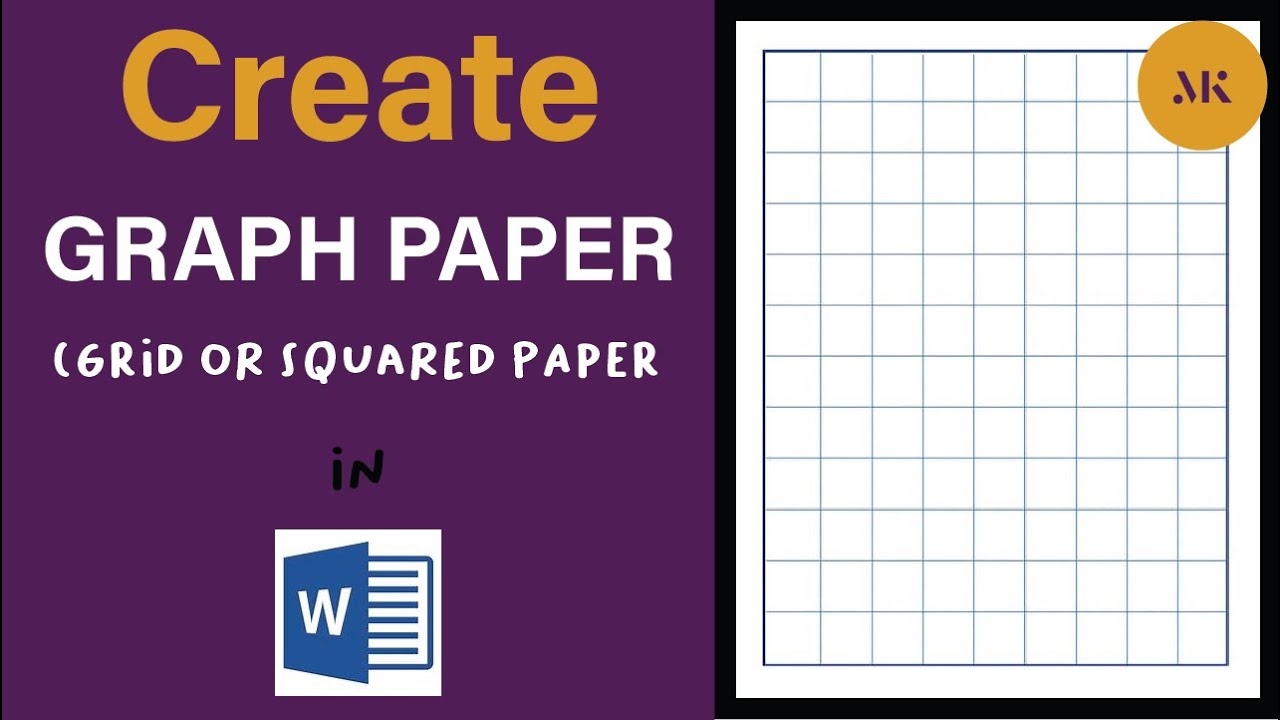
Graph Paper In Word
Graph Paper In Word
To create graph paper in Word, start by opening a new document. Go to the “Insert” tab and select “Table.” Choose the number of rows and columns that fit your needs. This will form the grid structure of your graph paper.
Next, adjust the table’s dimensions. Right-click on the table, select “Table Properties,” and set the row height and column width to equal measurements. This ensures that each square on your graph paper is uniform.
For added convenience, you can customize the grid lines. Highlight the table, go to “Design,” and choose “Borders.” Select the style and color that you prefer for your graph paper design.
Finally, save your document. You now have personalized graph paper ready for use! Whether for school projects or personal artwork, this method makes it easy to create exactly what you need.
Creating graph paper in Word is simple and effective. With just a few clicks, you can have a tailored tool that meets your specific requirements for any project or task.
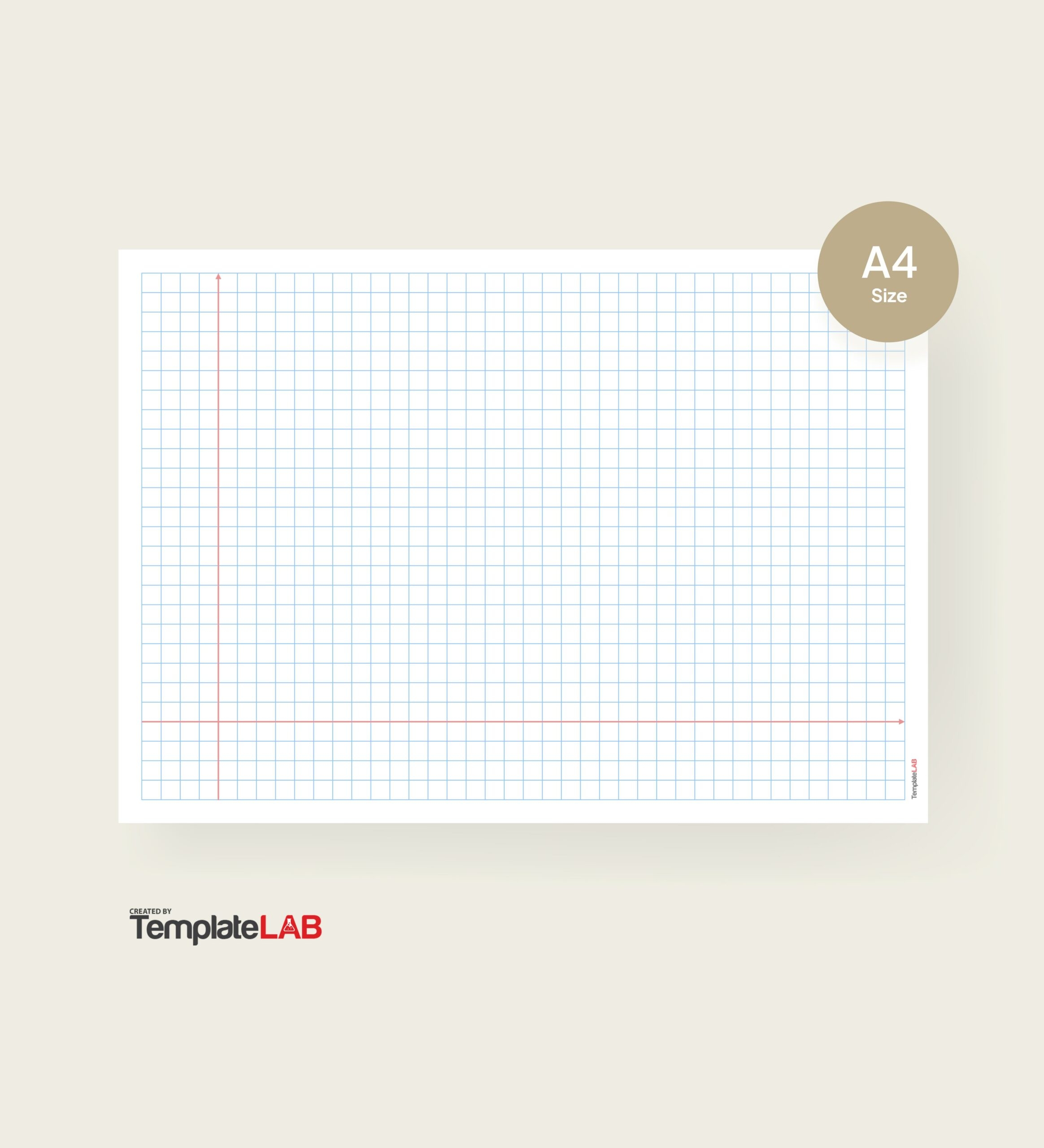
24 Free Printable Graph Paper Templates Word PDF
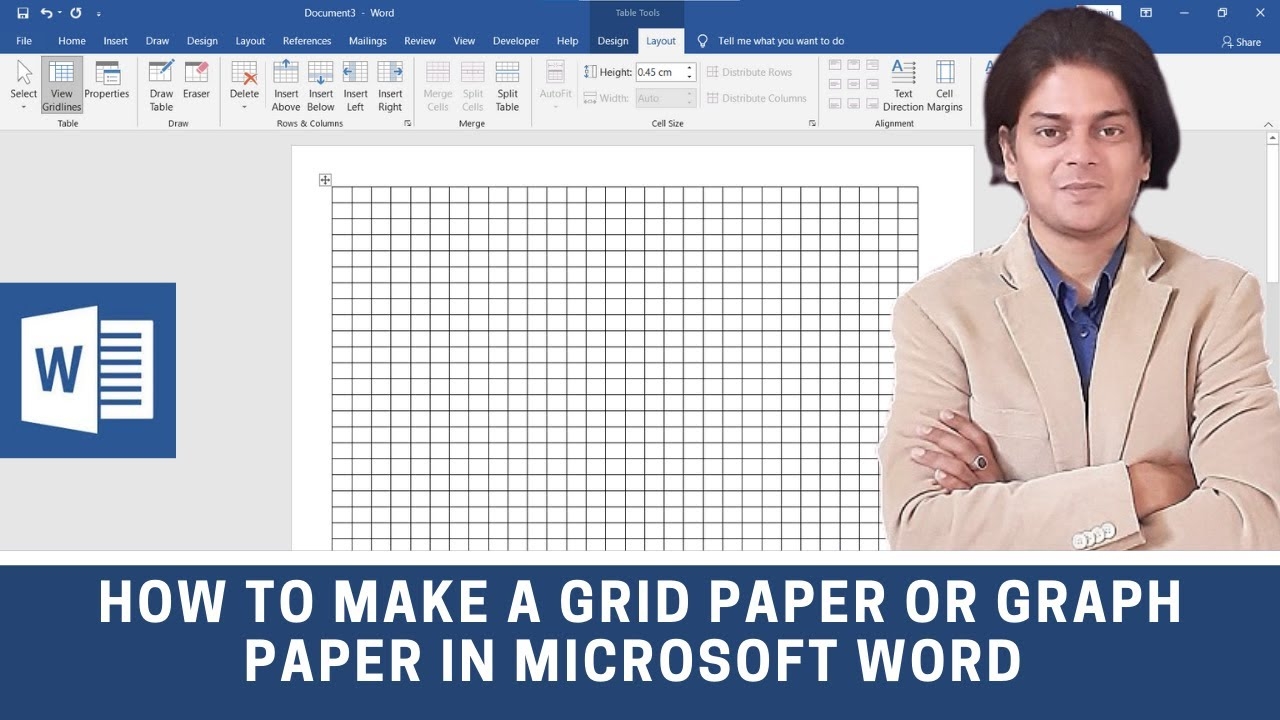
How To Make A Grid Paper Or Graph Paper In Microsoft Word
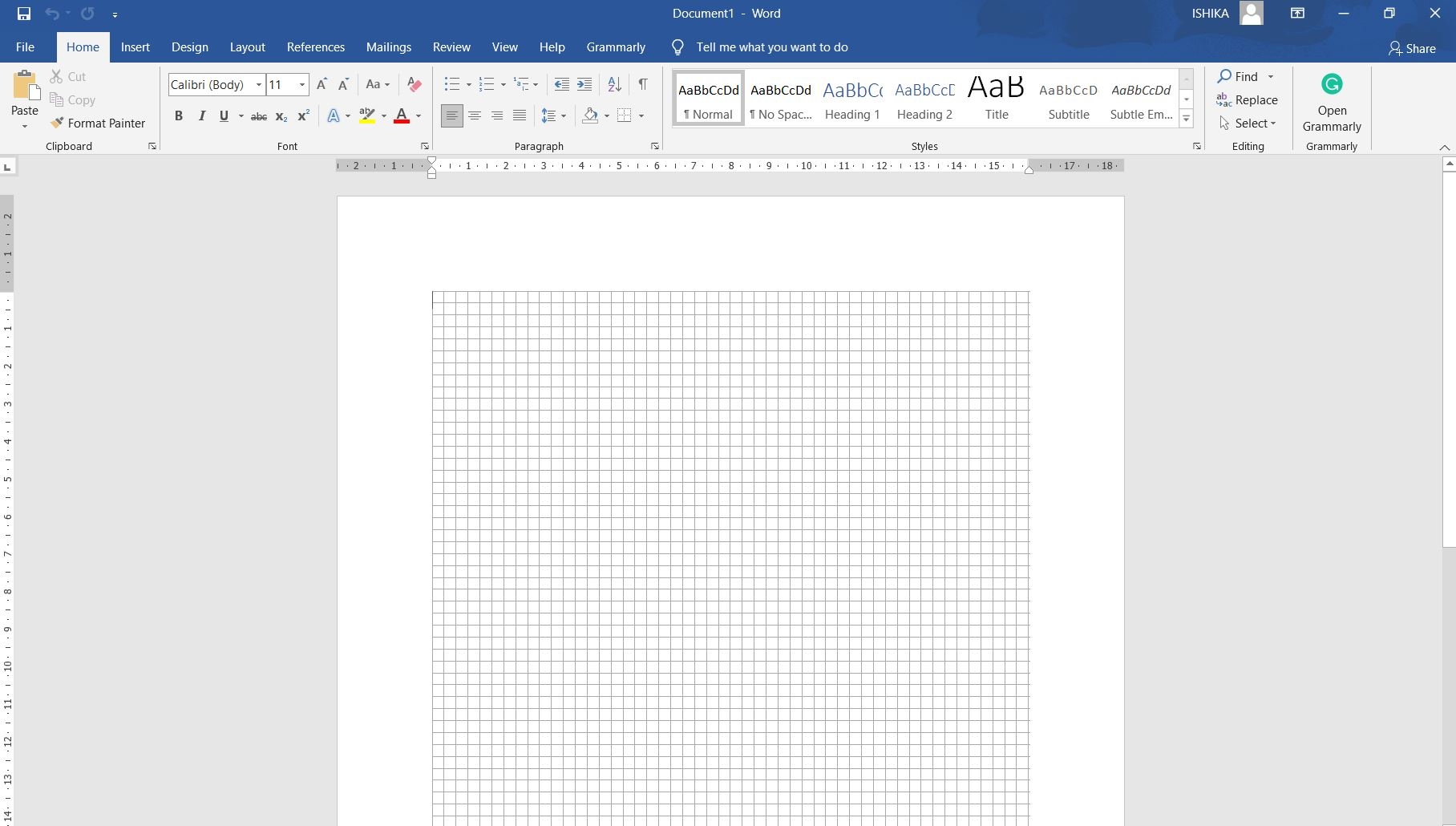
Boxes Like Graph Paper Microsoft Q amp A
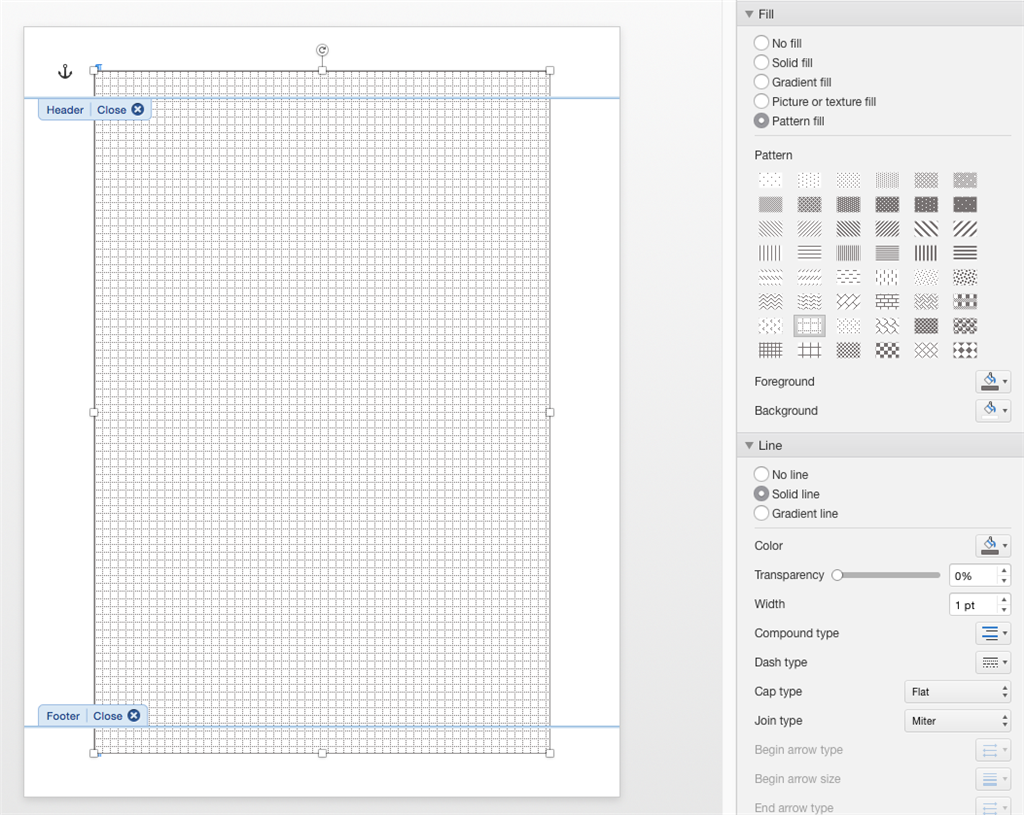
Graph Paper As Background In A Word Document Tiled Pattern
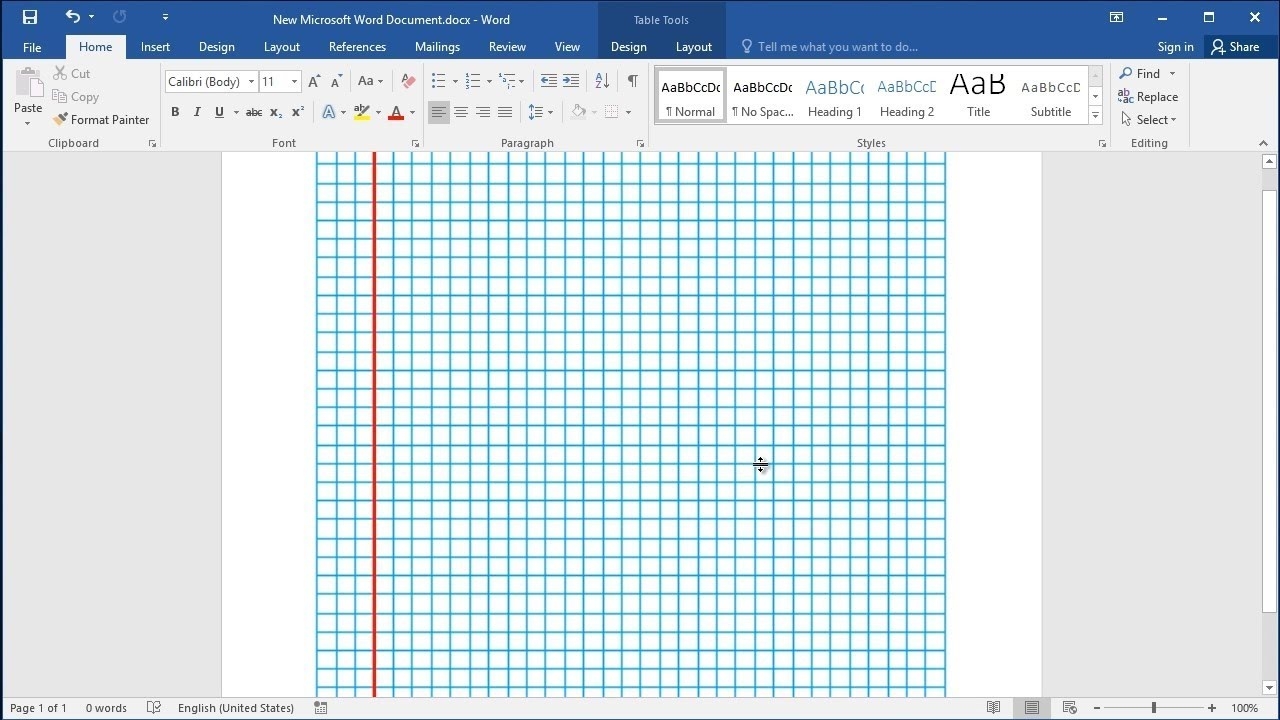
How To Get Graph Paper In Word