Graph paper is an essential tool for students, architects, and designers alike. It helps in creating precise drawings, graphs, and layouts. Using a graph paper template in Excel can simplify your work and enhance productivity.
Graph Paper Template Excel
Graph Paper Template Excel
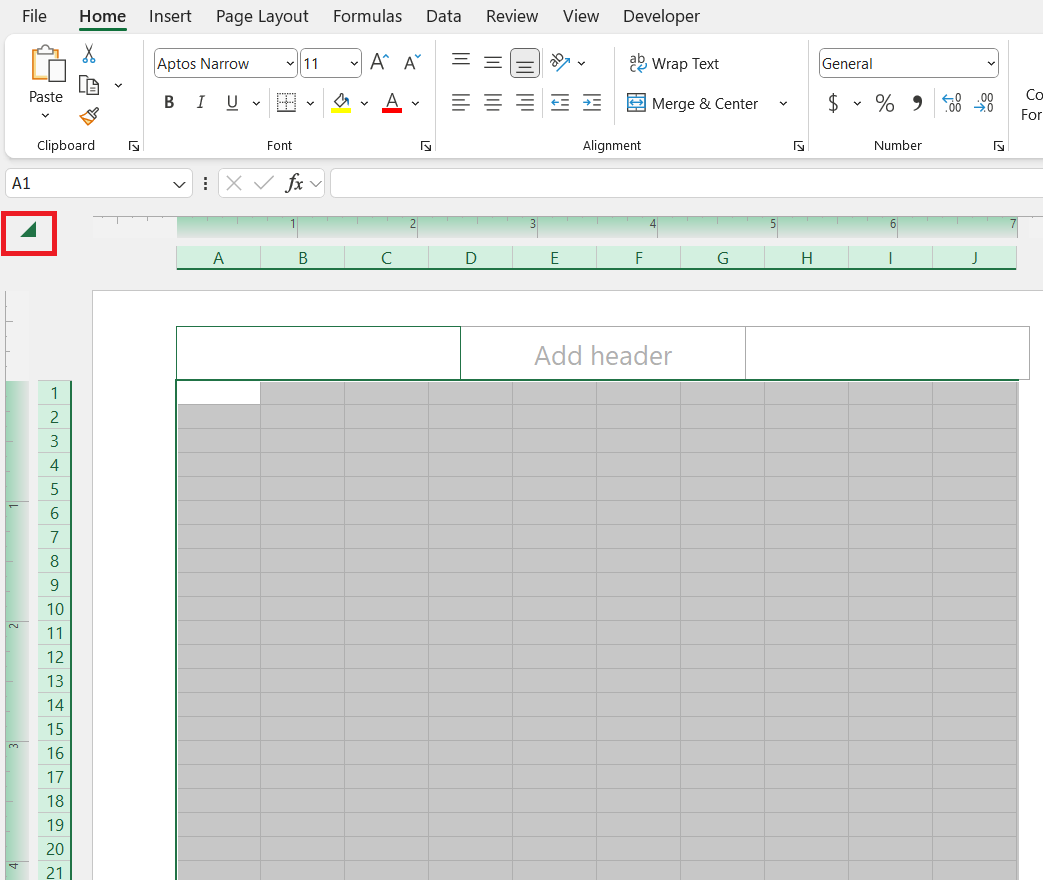
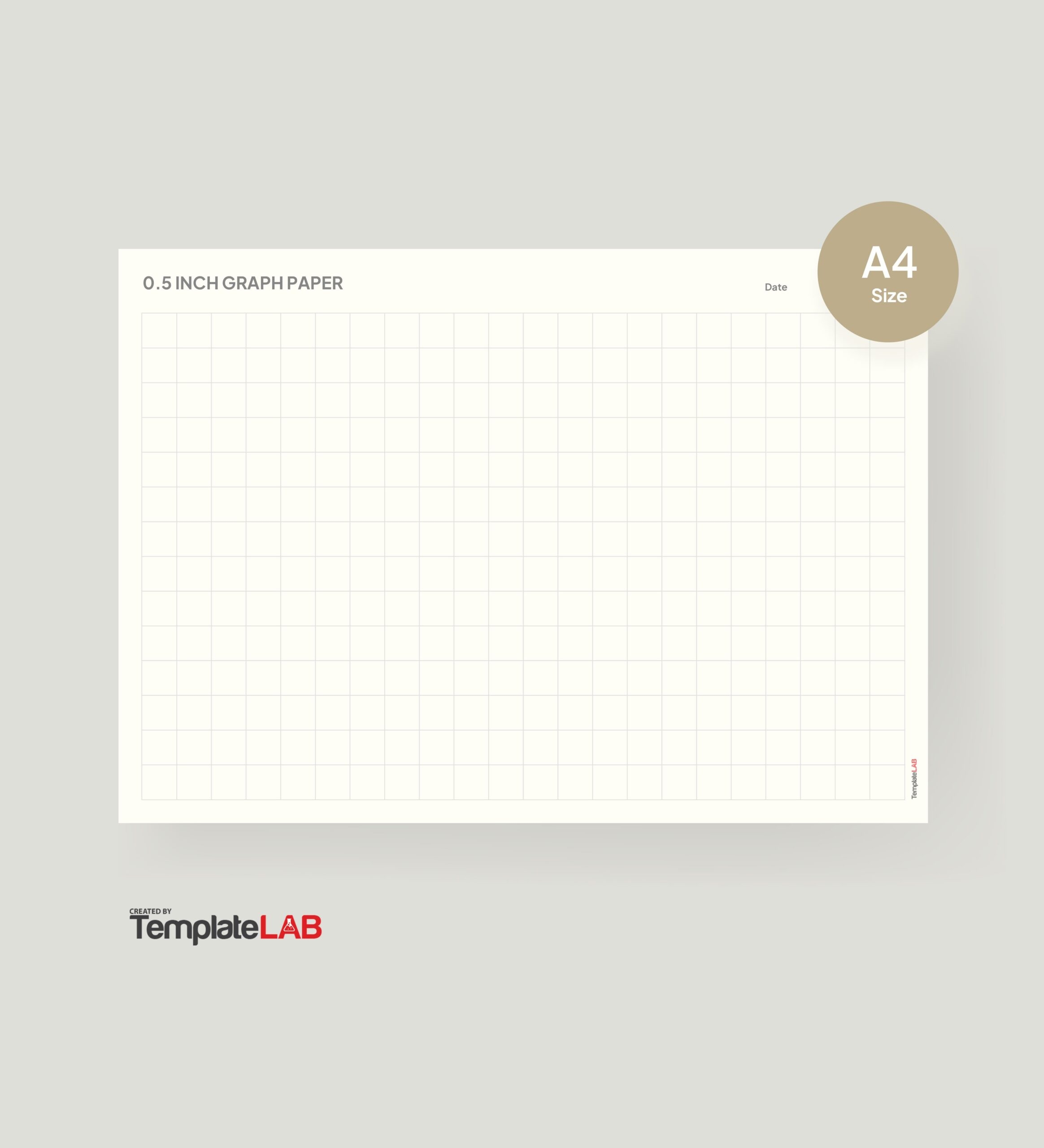
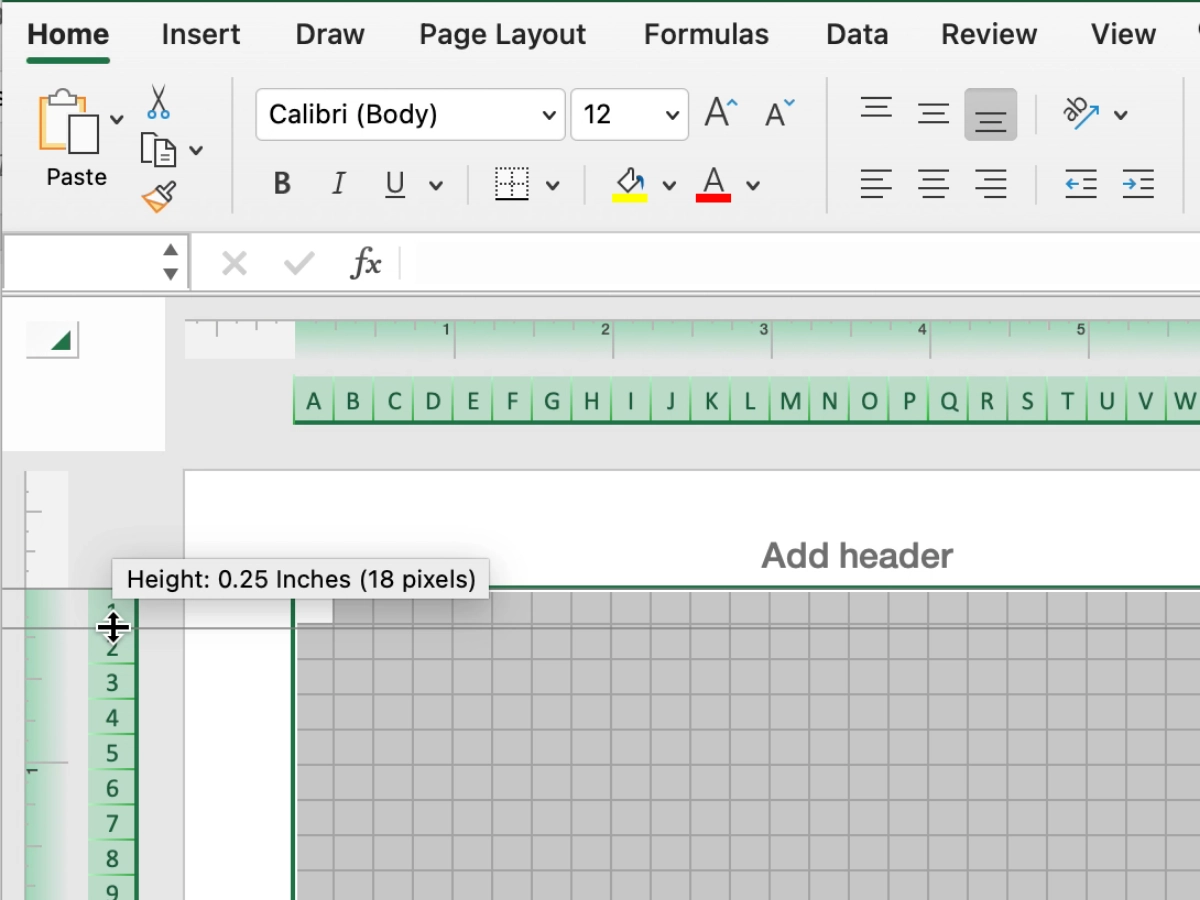
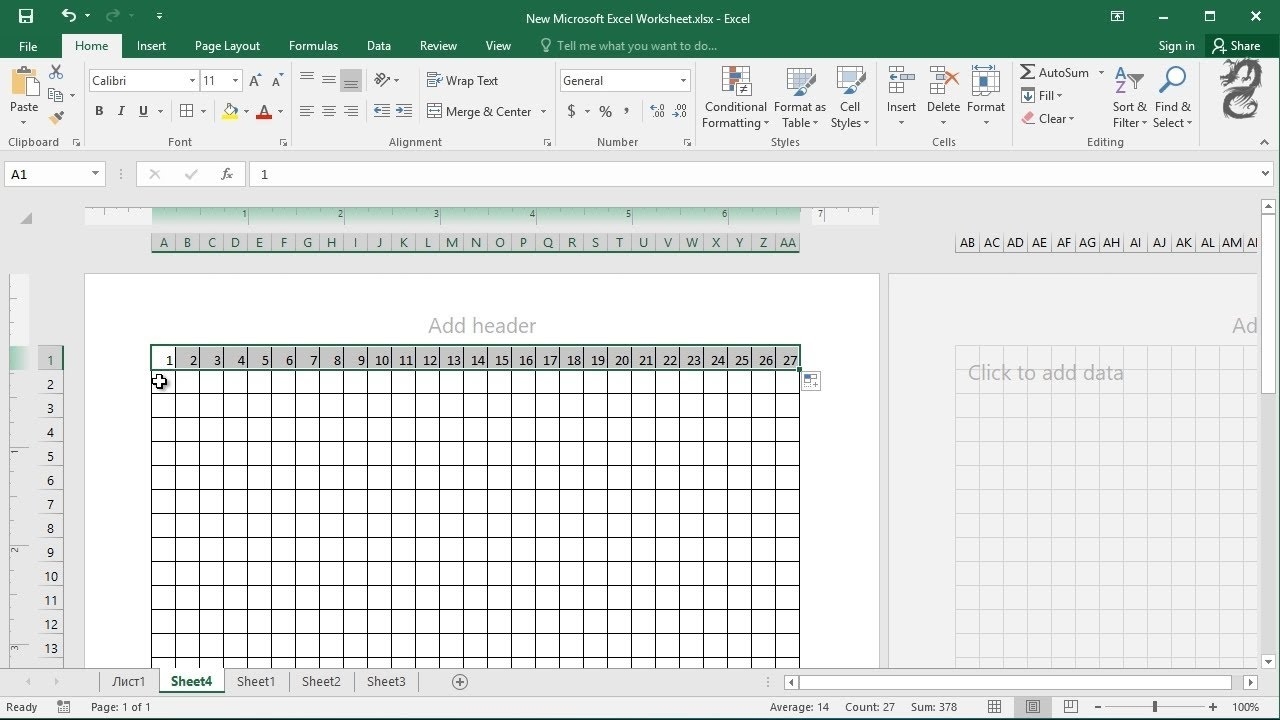
A graph paper template in Excel allows you to create grids that suit your requirements. You can choose from different sizes and styles, making it perfect for everything from math homework to architectural designs.
To get started, simply download a free graph paper template online or create your own. Once you have the template, you can modify it by changing colors, adding labels, or adjusting the grid spacing to match your project.
Using Excel for graph paper also means you can easily share your work with others. Collaborating on projects becomes seamless when everyone has access to the same template. This feature is especially useful for team assignments or group projects.
In conclusion, a graph paper template in Excel is a versatile tool that can enhance your creativity and efficiency. Whether you’re working on a school project or a professional design, this simple solution can make a significant difference.
24 Free Printable Graph Paper Templates Word PDF
How To Make Graph Paper In Excel Knitting House Square
How To Make Graph Paper In Excel
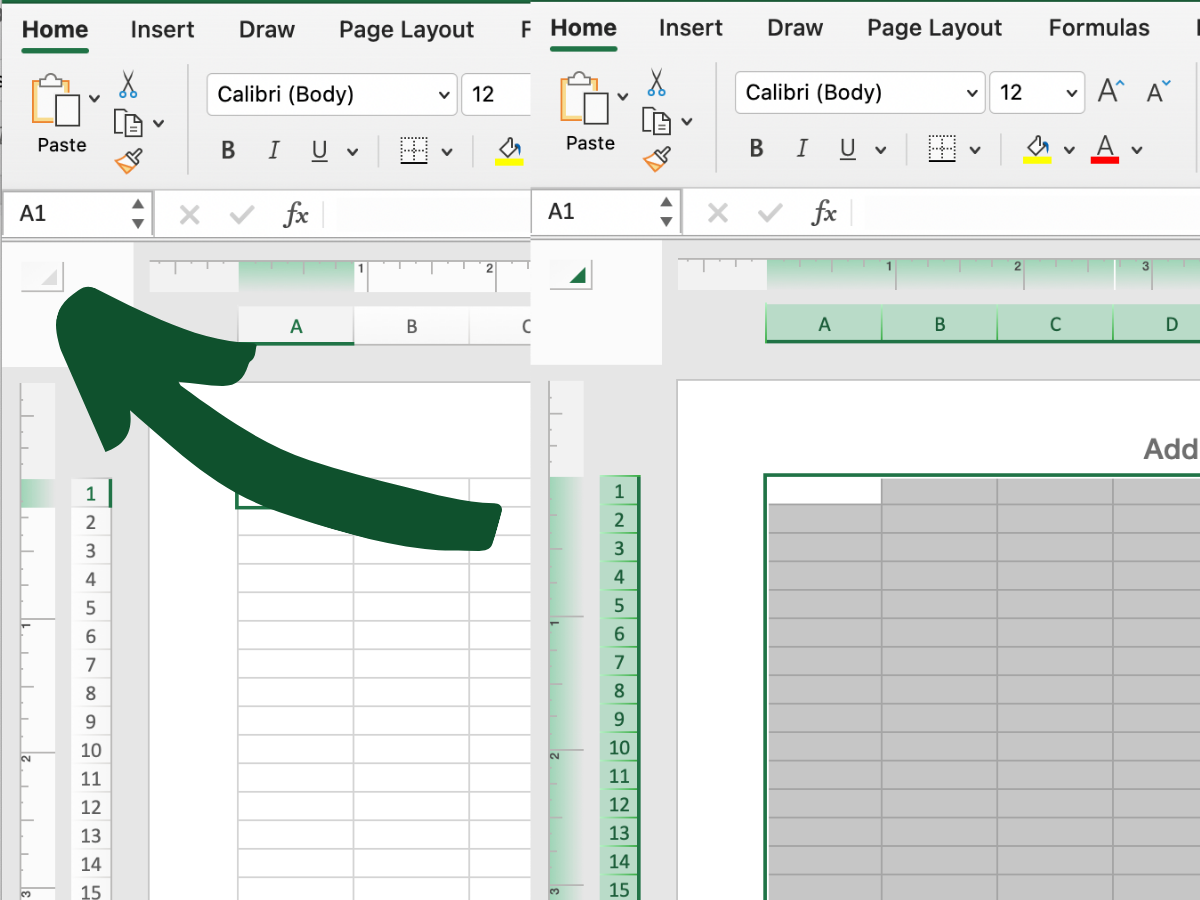
How To Make Graph Paper In Excel Knitting House Square
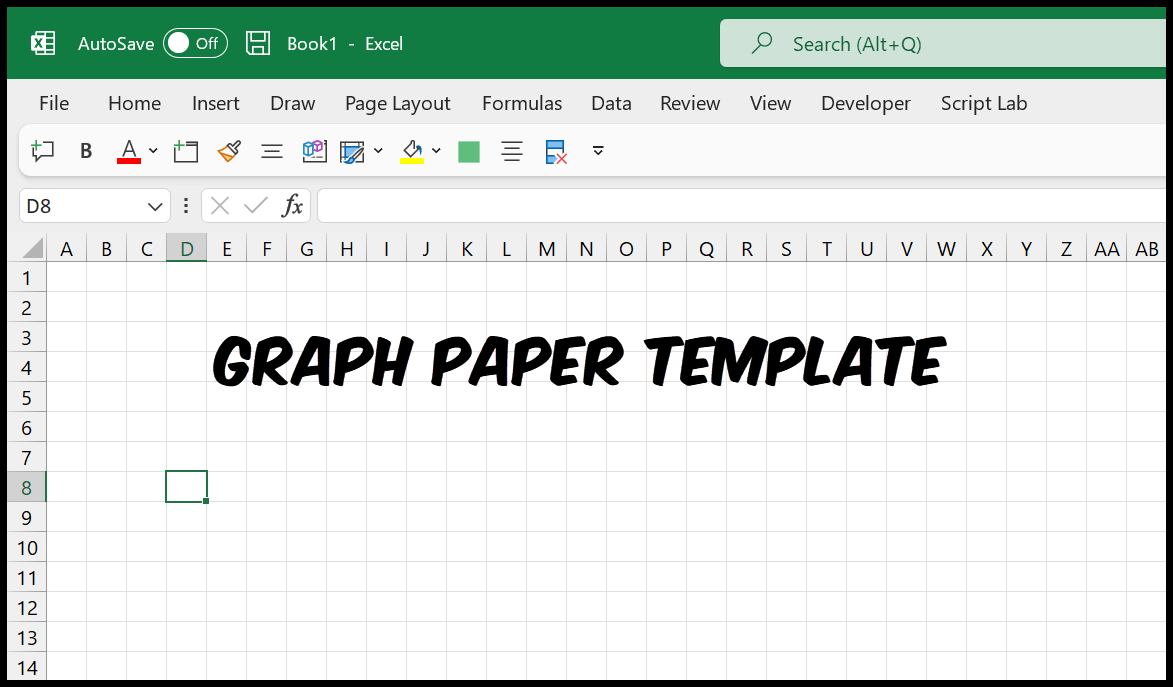
How To Print A Graph Paper In Excel Square Grid Template