Graph paper is a versatile tool used for various projects, from math homework to artistic designs. Creating your own graph paper can be both fun and practical, allowing you to customize it to your specific needs.
How To Create Graph Paper
How To Create Graph Paper
To start, gather your materials. You will need a ruler, pencil, and blank sheet of paper. If you prefer digital options, software like Excel or online graph paper generators work well too.
Begin by deciding the size of your grid squares. Common sizes are 1 cm or 0.5 inches. Use your ruler to mark equal intervals along the edges of the paper, ensuring accuracy for each square.
Next, connect the marks with straight lines using your pencil. Draw horizontal lines first, followed by vertical lines. This will create a neat grid that you can use for various purposes.
If you’re using digital tools, simply set the grid size in the software and print it out. This method saves time and ensures perfect alignment without any manual effort.
Creating your own graph paper is an enjoyable process that allows for customization. With just a few simple steps, you can have graph paper tailored to your projects and preferences.
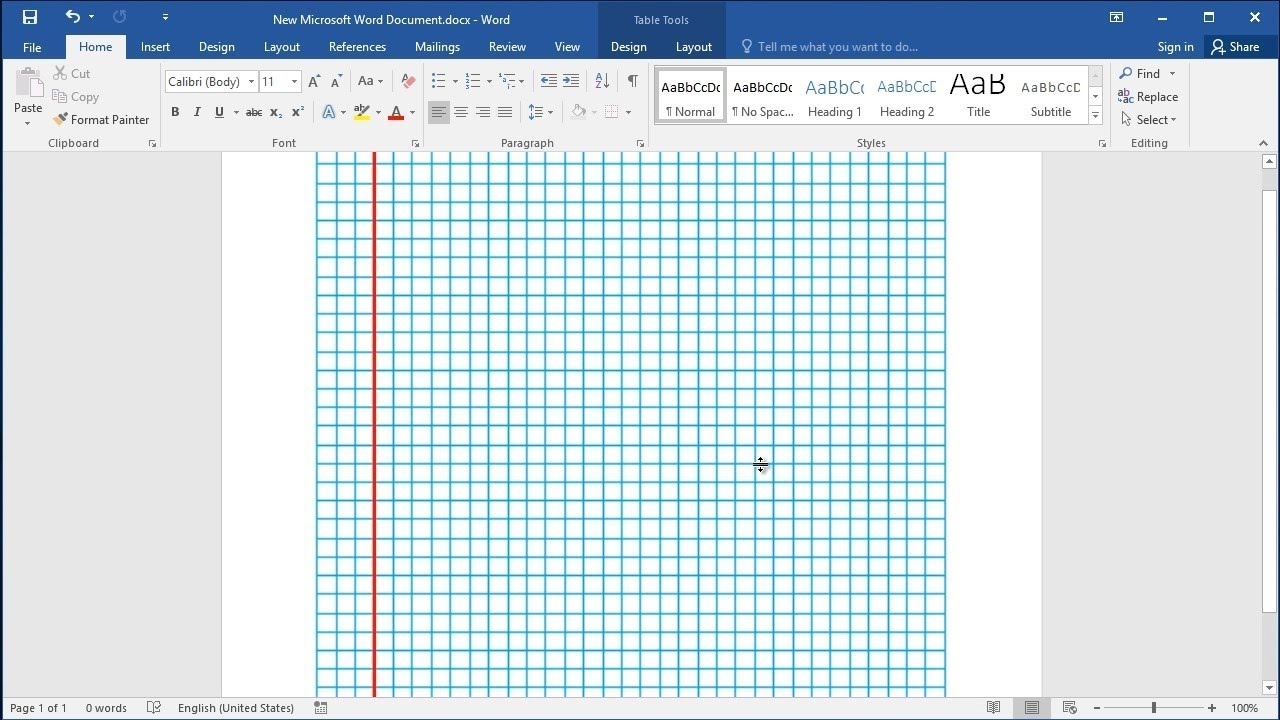
How To Get Graph Paper In Word
How To Create Grid Pages Create Graph Paper In Word Microsoft Word Tutorial
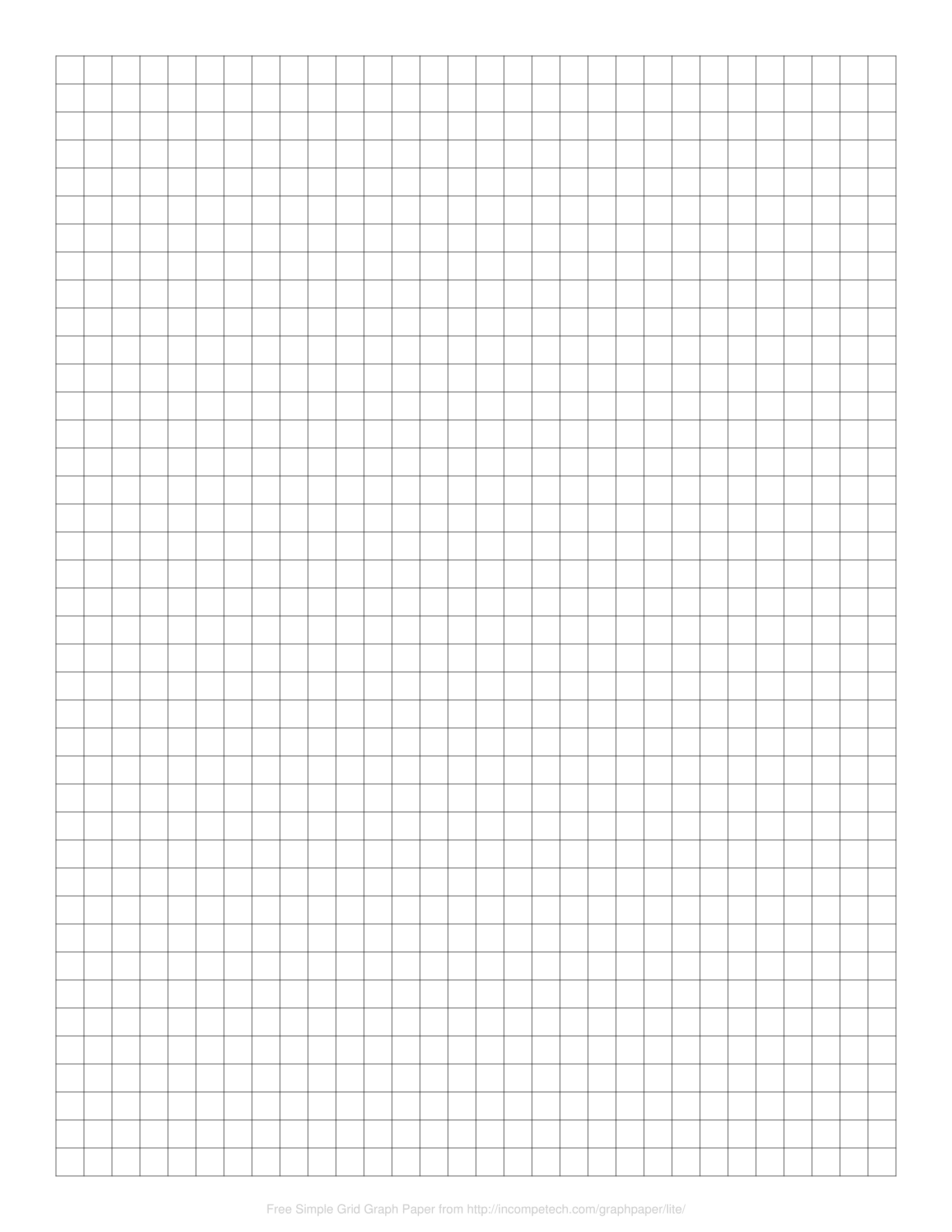
Simple Grid Graph Paper Generator
How To Make Grid Paper Using WordArt Easy DIY Printable
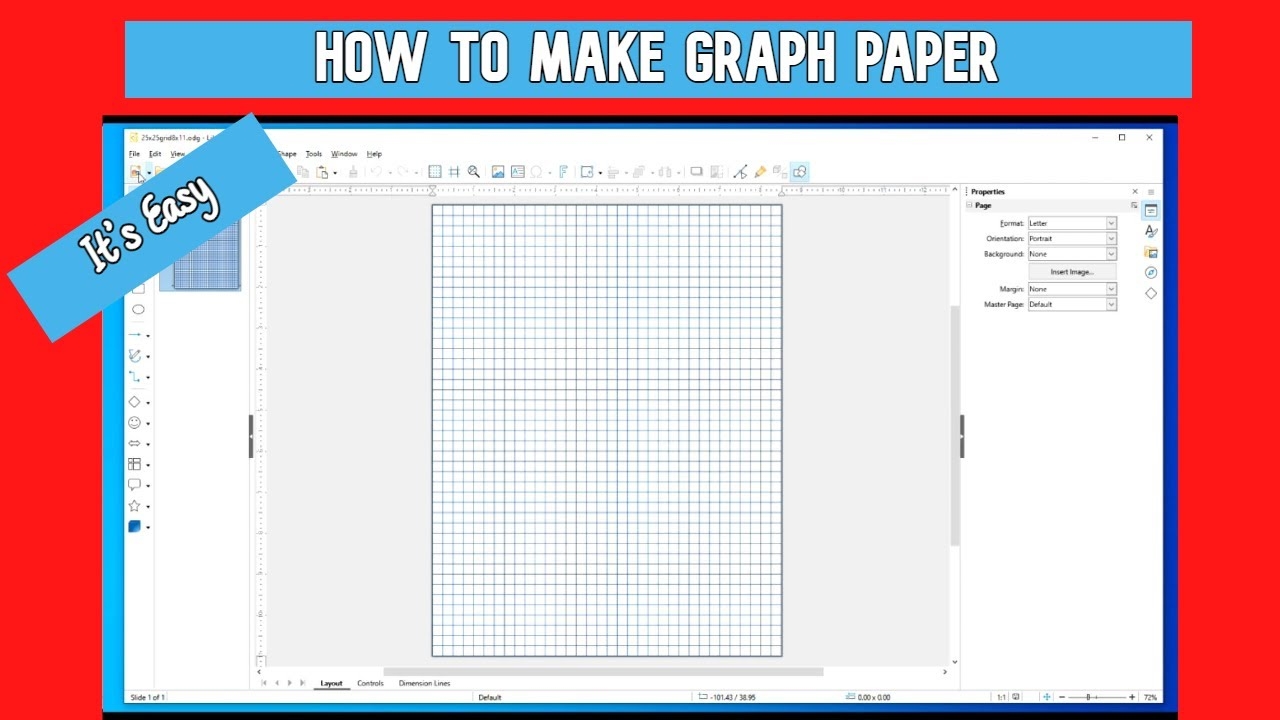
How To Make Graph Paper Its So EASY