Printing on lined paper can be a simple yet effective way to enhance your writing experience. Whether you’re creating worksheets, notes, or personalized stationery, knowing how to do it right makes all the difference.
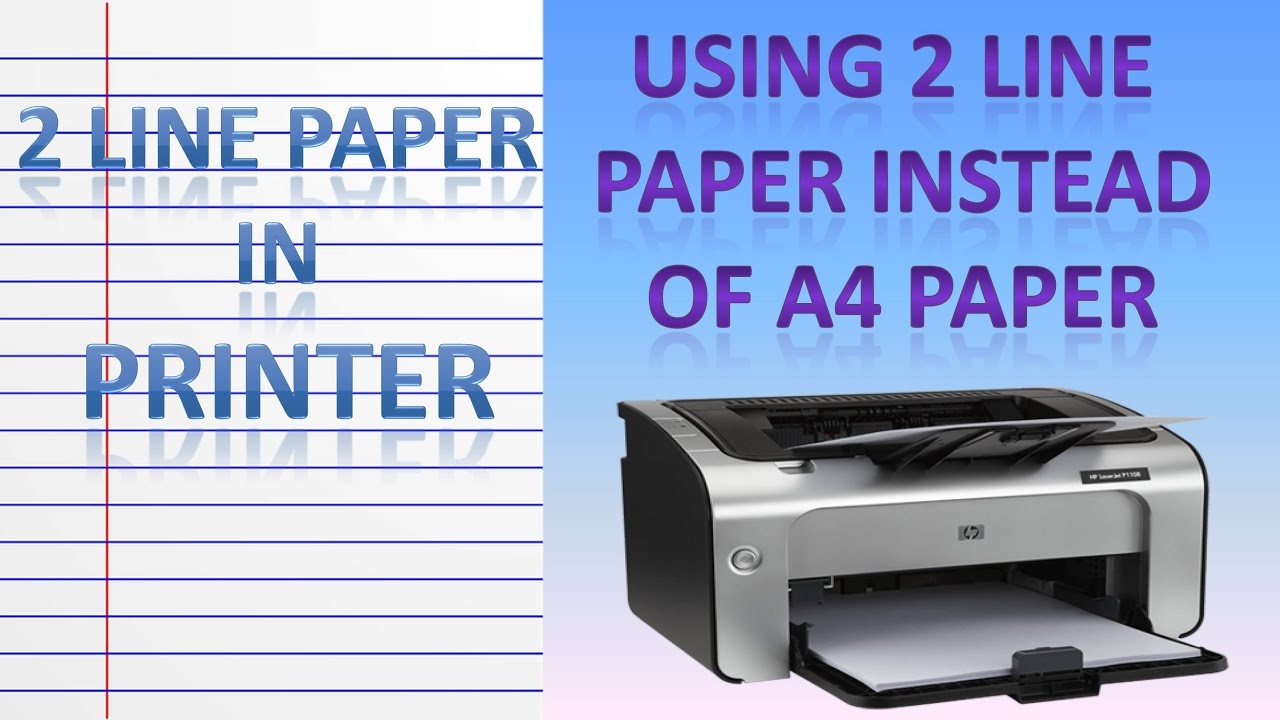
How To Print On Lined Paper
How To Print On Lined Paper
First, you need to find a template for lined paper. Many websites offer free printable templates that you can download. Choose one that suits your needs, whether it’s for school or personal use.
Next, open the template in your preferred word processor. Adjust the margins and size to fit your printer settings. This ensures that the lines print correctly and align perfectly with your paper.
Once everything looks good, load your printer with the lined paper. Make sure it’s properly aligned to avoid any printing errors. Then, hit print and watch your lined paper come to life!
Finally, consider experimenting with different line spacing or colors. This can add a personal touch to your printed pages and make them more visually appealing.
Printing on lined paper is a straightforward process that can elevate your writing projects. With just a few steps, you can create customized sheets that cater to your specific needs and preferences.
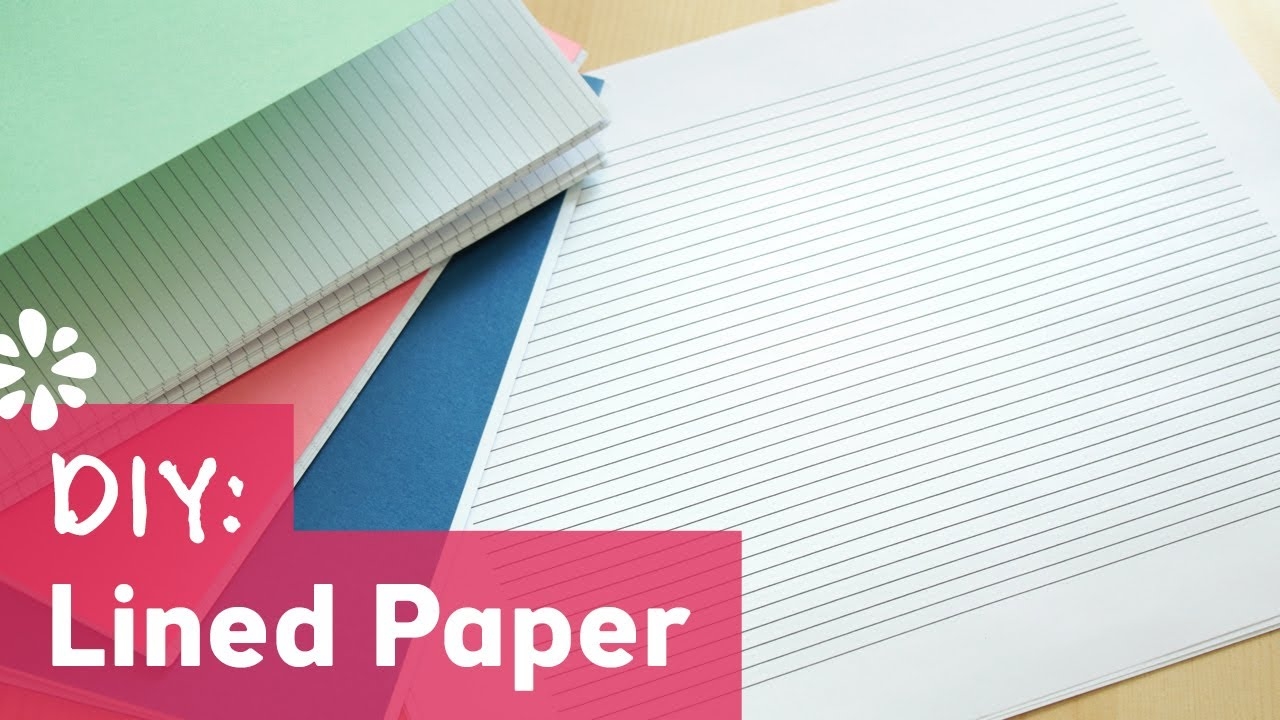
DIY Lined Paper For Bookbinding Sea Lemon
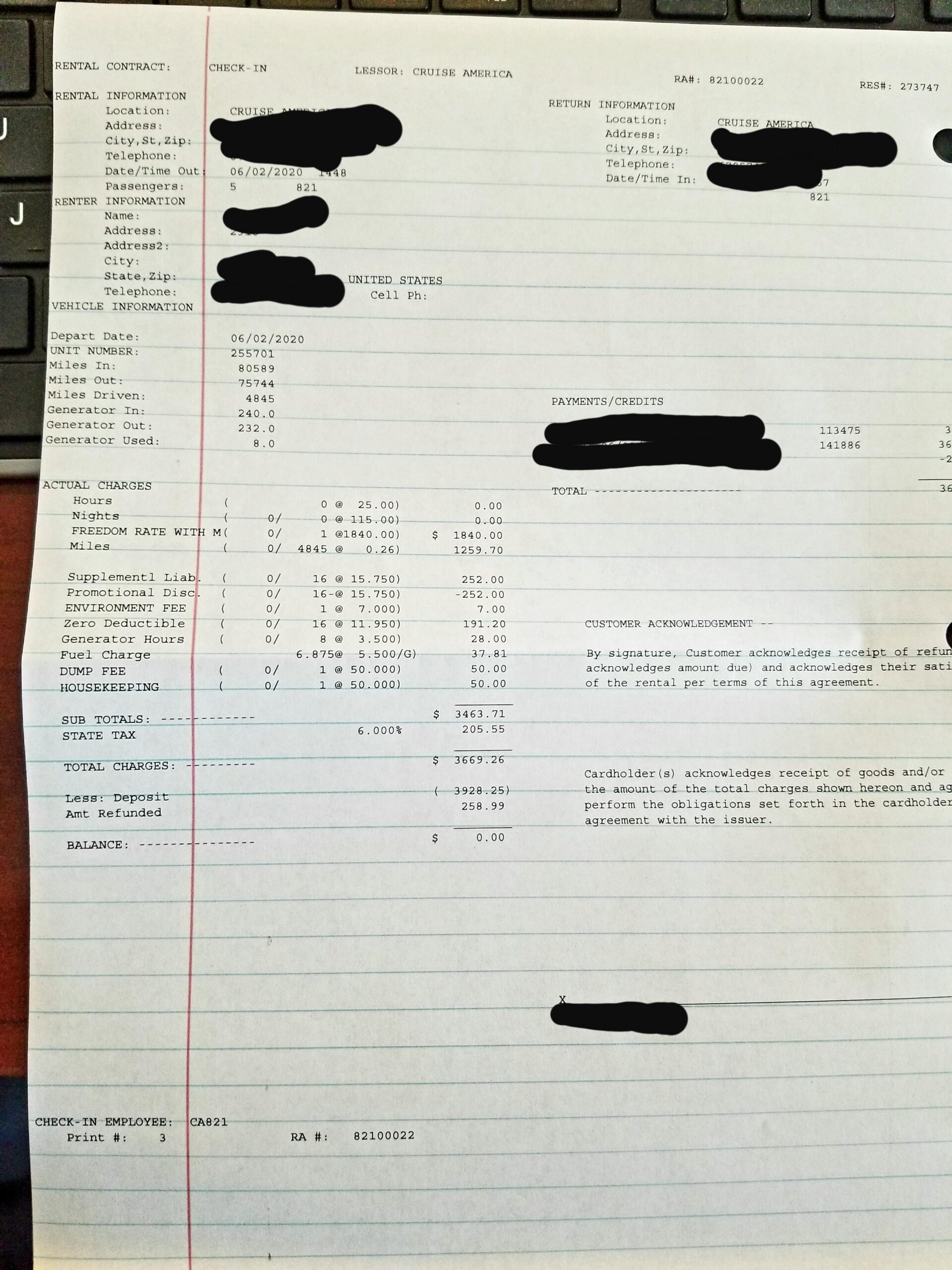
My Printer Can Print On Notebook Paper R mildlyinteresting
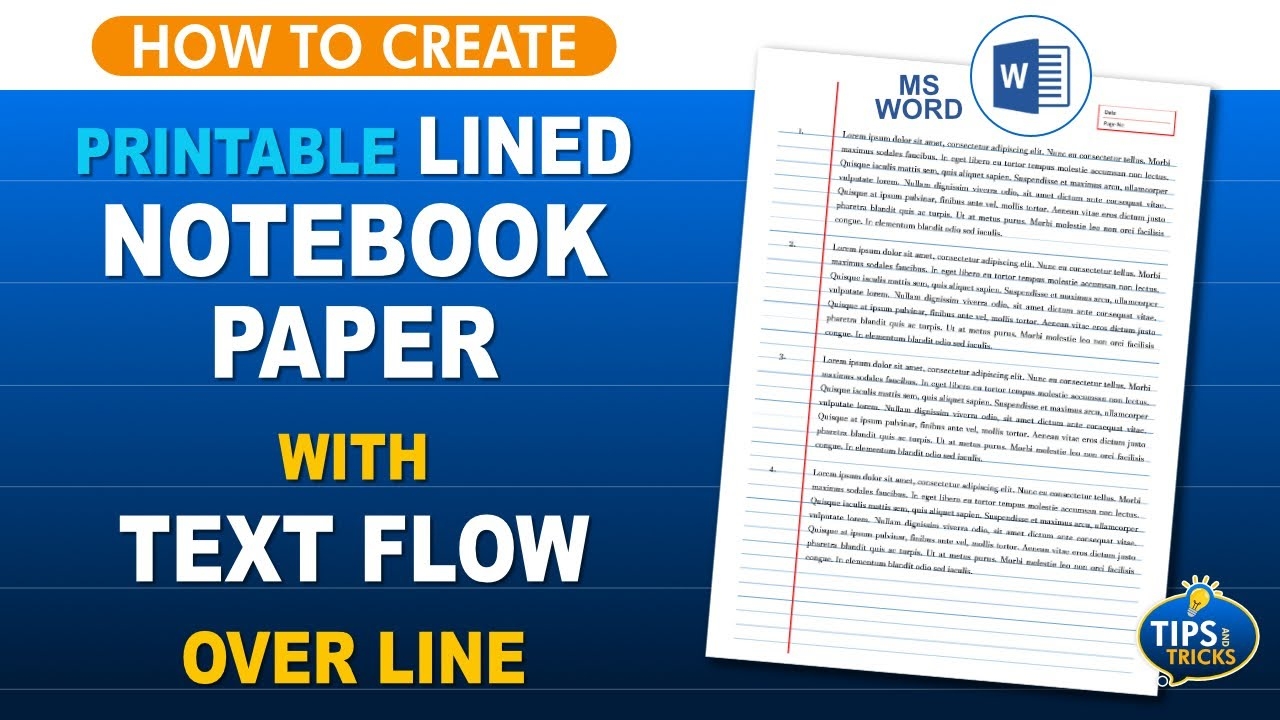
How Do I Make Lined Notebook Paper In Word Print Text On Lined Paper
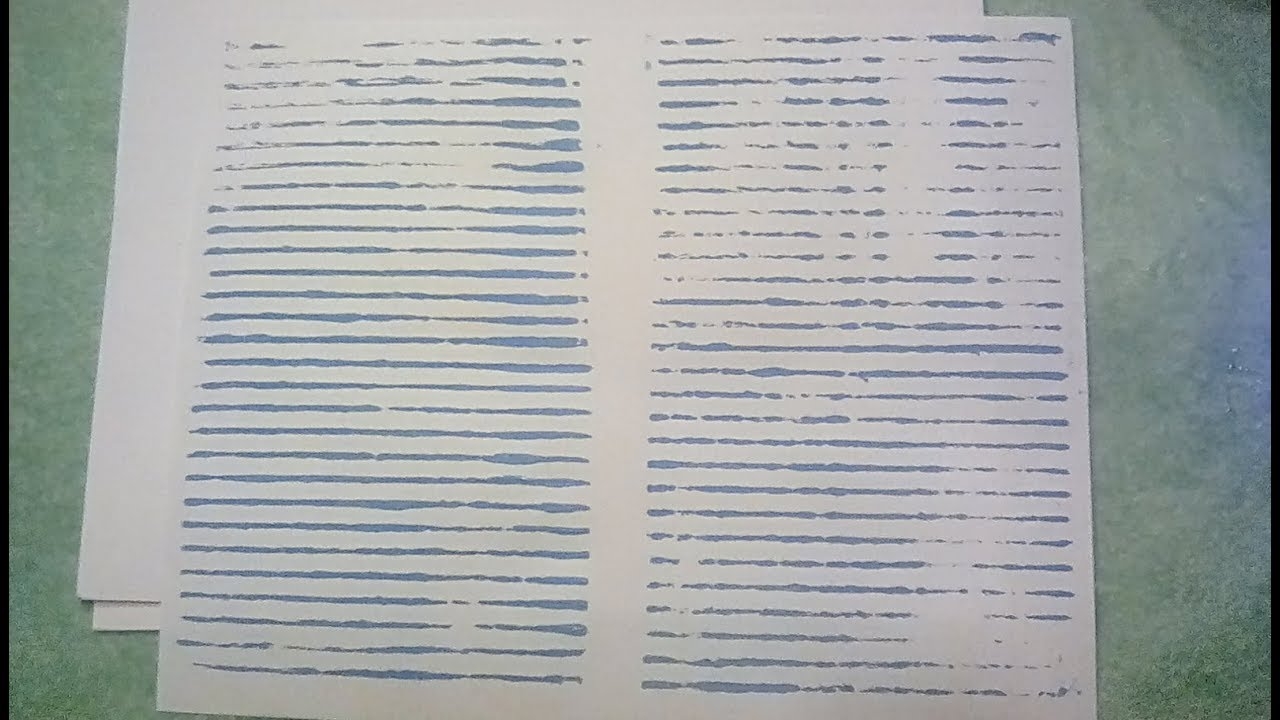
How To Make Lined Paper For A TN WITHOUT A Printer
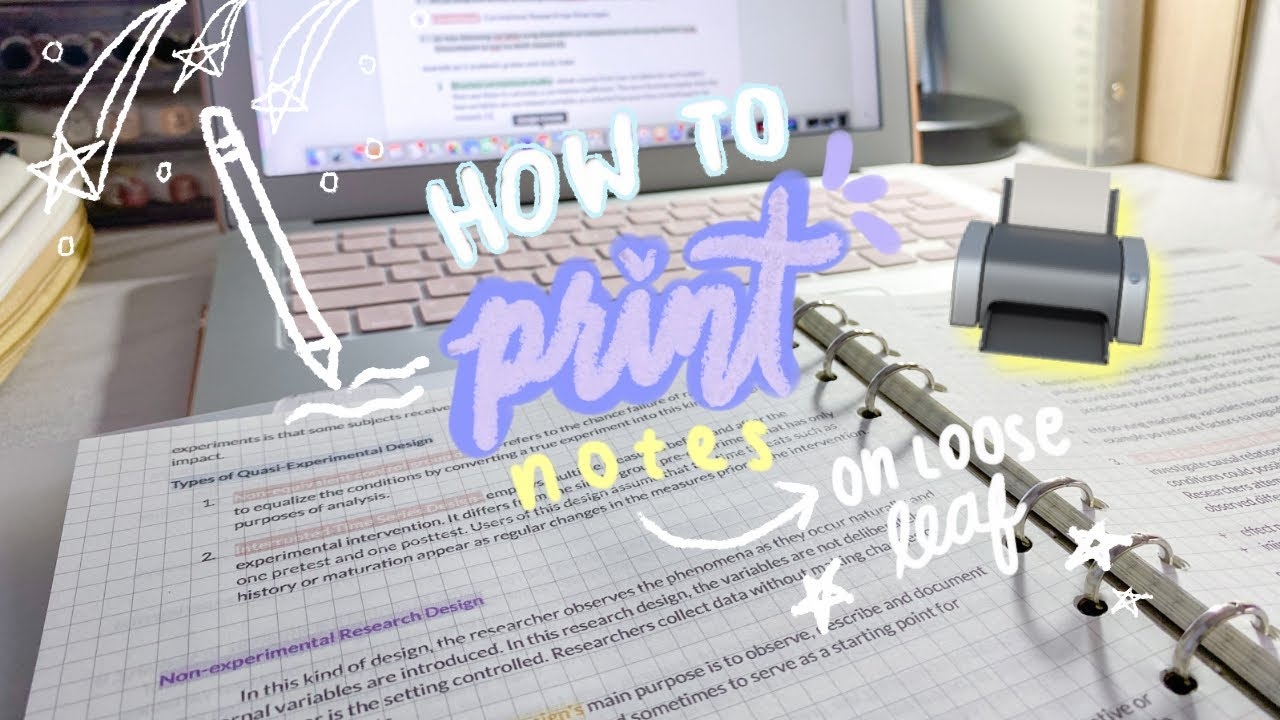
How To PRINT Notes On A Loose Leaf Paper