Finding the right tools for creativity can be a game changer. For artists, designers, and students, having a reliable app can enhance productivity and streamline the creative process. One such tool is the iPad graph paper app.
Ipad Graph Paper App
Ipad Graph Paper App
The iPad graph paper app provides an intuitive interface that allows users to draw with precision. Whether you’re creating diagrams or plotting points, the grid layout helps maintain accuracy and organization in your work.
Many apps also include features like adjustable grid sizes and colors. This flexibility allows users to tailor their workspace according to their preferences, making it easier to focus on creativity without distractions.
Additionally, some iPad graph paper apps support stylus input, enhancing the drawing experience. This feature is particularly beneficial for those who enjoy a more tactile approach to digital art or design.
Incorporating an iPad graph paper app into your routine can significantly boost your efficiency. With its user-friendly design and customizable options, it’s an essential tool for anyone looking to elevate their creative projects.
Exploring the world of digital graph paper can open up new avenues for creativity. Embrace the convenience of an iPad graph paper app and watch your ideas come to life with ease and precision.
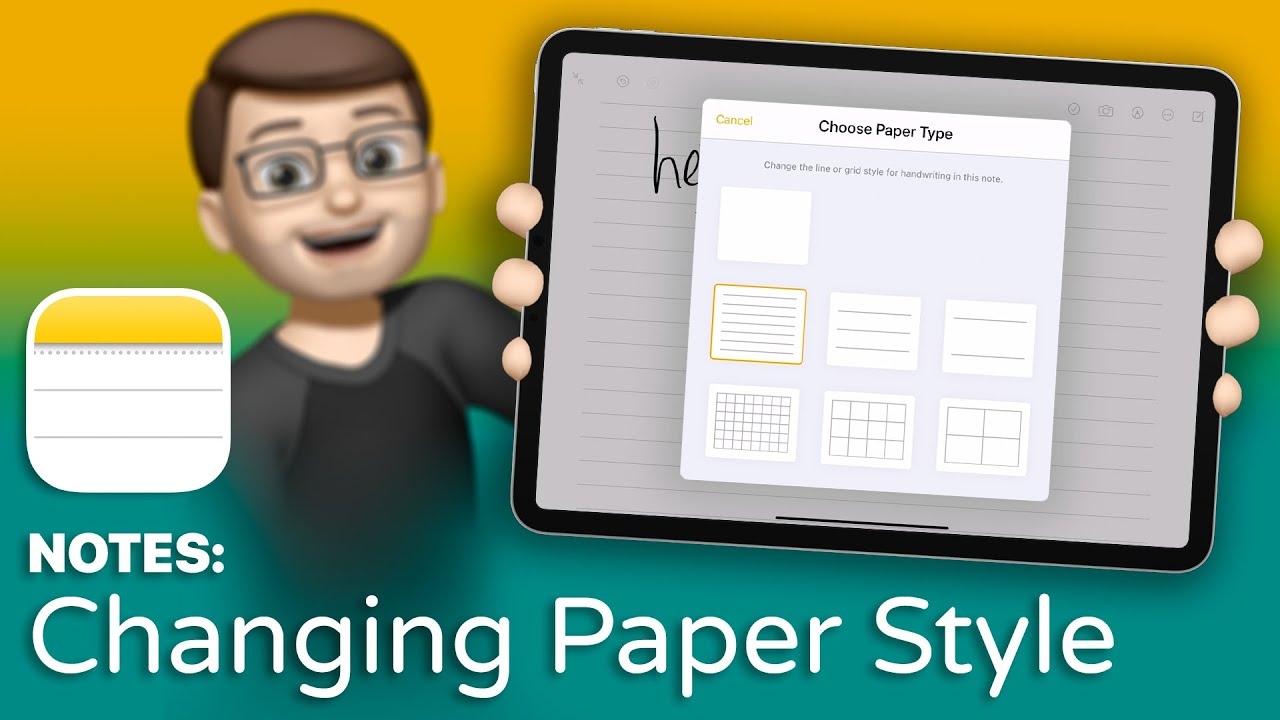
How To Use Lined Paper And Grids In The Notes App For IPad And IPhone
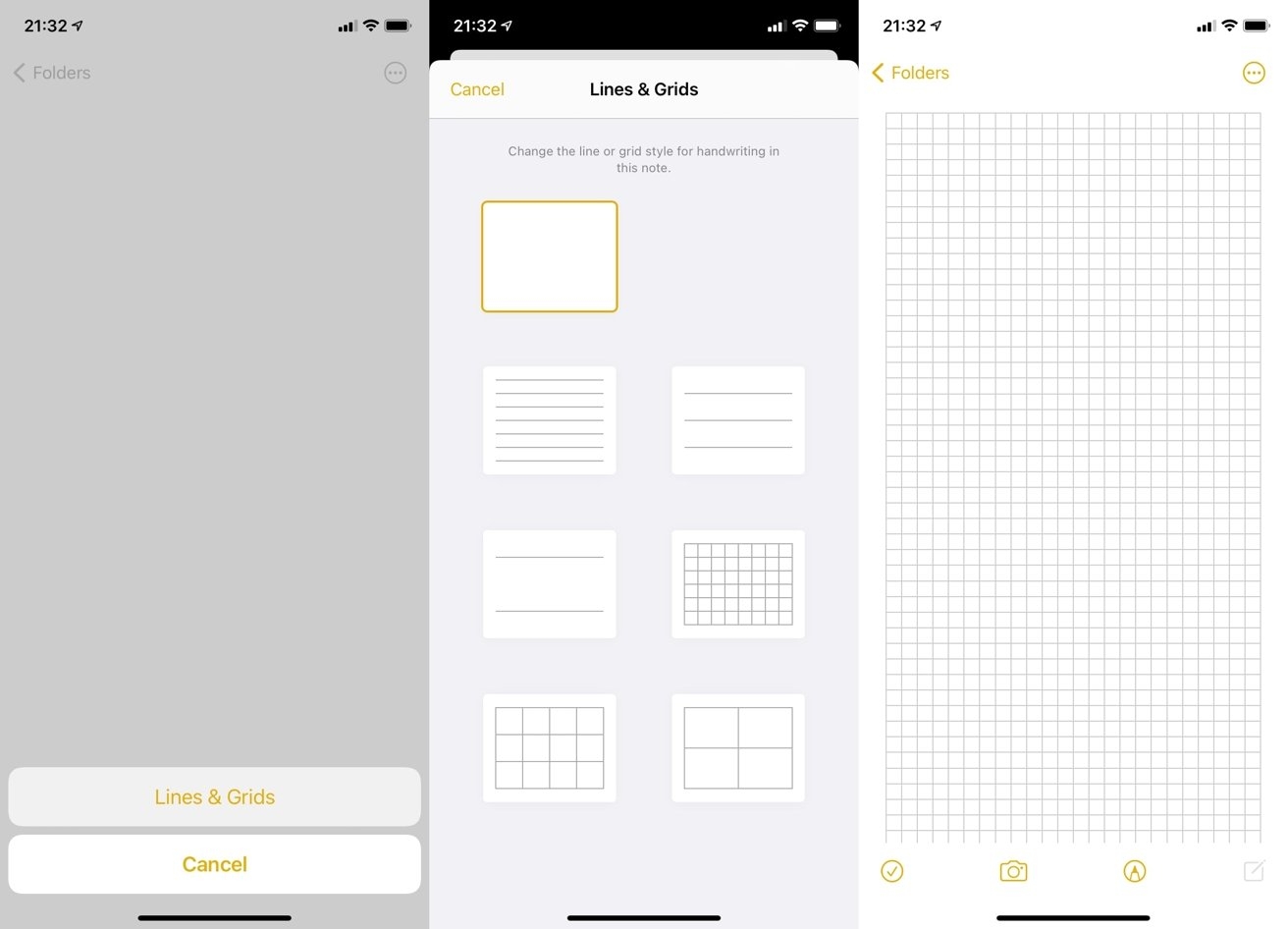
How To Add Lines And Grids To Your Notes On IOS And IPadOS
Get Started Making Graph Paper Using GridMaker
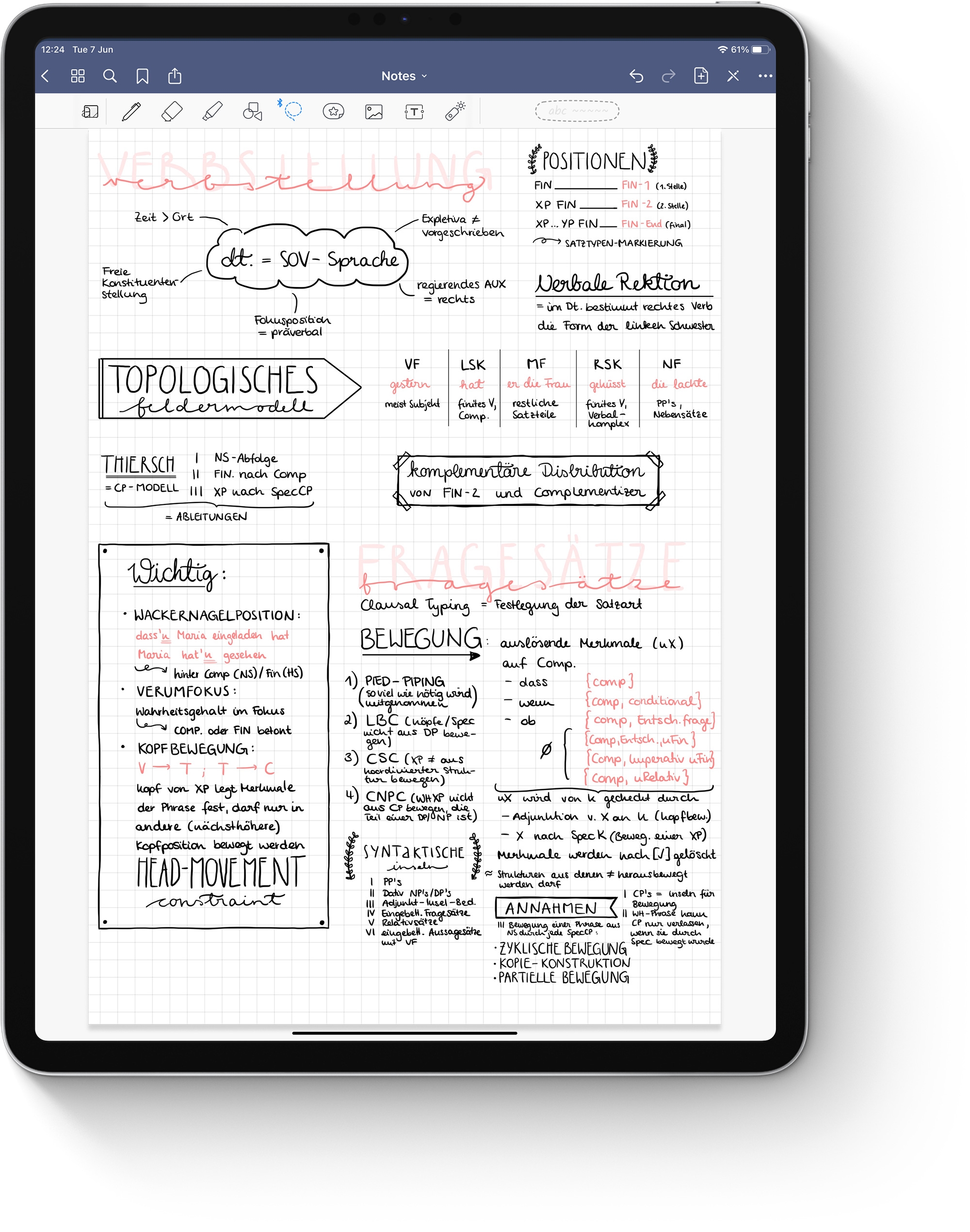
Free Graph Paper Template Goodnotes
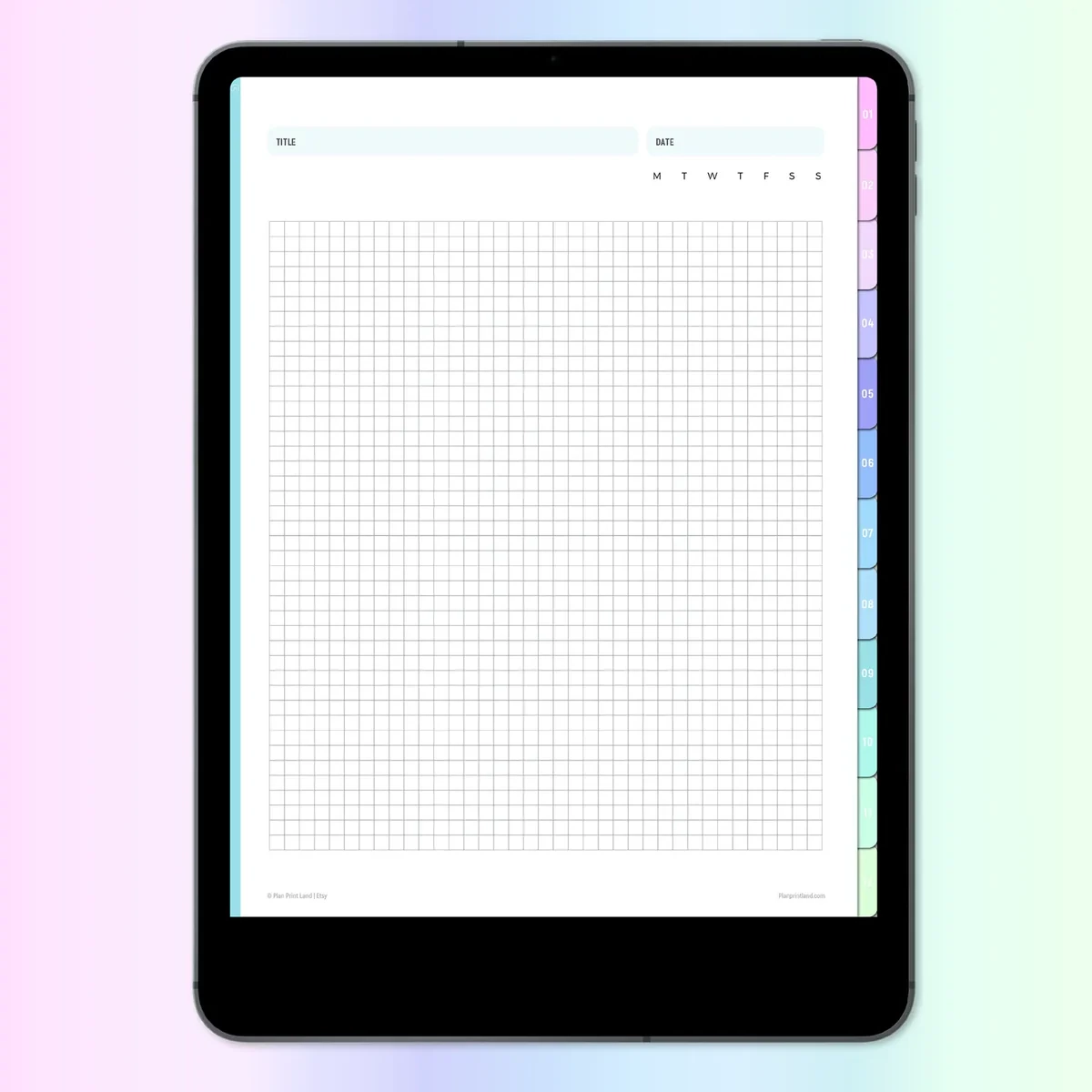
Digital Graph Paper Notebook Hyperlinked PDF For Goodnotes And