Creating art or organizing notes can be a fun and fulfilling activity. One essential technique is knowing how to print lines on paper, which helps in maintaining structure and clarity in your work. This simple skill can enhance your projects significantly.
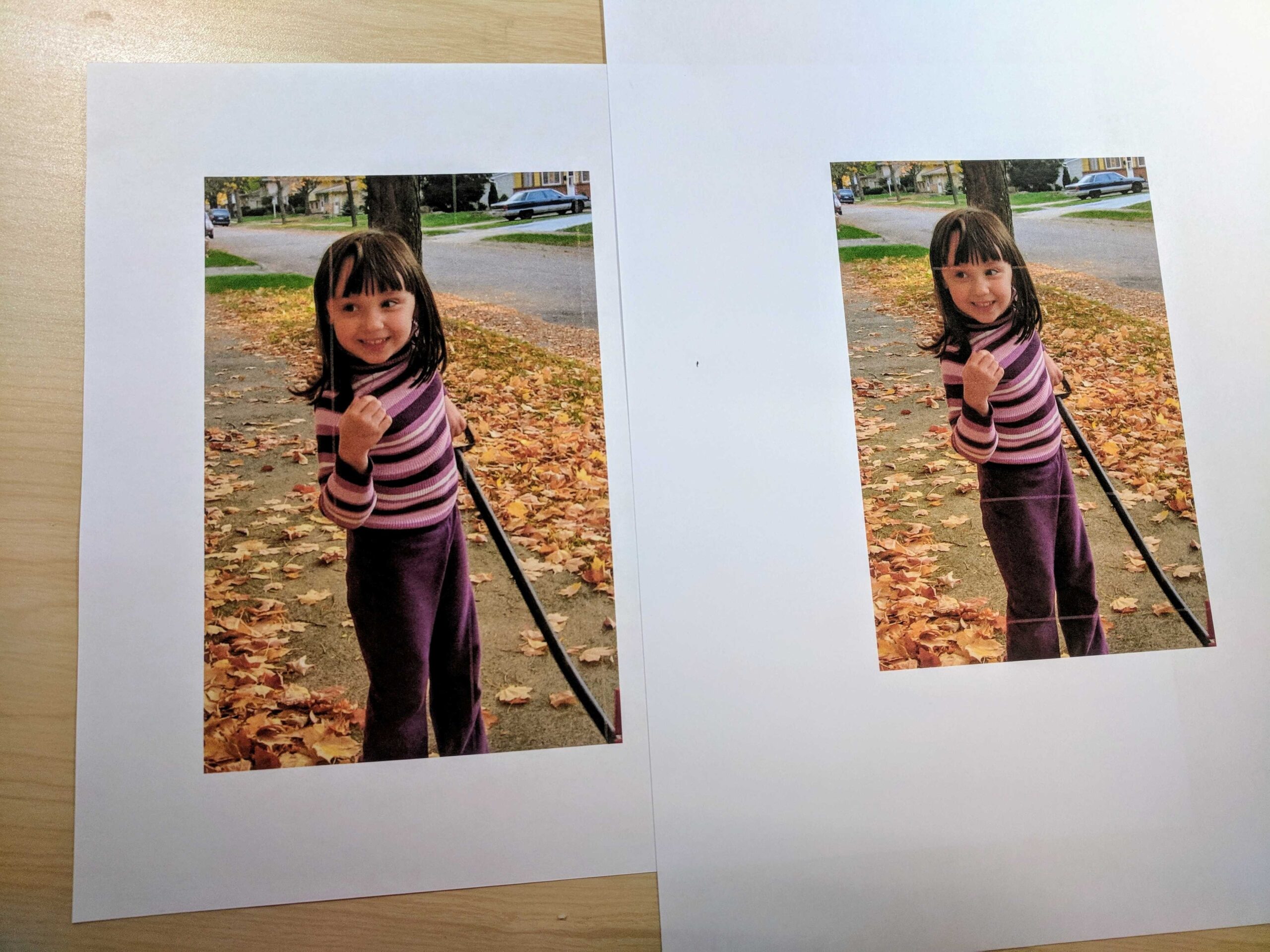
Print Lines On Paper
Print Lines On Paper
There are various methods to print lines on paper. You can use word processing software to create a template with lines. Adjust the spacing and margins to suit your needs, then print it out for immediate use.
If you prefer a more hands-on approach, consider using a ruler and pen. Simply draw straight lines across the page at your desired intervals. This method allows for customization and can be quite relaxing as well.
Another option is to find printable templates online. Many websites offer free downloads of lined paper templates in different styles. This way, you can choose the design that best fits your project.
Incorporating printed lines into your work can improve organization and creativity. Whether for journaling, sketching, or note-taking, having a structured layout can inspire you to express yourself more freely.
Mastering how to print lines on paper opens up new possibilities for creativity and organization. With these simple techniques, you’ll find it easier to stay focused and inspired in your projects.
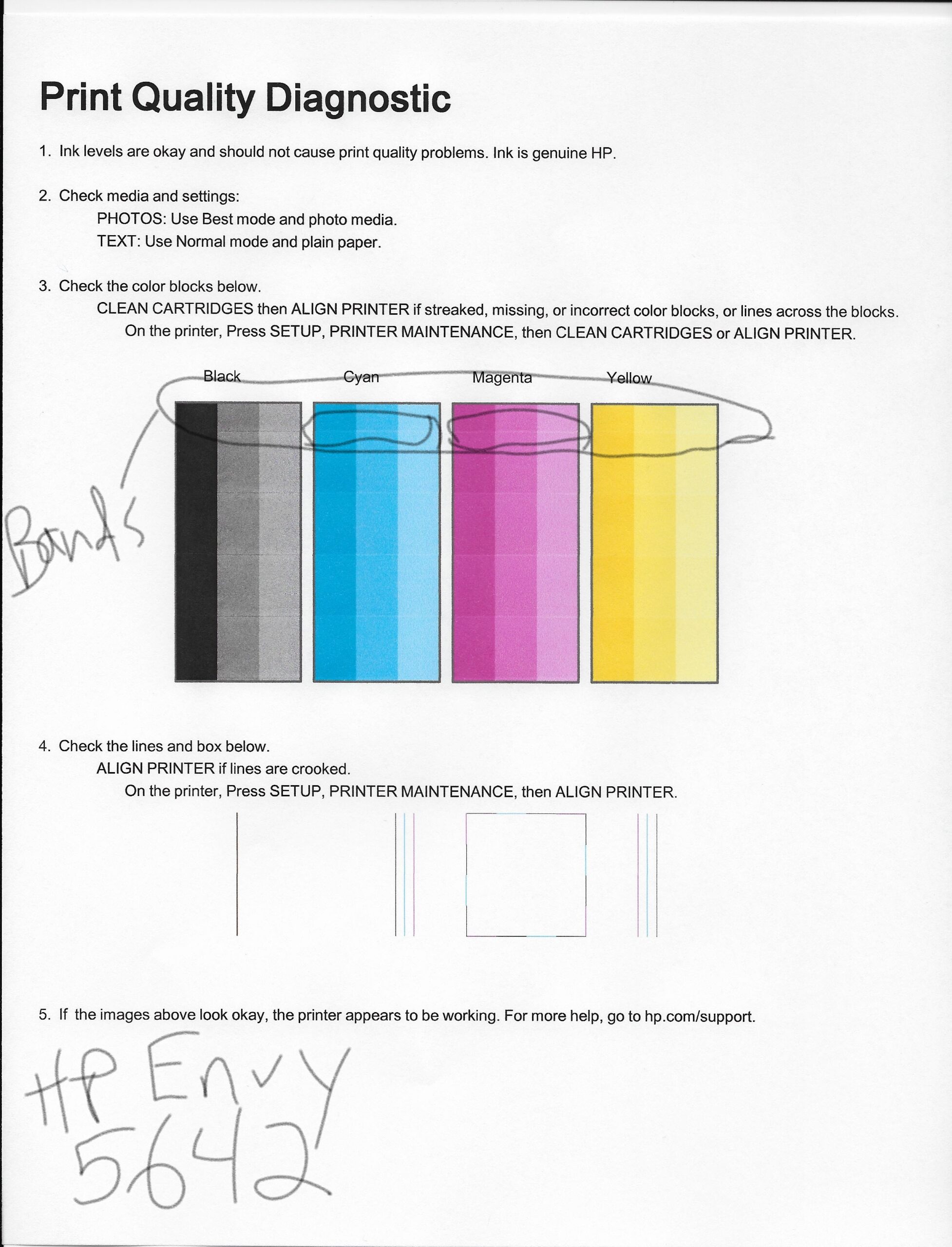
Lines Across My Print Diagnostic Page HP Support Community 6207853
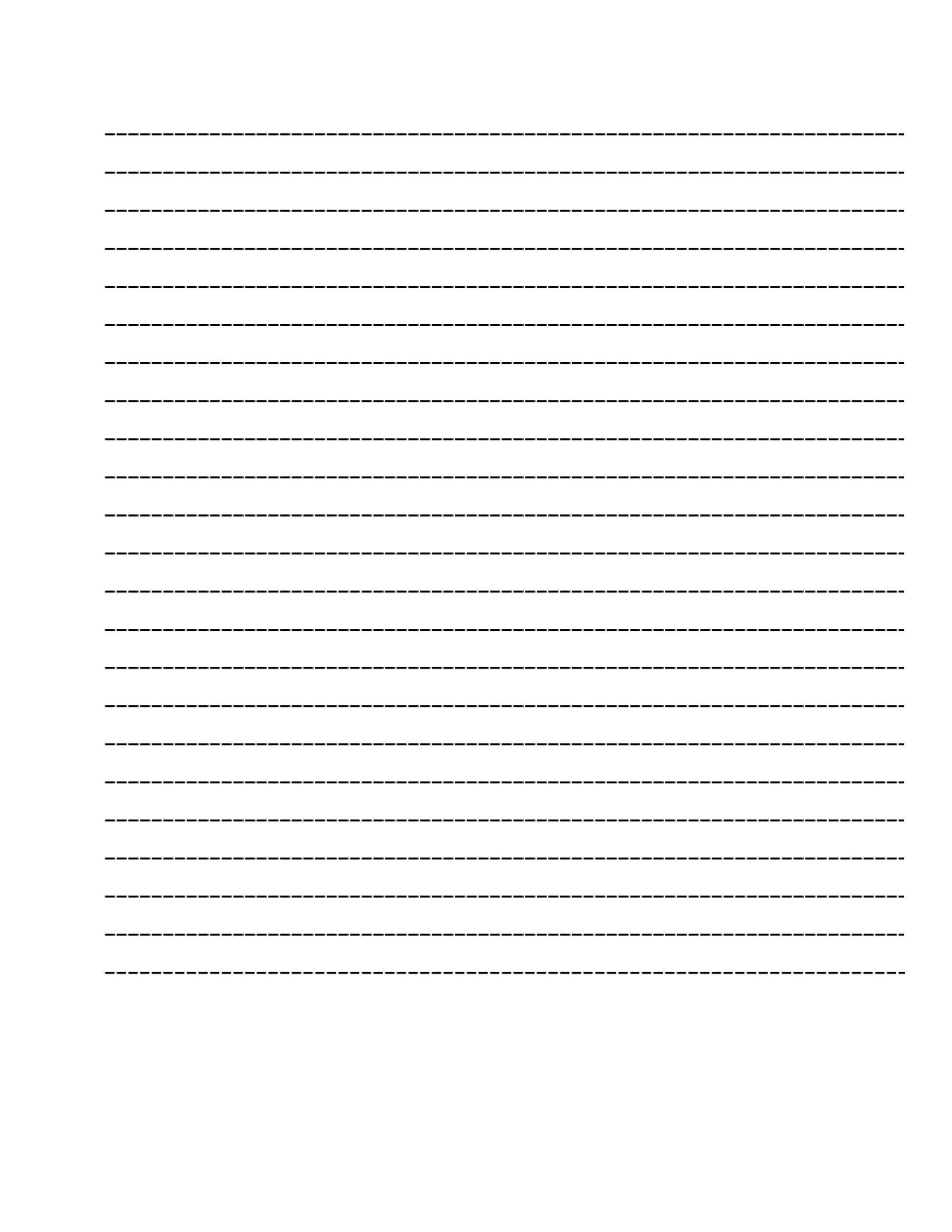
32 Printable Lined Paper Templates TemplateLab
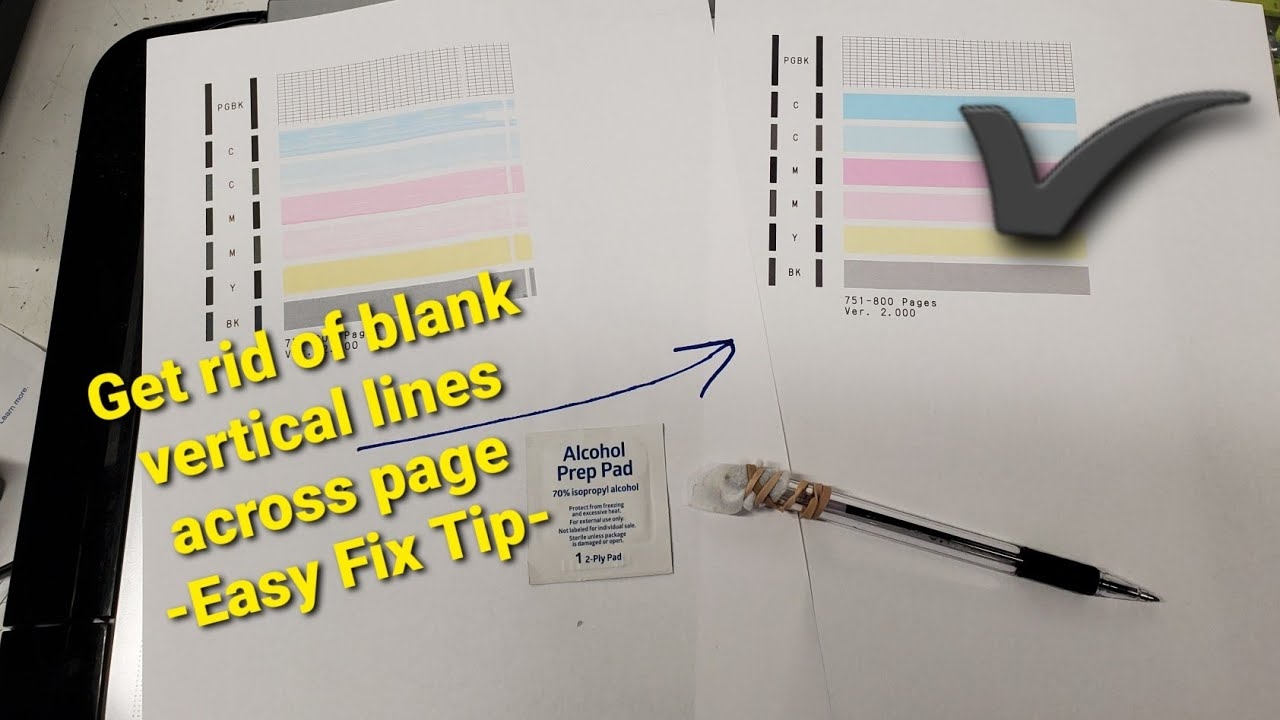
How To Get Rid Of Vertical Lines Across Page On Prints Canon HP Brother Epson Inkjet Printers
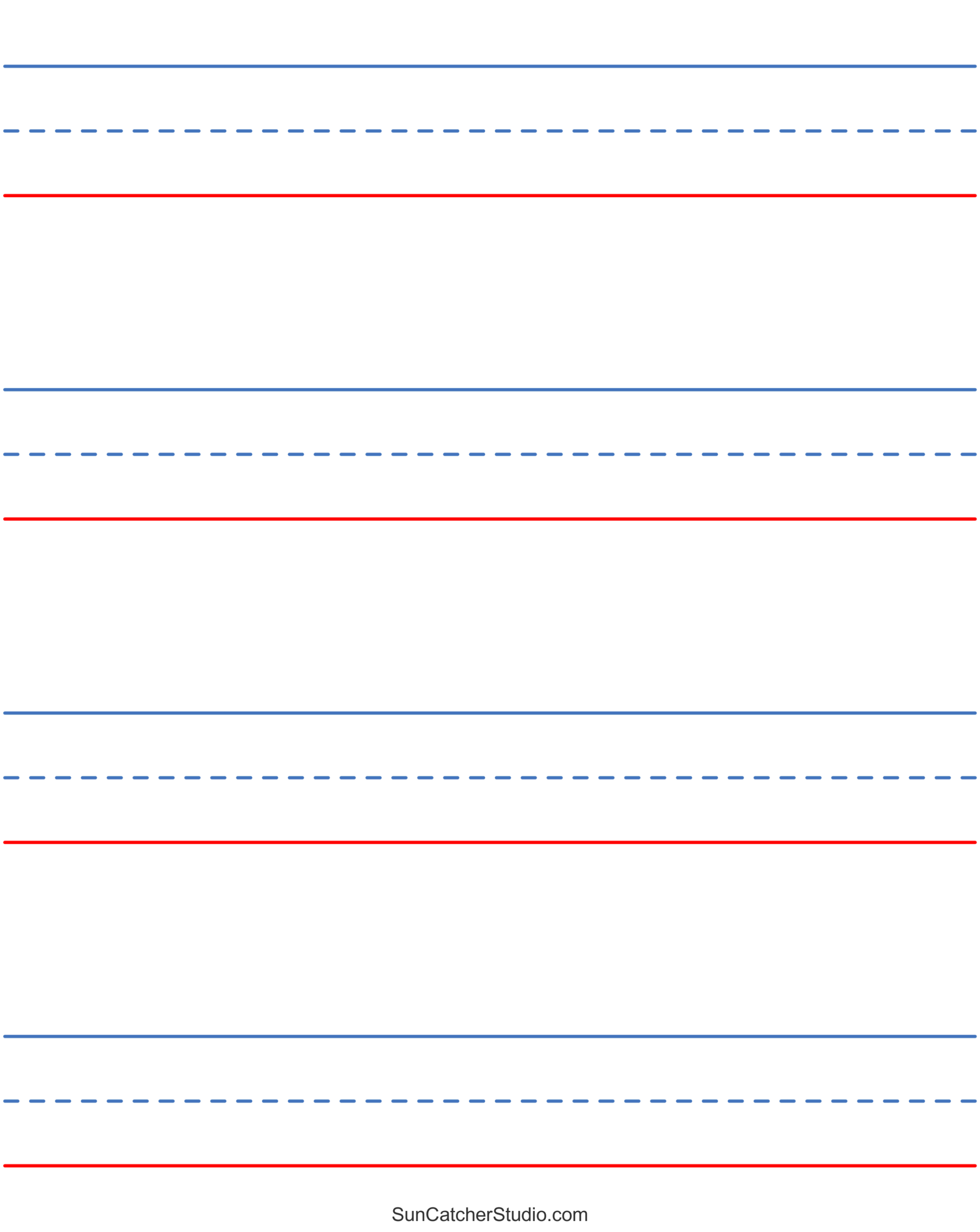
Free Printable Lined Paper Handwriting Notebook Templates
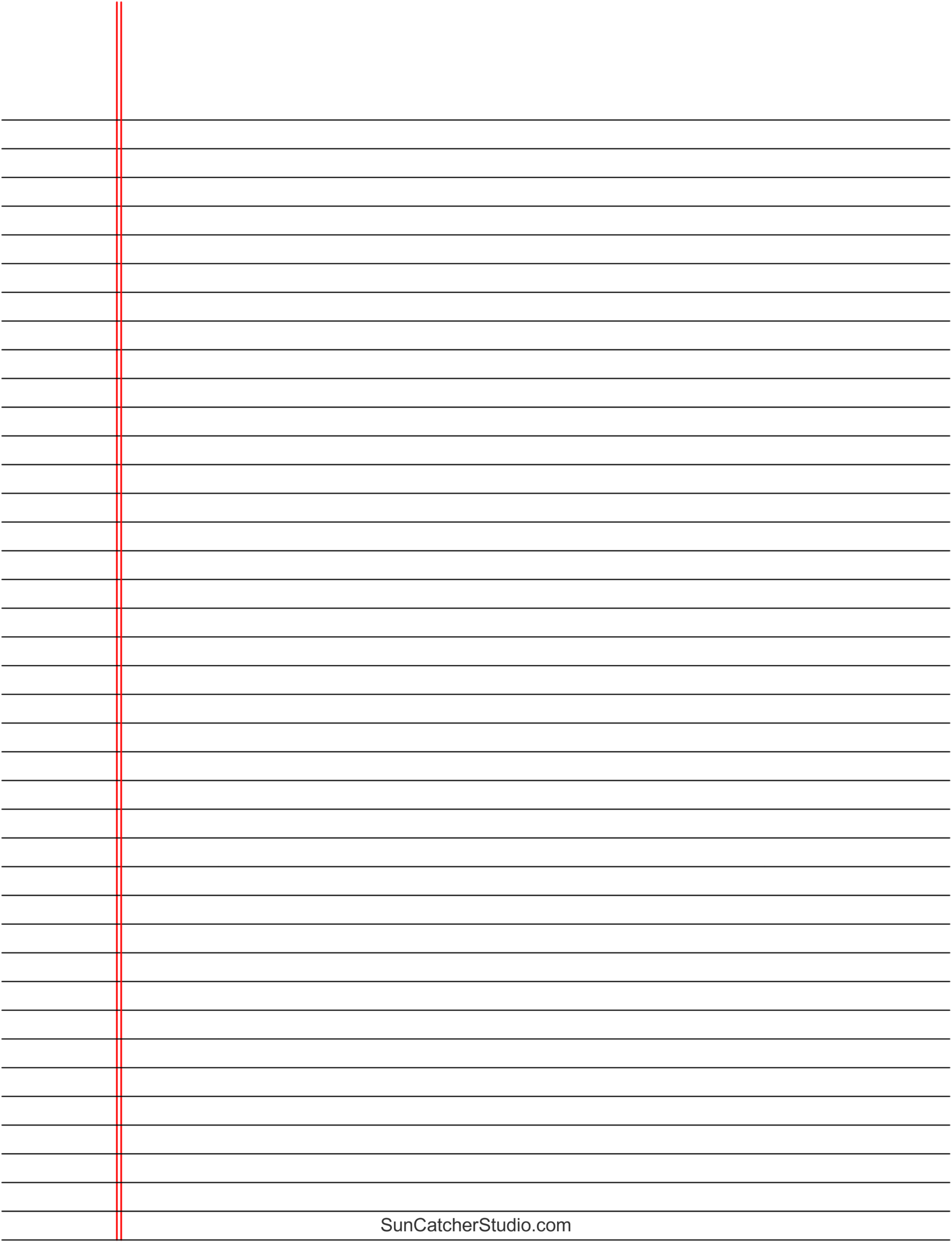
Free Printable Lined Paper Handwriting Notebook Templates