Seeing lines on your printed documents can be frustrating, especially when you need them to look professional. This issue can arise from various factors, and understanding them can help you resolve it quickly.
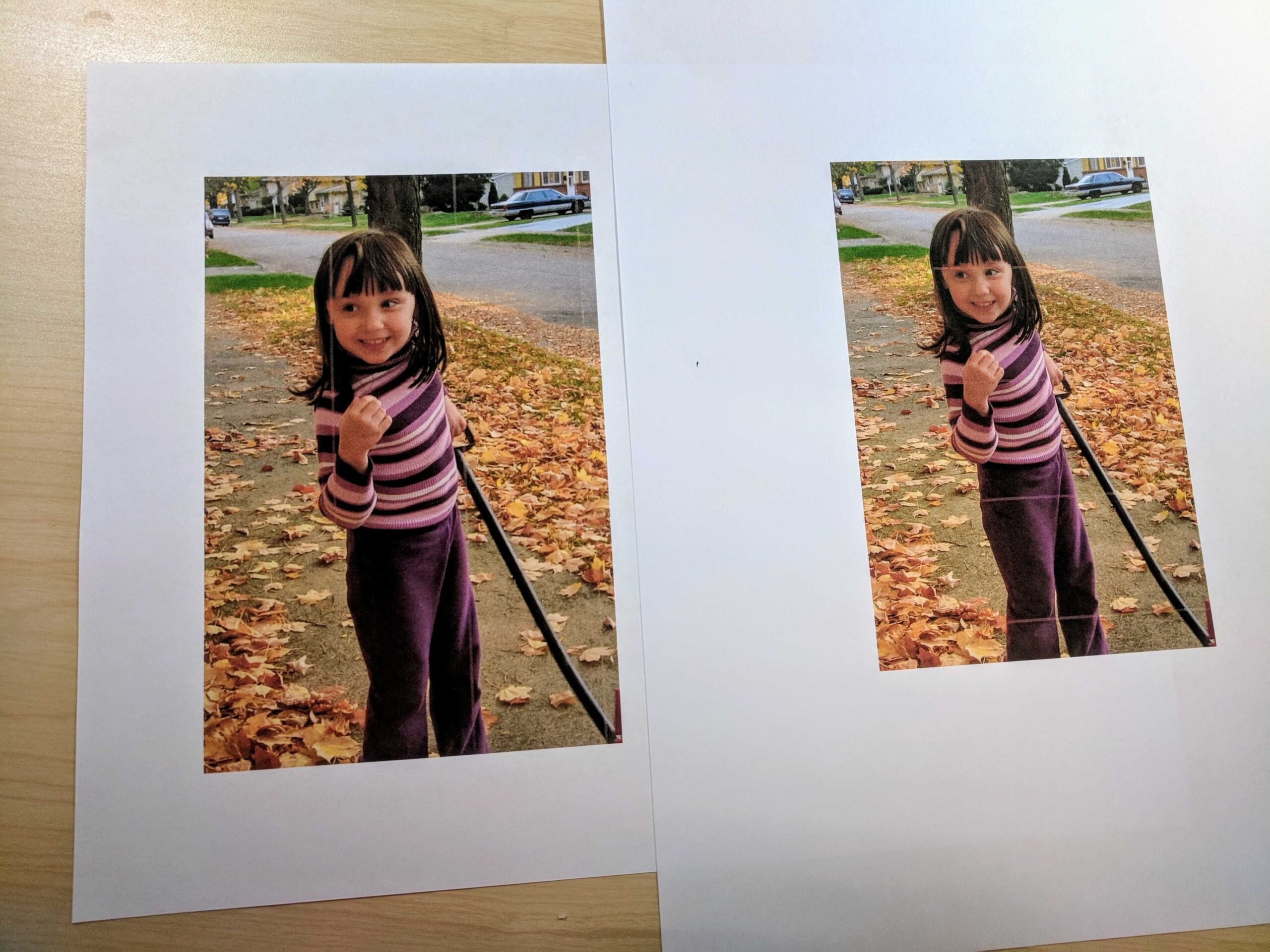
Printer Prints Lines On Paper
Printer Prints Lines On Paper
One common reason for lines on printed pages is low ink levels. When cartridges run low, they may not distribute ink evenly, leading to streaks. Regularly checking ink levels can prevent this issue.
Another factor could be clogged print heads. Dust and dried ink can block the nozzles, resulting in incomplete prints. Running a cleaning cycle through your printer can often clear these clogs effectively.
Additionally, using the wrong type of paper can contribute to printing issues. Ensure that your printer settings match the paper type you are using to avoid unwanted lines and smudges.
If you’ve tried these solutions and still see lines, it might be time to consider professional servicing. Sometimes, internal components may need repair or replacement to restore optimal performance.
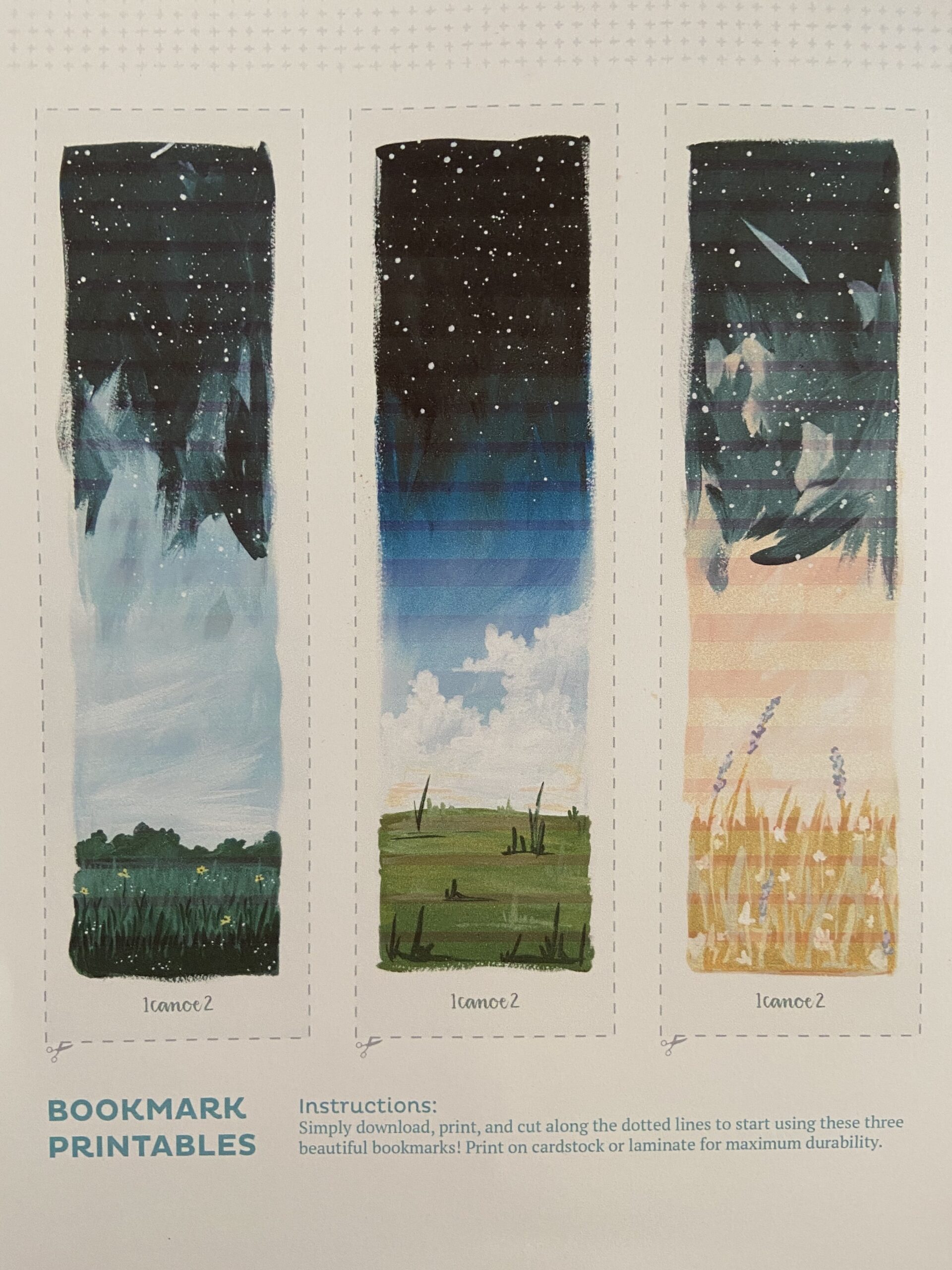
Lines In Printing Even After Alignment Cleaning A Canon
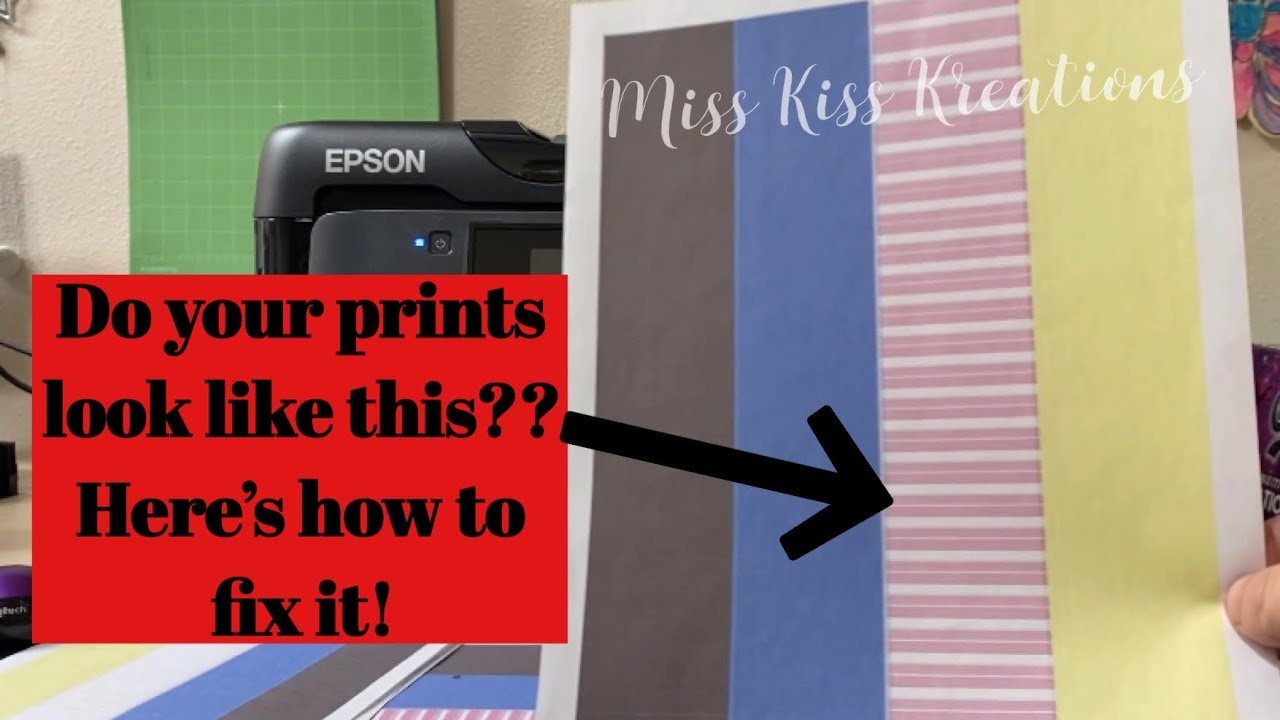
How To Fix Lines In Printout How To Clean A Printhead
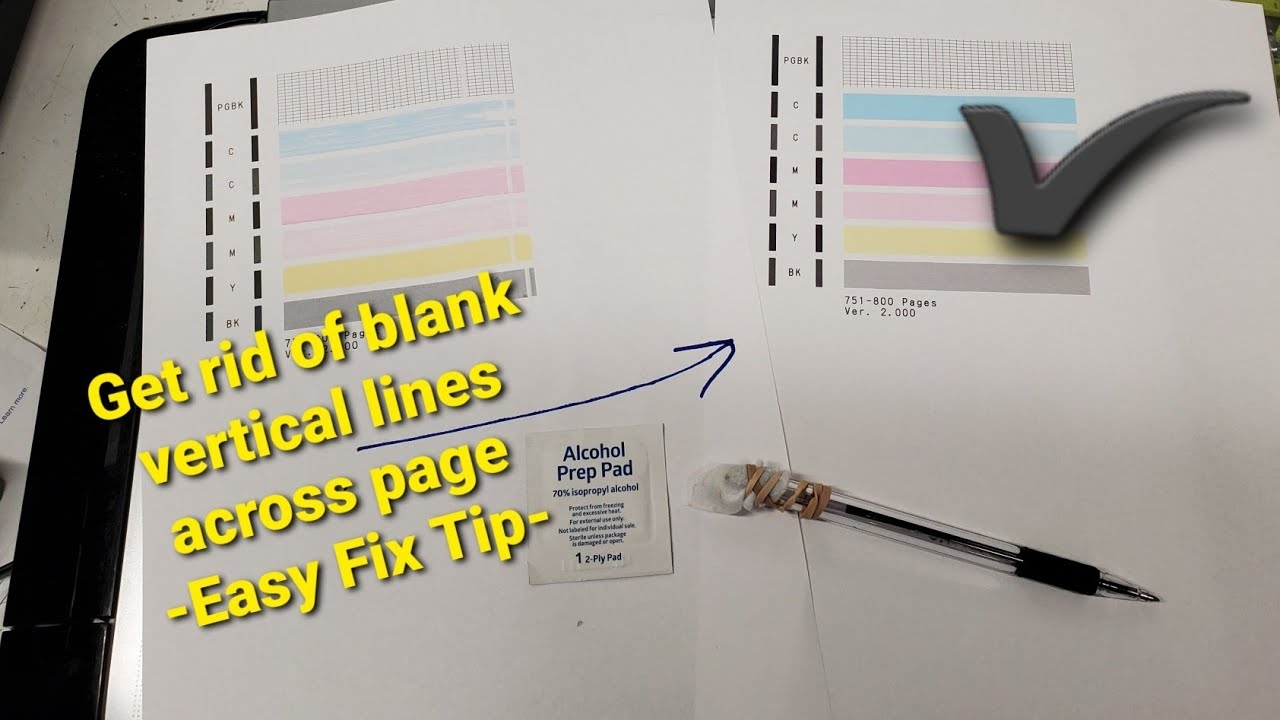
How To Get Rid Of Vertical Lines Across Page On Prints Canon HP Brother Epson Inkjet Printers
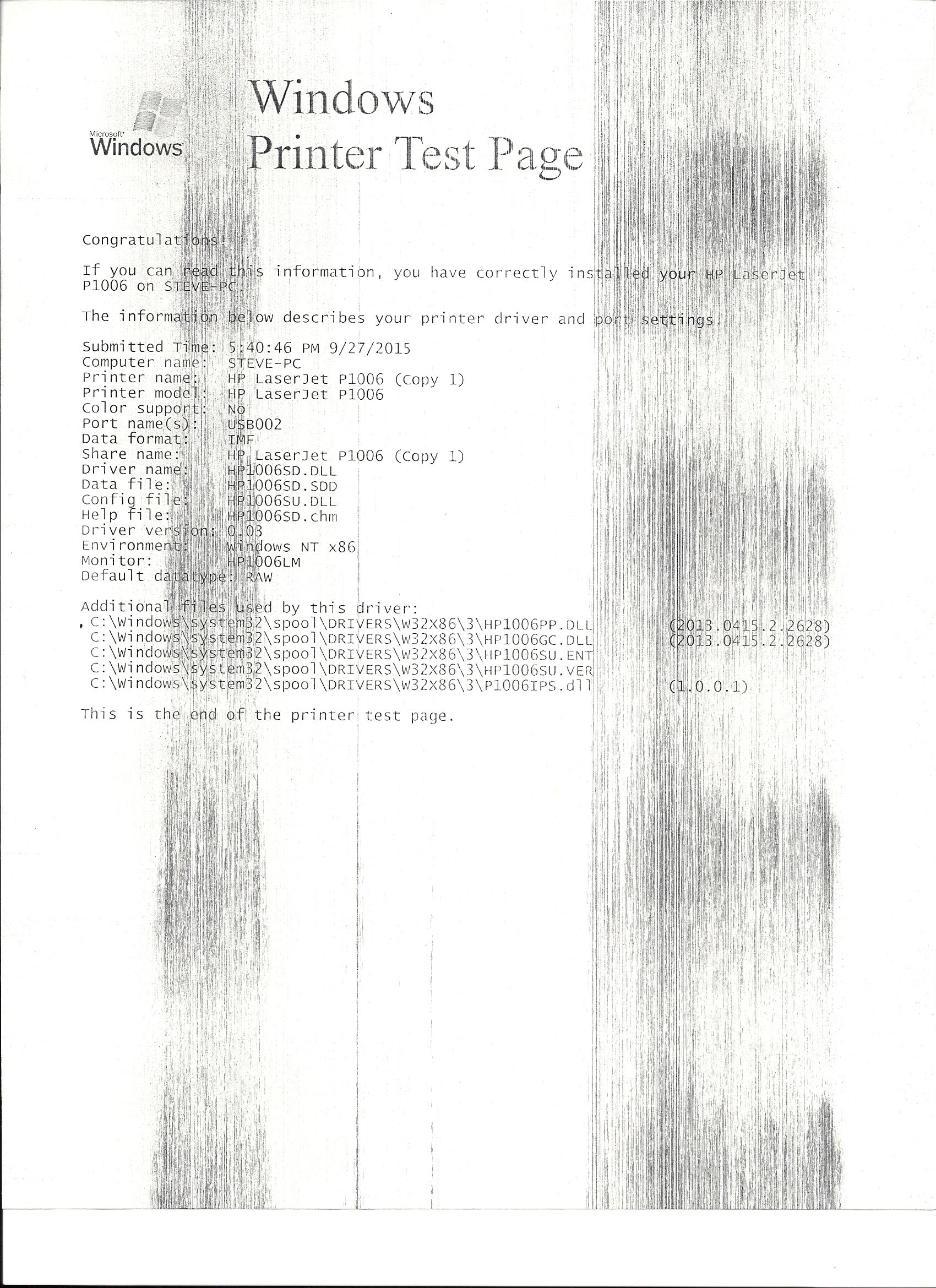
Solved Streaks In Print On A B W Laserjet Printer HP Support
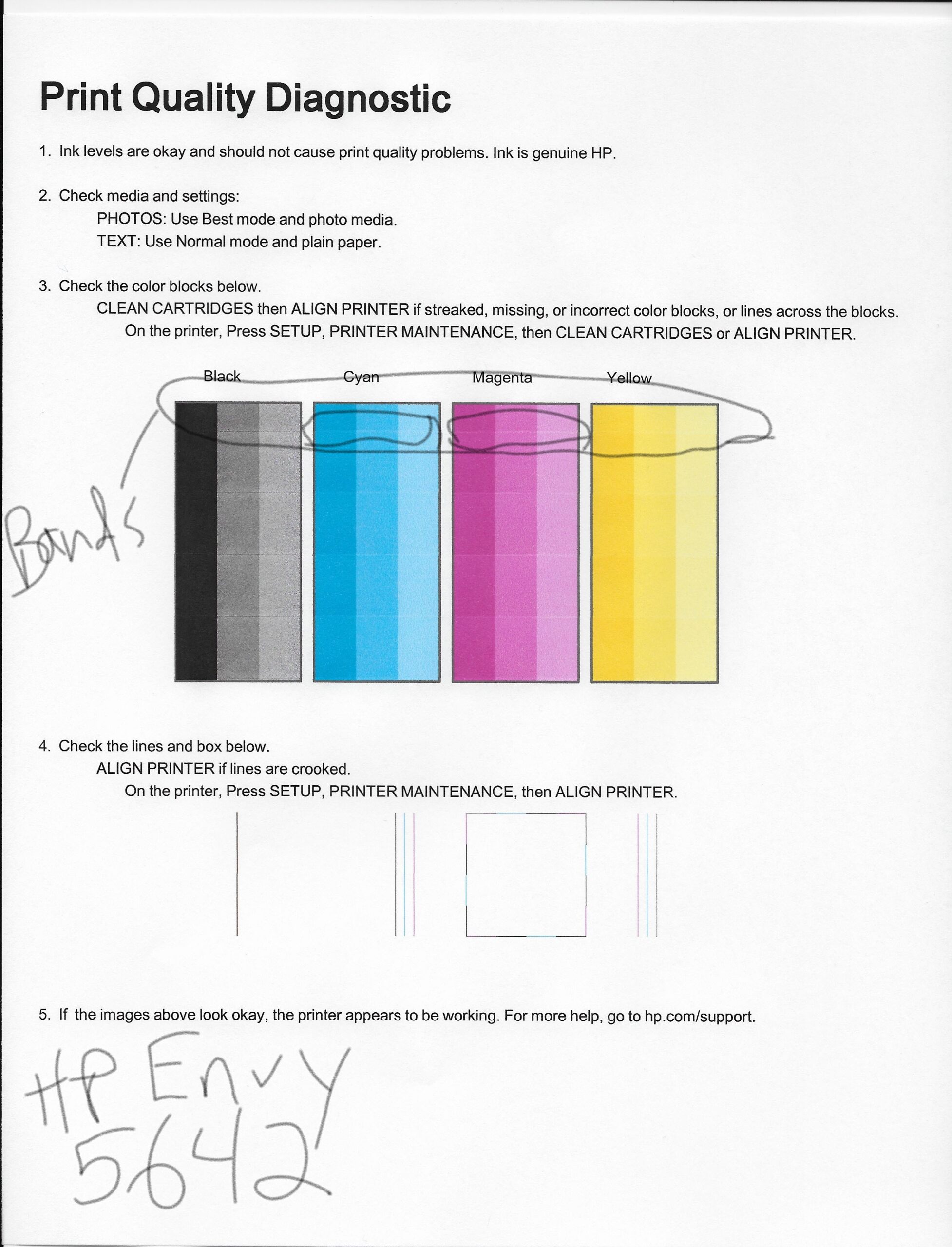
Lines Across My Print Diagnostic Page HP Support Community 6207853