Printing lines on paper is a common task that many people encounter in their daily lives. Whether for school, work, or personal projects, knowing how to effectively print lines can enhance your documents.
Printing Lines On Paper
Printing Lines On Paper
There are various ways to print lines on paper, depending on your needs. You can use word processing software to create custom line spacing and styles that suit your preferences. This method is user-friendly and widely accessible.
If you prefer a more hands-on approach, consider using graph paper or pre-lined templates. These options provide a quick solution without the need for digital tools. Simply print and start writing!
For those interested in creative projects, designing your own lined paper can be a fun activity. Use graphic design software to customize line colors, widths, and spacing to match your style or theme.
In addition, many online resources offer free printable lined paper templates. These can save time and provide inspiration for unique designs that fit your specific requirements.
Printing lines on paper can be simple and enjoyable with the right approach. Explore different methods to find what works best for you, and let your creativity flow on those lined pages!
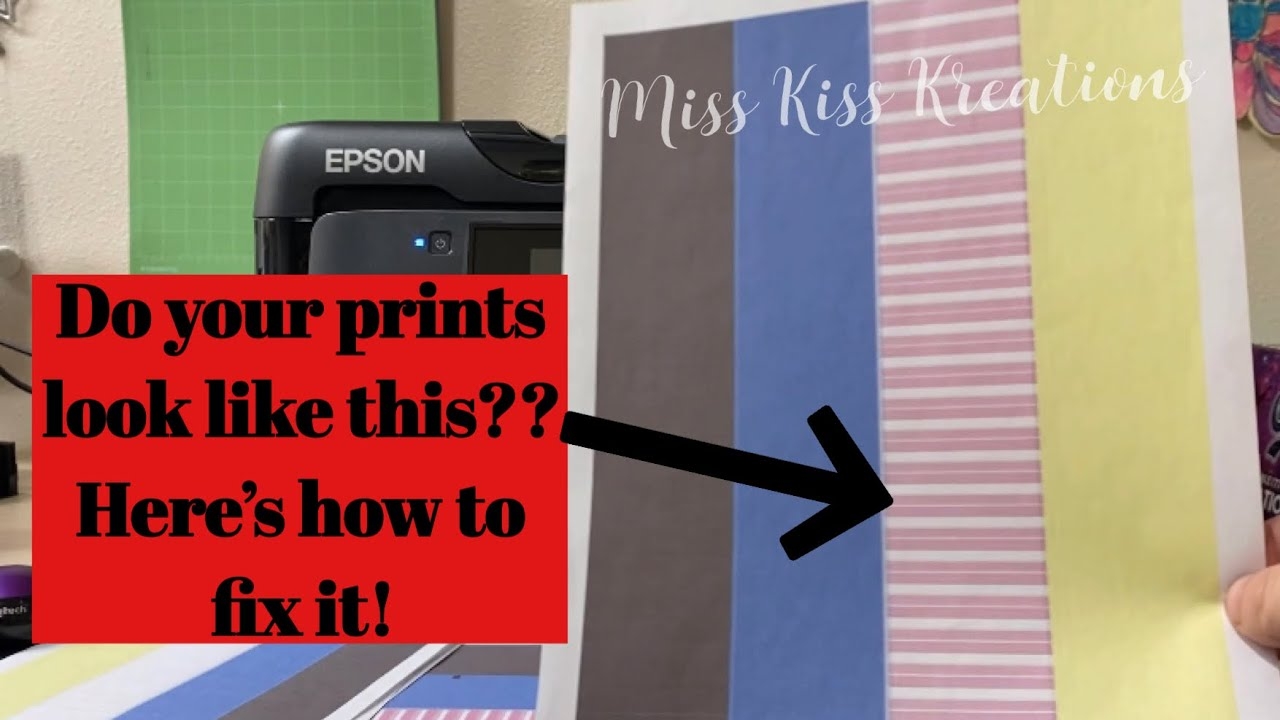
How To Fix Lines In Printout How To Clean A Printhead
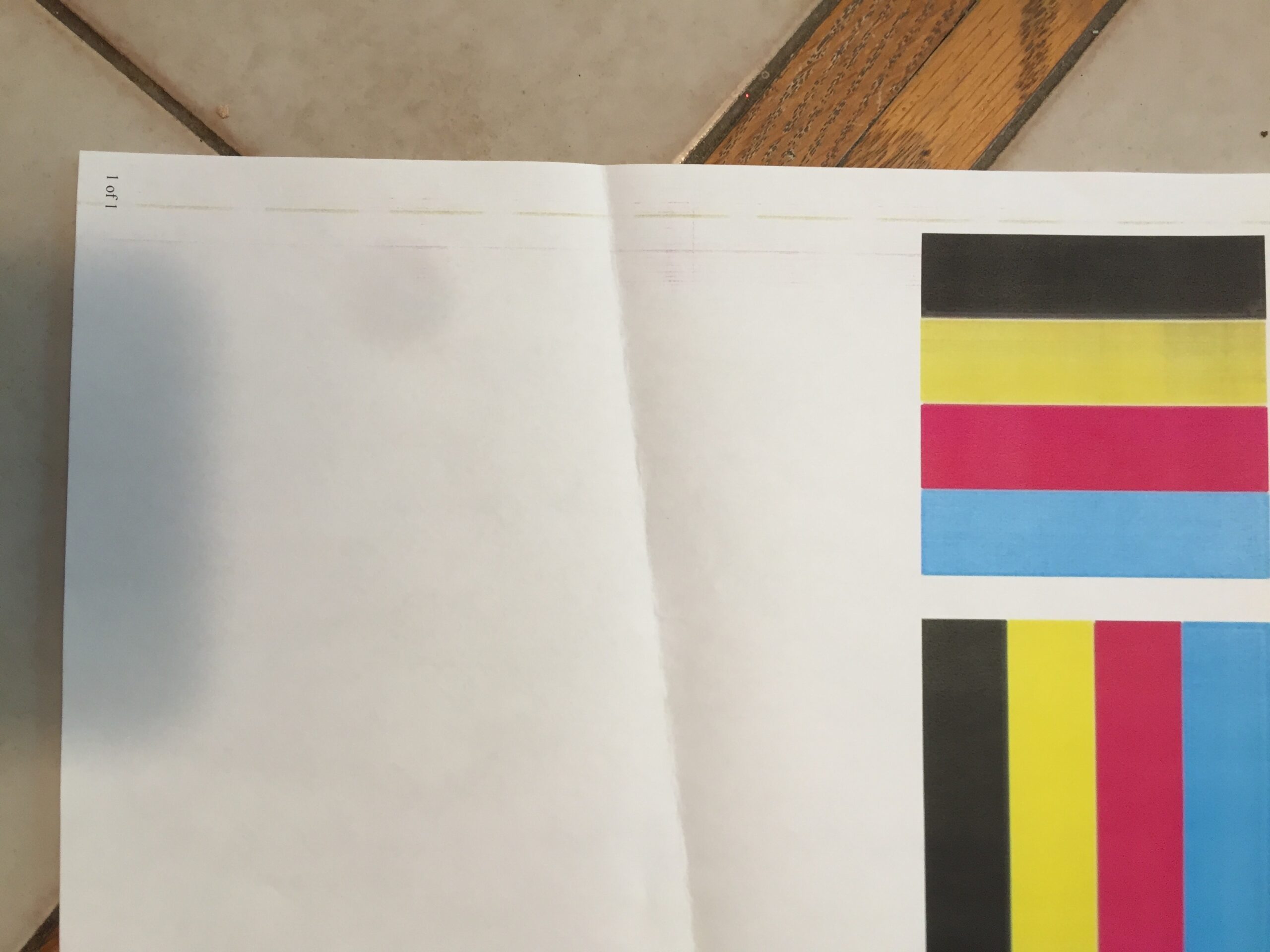
Image Class MF733cdw Thin Color Vertical Lines On Canon
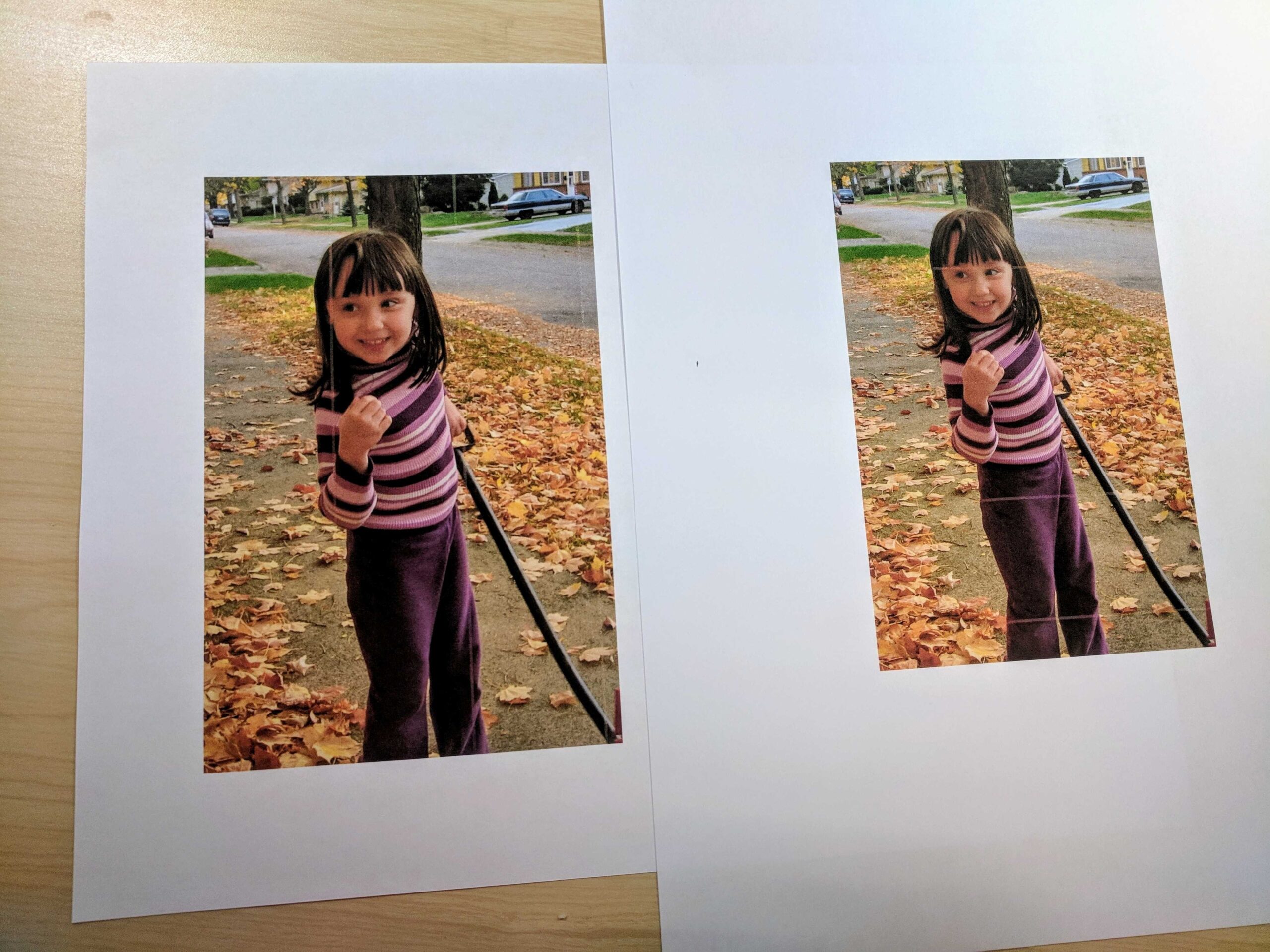
Unwanted Lines In Photo Printing HP Support Community 65836
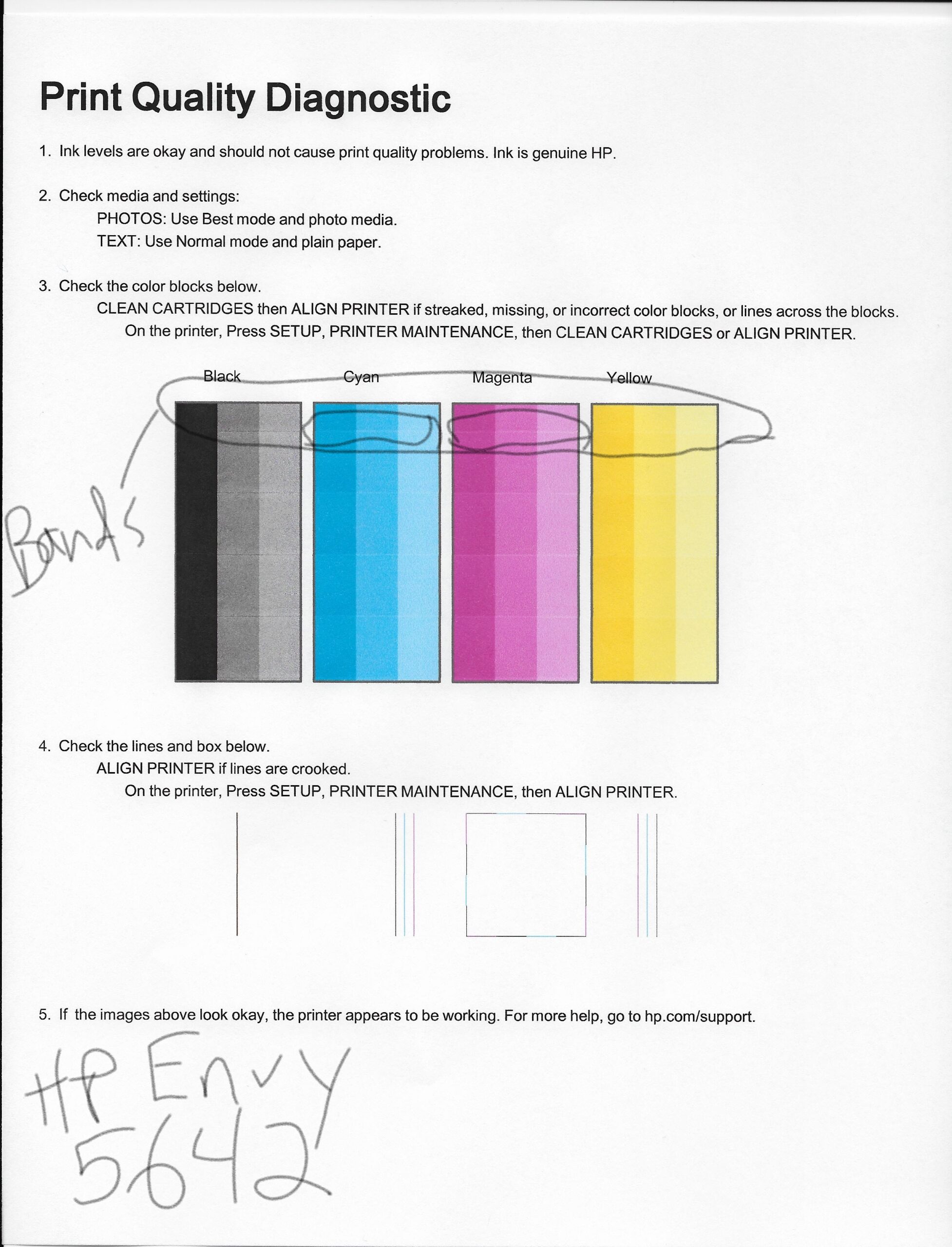
Lines Across My Print Diagnostic Page HP Support Community 6207853
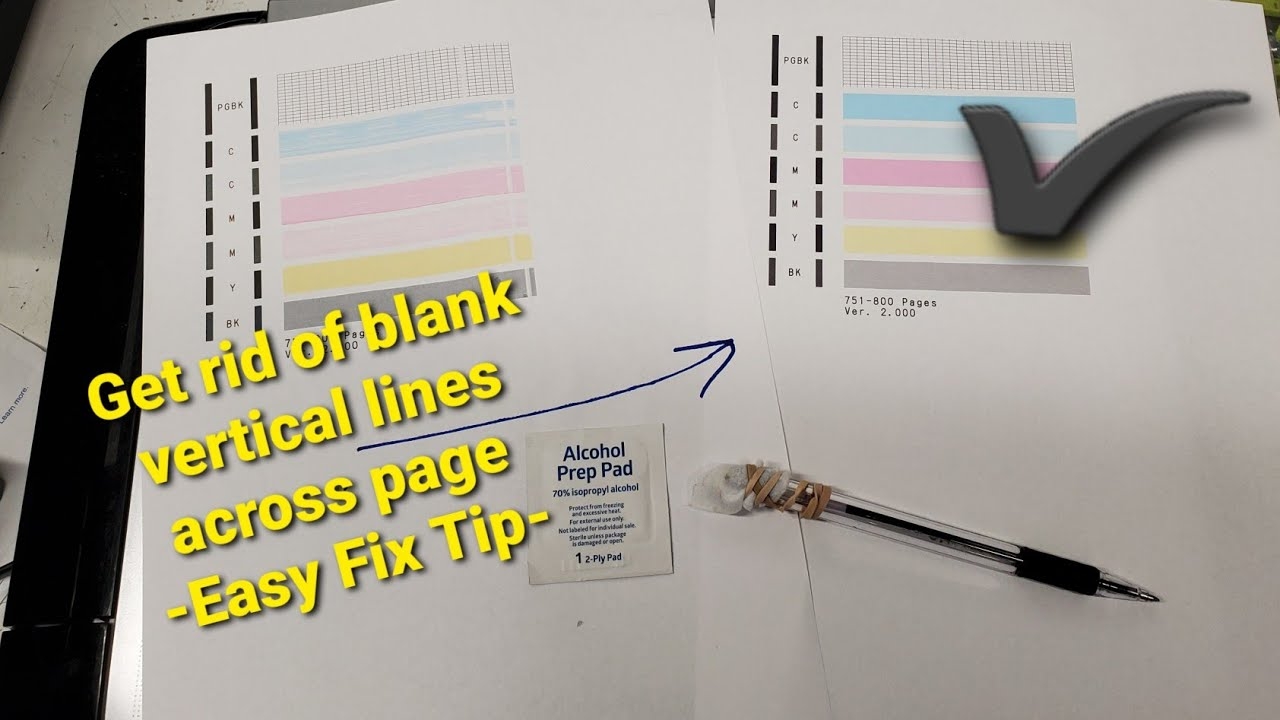
How To Get Rid Of Vertical Lines Across Page On Prints Canon HP Brother Epson Inkjet Printers